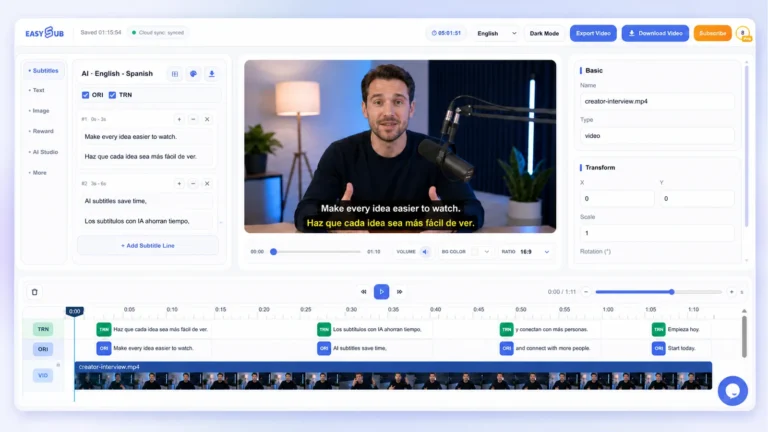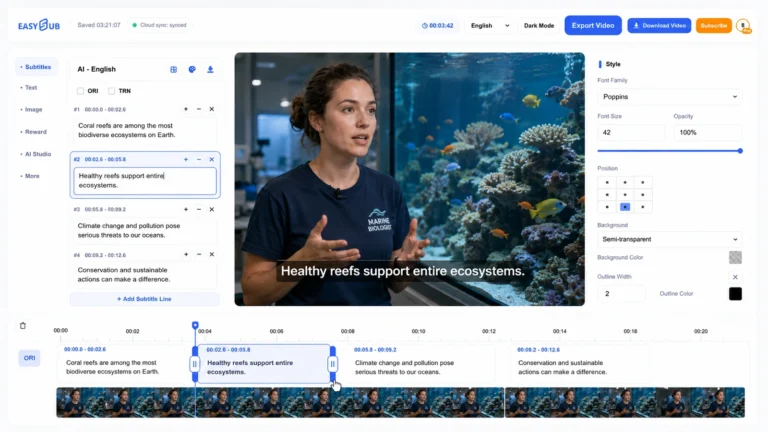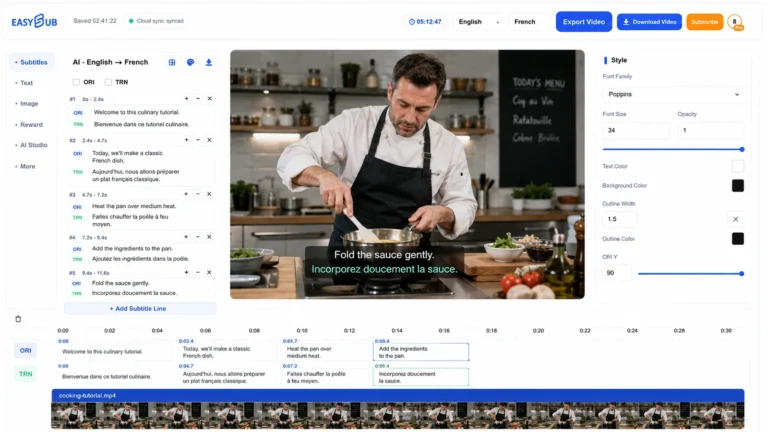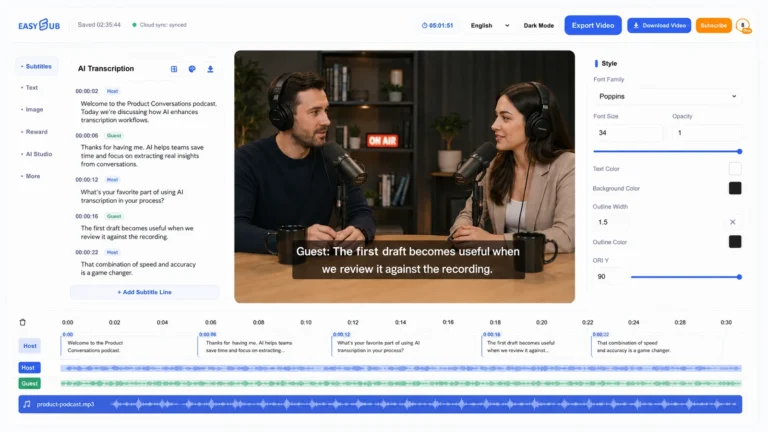
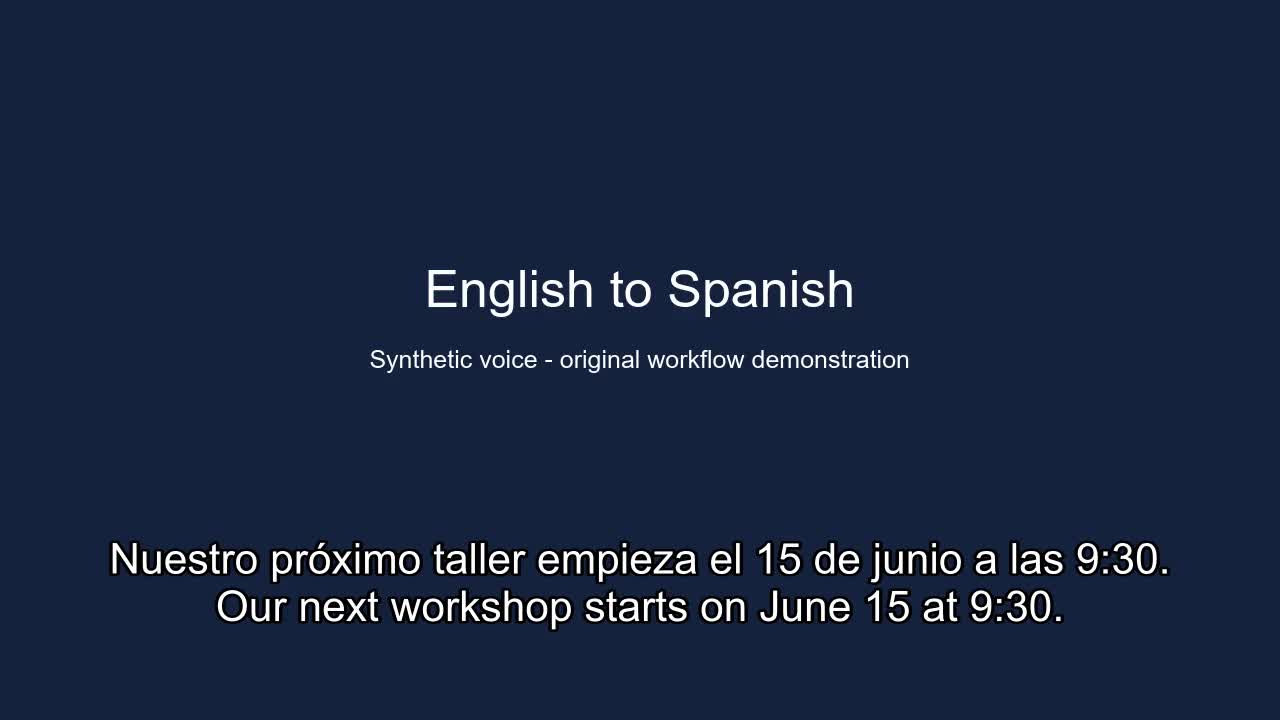
Give viewers the original words and their translation
Use EasySub to create a bilingual subtitle file from a video you have permission to process. The original speech and its translation appear together during the same cue, so a learner can compare a phrase or a reviewer can check meaning while watching. Start with the finished recording, select the spoken language, review the transcript and prepare the translation. When a translation is available, choose SRT and Bilingual in the subtitle download dialog. You receive a subtitle file to test with the matching video.
Choose a recording and a useful language pair
For a lesson, interview or training video, upload the exact edit your audience will watch. A new introduction or a removed pause changes when words are spoken. Give the recording a version name and keep that name with the exported subtitles. Listen to both the beginning and a passage in the middle before selecting the source language. The audience’s preferred reading language belongs in the translation choice. A course for English learners may still contain a teacher speaking Spanish.
Correct the source before checking the translation
Review names, dates, amounts and instructions against the audio before relying on a translated line. In our example, the workshop starts on June 15 at 9:30. A plausible but incorrect date can pass a spelling check and then be repeated in both languages. Replay unclear words and consult the approved lesson notes for specialist terms. Keep a short list of preferred names and terms so the same expression stays consistent across the video. Then check that the translation preserves the speaker’s intended action.
Read both languages at playback speed
Two languages increase the amount of text a viewer has to read during one cue. Watch a short passage without pausing and look for dates split across cues, long translations covering important controls, or lines that remain after the next speaker begins. Break at meaningful phrases and keep each translated phrase with its corresponding source phrase. Choose a consistent language order for the project. The existing sample uses Spanish first and English second, which lets a reviewer look in the same place for each language.
Export a file suited to the next step
Download SRT with Bilingual selected when you want both languages in one track. A viewer selecting that track sees both texts together. For a player menu that lets viewers choose English or Spanish independently, also prepare separate Source only and Translated only exports. Keep these clearly named beside the bilingual file. EasySub’s download choices include VTT, ASS and TXT as well. TXT serves a text handoff without cue timing. Styling in ASS requires a player or editing workflow that supports it. Test the destination before promising an identical appearance.
SRT → Bilingual · Source only · Translated only
Check the delivery against the final video
Load the exported subtitle with the matching recording and inspect the first sentence, a passage after an edit and the final spoken line. Both languages should appear and clear together. Check a narrow screen as well as a desktop because automatic line wrapping can turn two text lines into several visible lines. For Arabic or Persian mixed with English, inspect punctuation and numbers in the actual player. For Japanese, Chinese and Korean, use natural phrase boundaries rather than inserting breaks merely to make two lines look equally long.
Who benefits from this workflow?
A language teacher can distribute one reviewed clip with a source line and a translation students can compare. A localization reviewer can mark a term while retaining the original wording immediately below it. A bilingual team can review a demonstration before creating separate language deliveries. These uses still need an editorial pass. If the intended audience relies on captions for access to sound, add relevant sound information and speaker identification where needed. Speech recognition and translation alone do not establish that the finished material meets that audience’s needs. Before distribution, tell the next editor which details were checked and which passages still need attention, so an unresolved name or number is not mistaken for an approved translation.
An English–Spanish subtitle sample
This sample comes from EasySub’s existing demonstration with self-authored English synthetic speech. The bilingual output is shown as originally exported, with Spanish above English. It is an illustration for review, not a claim of professional human proofreading.
3
00:00:07,950 --> 00:00:12,149
Nuestro próximo taller empieza el 15 de junio a las 9:30.
Our next workshop starts on June 15 at 9:30.
Frequently asked questions
Can viewers switch one language off?
Both languages in a bilingual SRT belong to one track. Provide separate single-language tracks when viewers need independent language selection.
Does a bilingual SRT replace the audio?
The file contains timed text. Use it with the original recording. A translated voice track and a video with permanently embedded text are separate deliverables.