
AI subtitles, transcription, and translation
AI Subtitle Generator Turn Speech into Editable Subtitles
Generate subtitles from video or audio with AI. Review the text and timing, translate subtitles into 150+ languages, and export a subtitled video or SRT/VTT files.
Free accounts include 30 transcription minutes each month.
Start with subtitles
An auto subtitle generator for video, audio, and long-form content
Bring an existing video or audio file, generate a working transcript, review timing and text, translate it, then download subtitles or prepare the finished video for export. Review the W3C guidance for accessible captions when publishing for a wider audience.
Make every idea easier to watch.
ENMake every idea easier to watch.
ENTranslate it for the people you want to reach.
ESReview timing, wording, and line breaks.
CCUpload video or audio
Start with the media you already have and keep the subtitle project in one workspace.
Generate and translate
Create an editable transcript and subtitle track, then prepare translated versions when needed.
Review and export
Correct text and timing, download common subtitle formats, or continue to a captioned video export.
Built for serious subtitle work
Long-video subtitles with an editor you can review
EasySub includes an auto subtitle generator, transcription workspace, subtitle editor, and video translator. Generate a useful first draft, then review the text and timing instead of treating automatic output as the final answer.
- Automatic speech-to-text for video and audio
- Timeline-based subtitle review, splitting, and repositioning
- Subtitle translation and common caption file downloads
- A practical workspace for movies, lessons, interviews, and long-form video
Make every idea easier to watch.
Make every idea easier to watch.
ENTranslate it for the people you want to reach.
ESMore ways to create
Create your next video with AI
Turn text or images into videos, build consistent characters, and explore AI effects in the same EasySub workspace.
Preview a supported setup here, then confirm it in the selected AI workspace. Sign-in is requested only when generation or file upload needs an account.
A cinematic idea, brought to life
Featured AI film · 71s
 Hover or tap to play
See how a single visual direction can become a complete cinematic sequence with character, action, sound, and subtitles.
Create your own
Discover EasySub
Discover what an AI video creator can make
Explore real AI-generated videos, see how each one was made, and open the matching workflow when inspiration strikes.
Browse all creations → Play
PlayRuby Aviatrix Flight
The ruby aviator banks through a storm as her glass wings ignite with color.
View prompt and creation → Play
PlayDragonfruit Speedway Drift
The pearl-red race pod powers through crystal spray in a clean cinematic drift.
View prompt and creation → Play
PlayPorcelain Bloom
A porcelain flower unfolds into a miniature astronomical mechanism under museum light.
View prompt and creation → Play
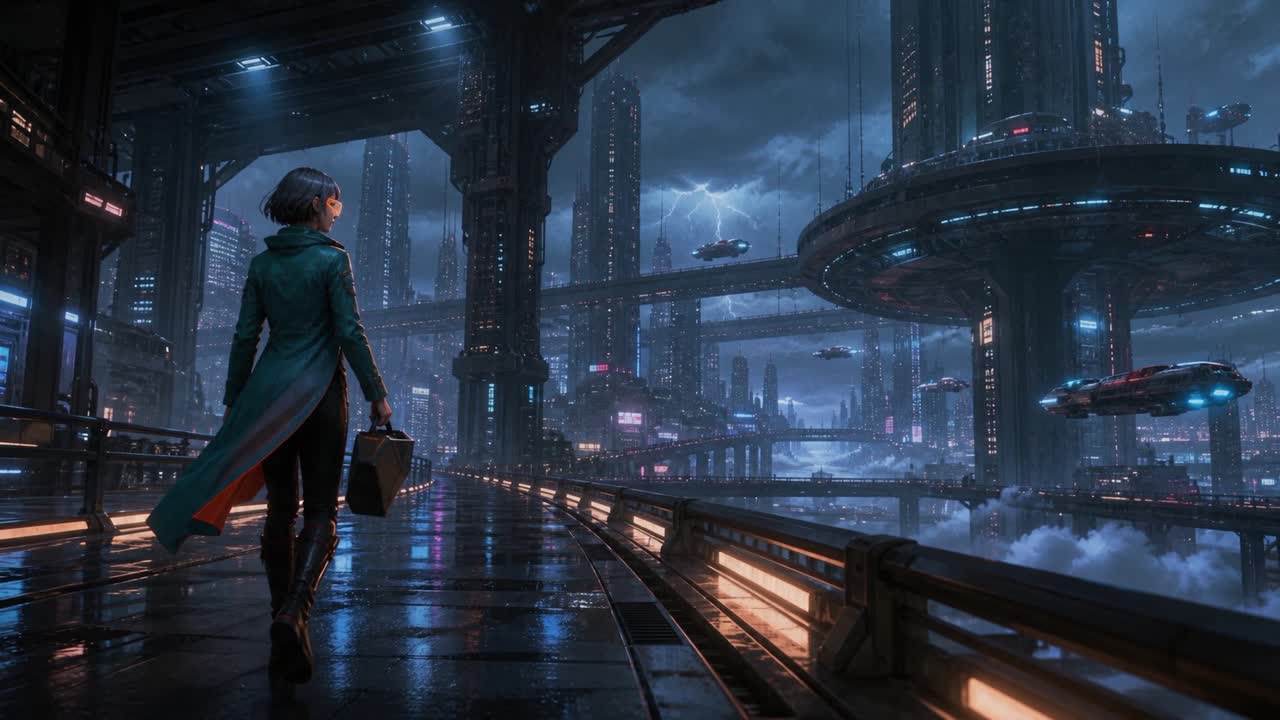
PlayGlasswing Metro
A dragonfly-shaped sky metro unfolds glass wings above a radiant city.
View prompt and creation → Play
PlayRainlight Pursuit
A brass-and-ivory hydrofoil races through neon rain toward a moonlit harbor.
View prompt and creation → Play
PlayOrchid After Rain Bloom
The luminous orchid opens as jewel-like droplets orbit the florist.
View prompt and creation → Play
PlayOffice Muse
A poised office muse looks up from her laptop and rests one hand on her thigh in a polished daylight fashion portrait.
View prompt and creation → Play
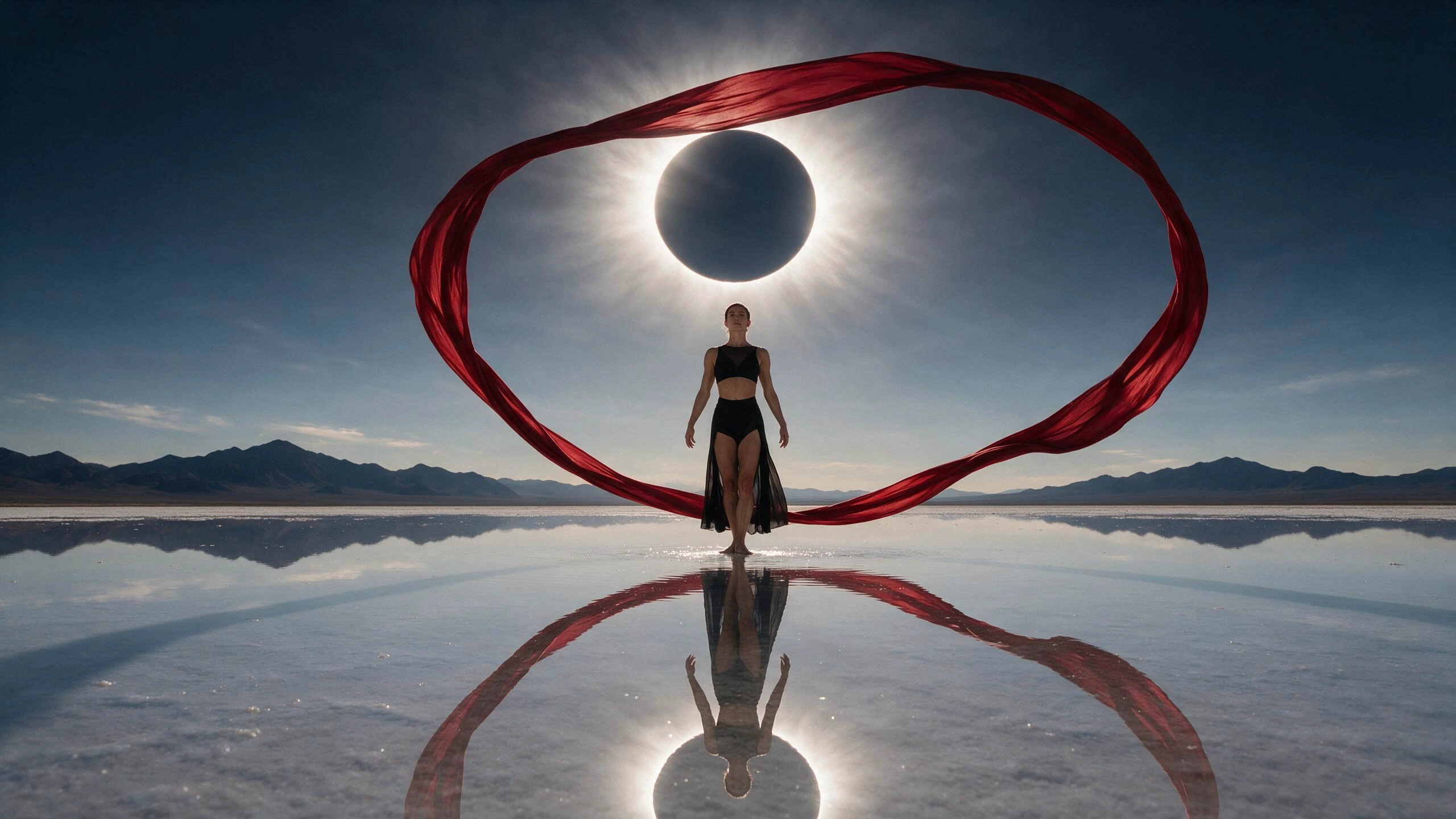
PlayCherry Thunder Rider
A scarlet-clad rider surfs a ribbon of lightning above a mirrored salt flat.
View prompt and creation →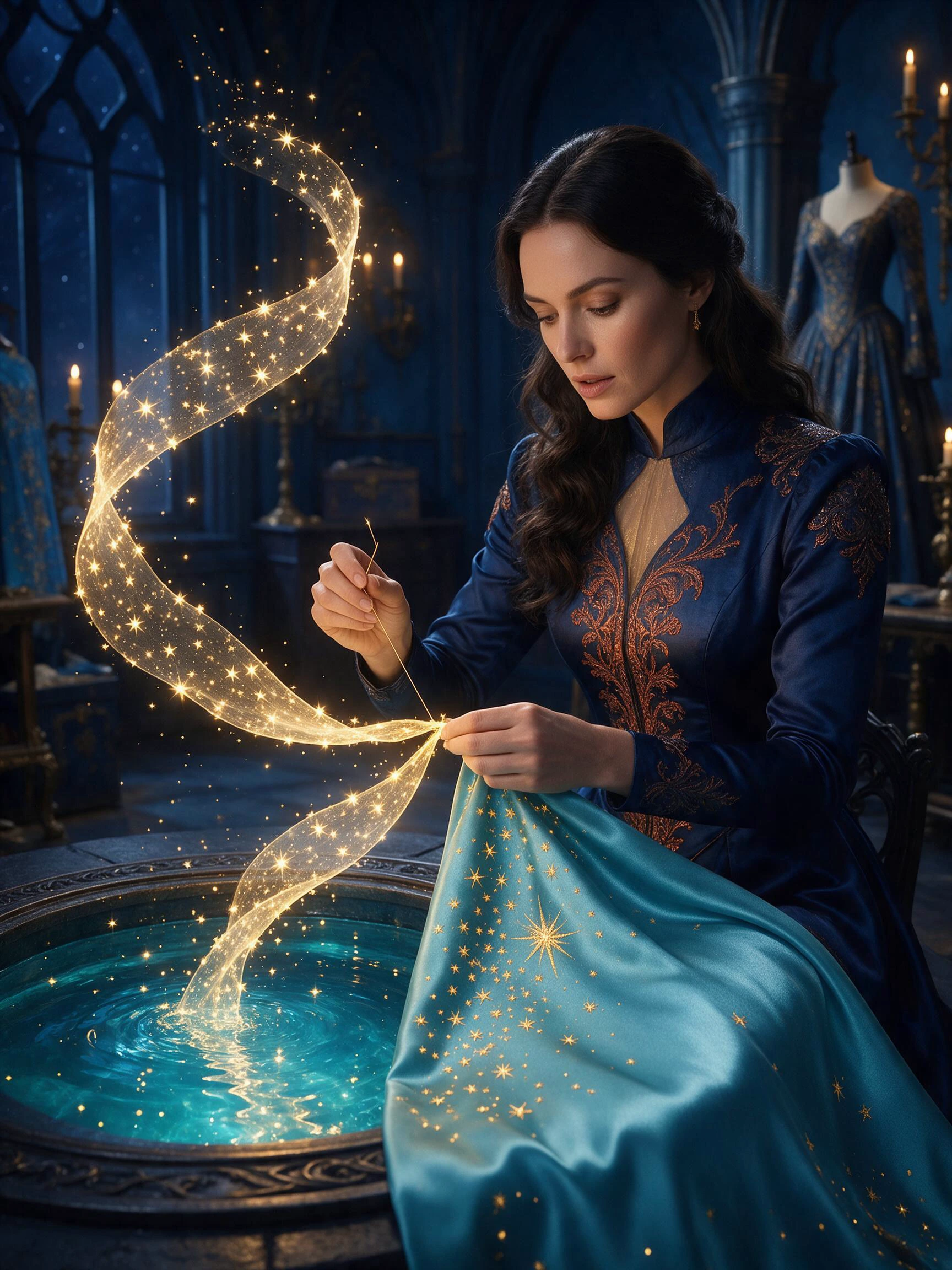
Moonpool Dressmaker
A couture dressmaker stitches a ribbon of stars beside an indoor moonpool.
View prompt and creation → Play
PlayPeacock Library
Mechanical books open into a radiant peacock inside a midnight library.
View prompt and creation → Play
PlayStorm Umbrella
A rain-lit fashion portrait blooms as luminous birds spiral from a transparent umbrella.
View prompt and creation → Play
PlayCandy Meteor Train
A cream-and-cherry sky train tears through colossal crystal arches in brilliant daylight.
View prompt and creation → Play
PlayMidnight Secretary
A poised fashion portrait balances cool city blue, warm brass light and subtle human movement.
View prompt and creation → Play
PlayFirelight Breath
A vivid fire bloom lights an intimate beauty portrait without losing the subject’s face.
View prompt and creation → Play
PlayComet Fox Run
An original red panda athlete launches a hoverboard over a bright canal wake.
View prompt and creation →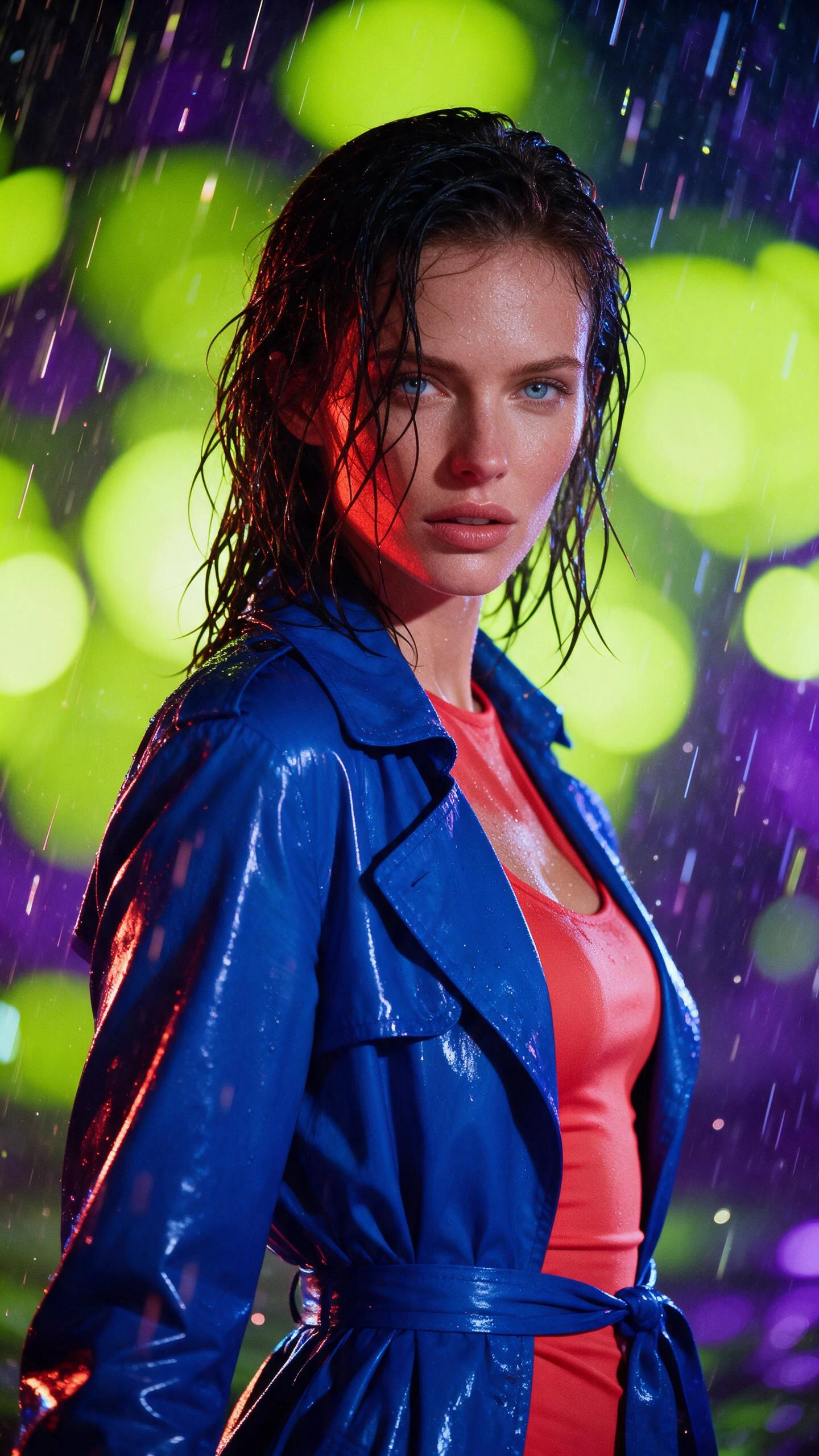
Electric Rain
Neon rain and glossy cobalt styling turn a close portrait into a high-impact campaign frame.
View prompt and creation → Play
PlaySky Koi
Two colossal translucent koi circle through summer clouds above a tiny island.
View prompt and creation → Play
PlayClockwork Pearl
A mechanical pearl opens into a tiny golden city as orbital rings wake around it.
View prompt and creation → Play
PlaySolar Ribbon Waltz
A golden ribbon follows one elegant turn through a monumental midnight hall.
View prompt and creation →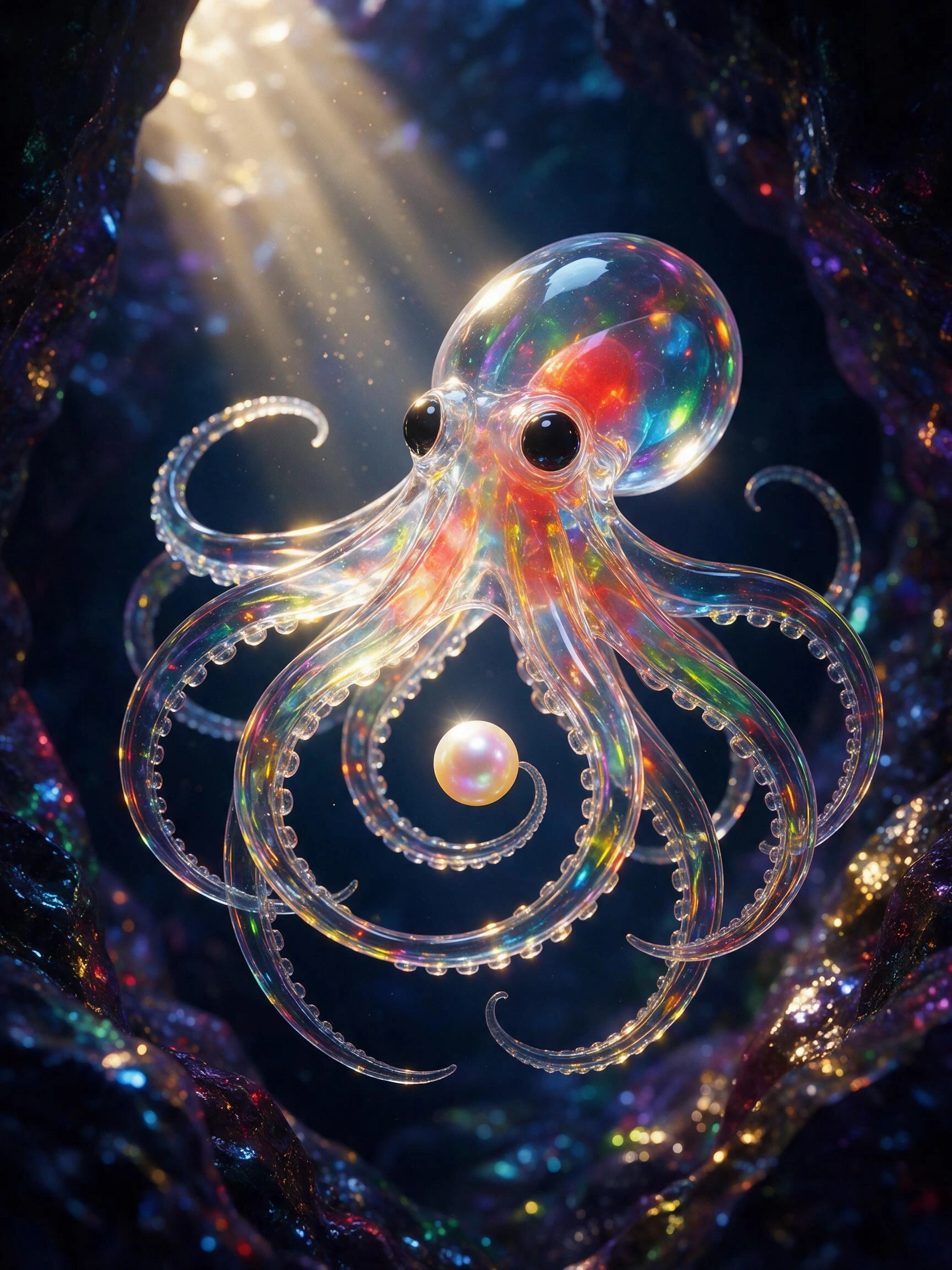
Prism Octopus
A jewel-like glass octopus curls around one pearl inside a saturated indigo sea cave.
View prompt and creation → Play
PlayCloudrush Puffer
A saturated puffer-fashion portrait drifts through rolling peach and white clouds.
View prompt and creation → Play
PlayRainlight Manta
A manta-shaped hydrocraft carves through a neon canal and throws a fan of electric-blue spray.
View prompt and creation →
City in a Cup
A stormy miniature metropolis glows inside a cobalt teacup on a coral table.
View prompt and creation → Play
PlayPaper Phoenix
A small folded bird unfurls into a glowing paper phoenix above an ink-black table.
View prompt and creation → Play
PlaySunstaff Heiress
A miniature sun wakes above a bronze staff as amber particles circle a fantasy gown.
View prompt and creation →
Scarlet Velocity
A fearless rider leans into a cherry-red machine with sparks and saturated speed.
View prompt and creation → Play
PlayCloud Orchard
Tiny orchard robots harvest radiant fruit from trees floating above a sea of clouds.
View prompt and creation → Play
PlayTerrarium Snail
A moon snail carries a living forest, waterfall and glowing heart inside its crystal shell.
View prompt and creation →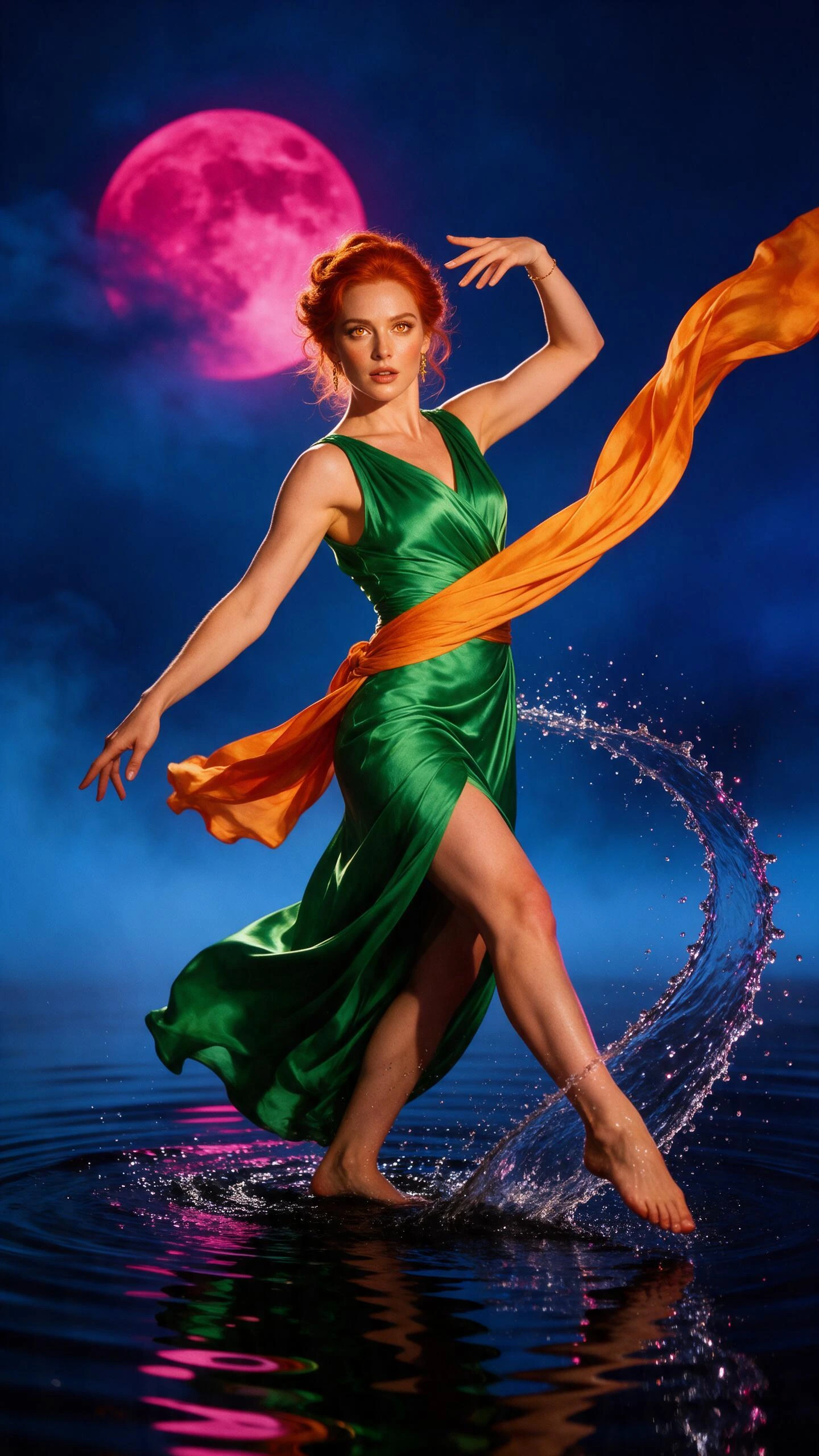
Mirror Splash Dancer
A moonlit dancer sends ribbons of orange fabric and mirrored water into one clean arc.
View prompt and creation → Play
PlayCandy Circuit Rally
An original candy-colored kart drifts through a vertical crystal racing world.
View prompt and creation →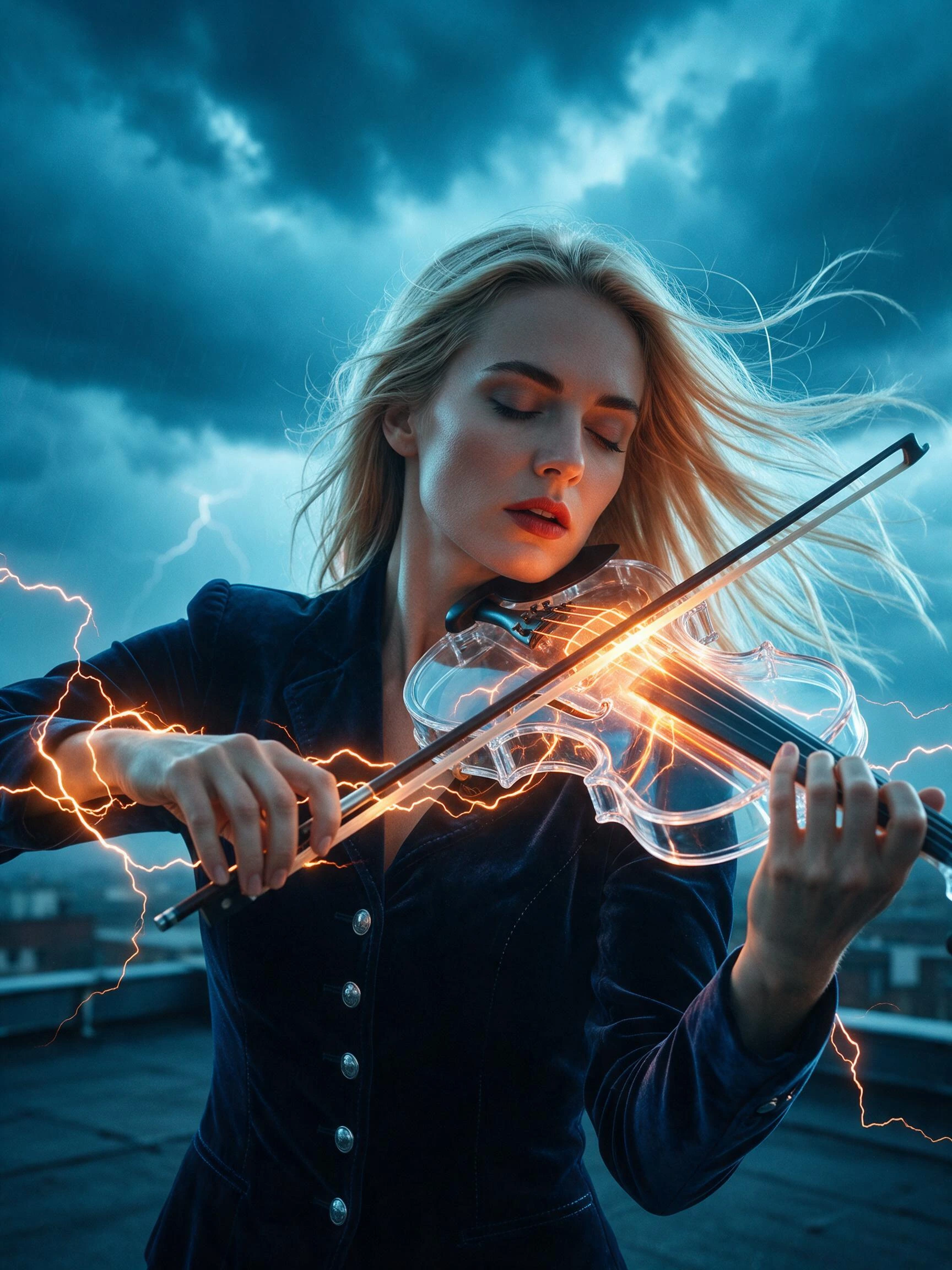
Stormglass Violinist
A glass violin releases warm lightning against deep cyan storm clouds.
View prompt and creation → Play
PlayVelvet Comet
A scarlet-cloaked runner crosses a mirrored desert beneath a ribbon-like comet.
View prompt and creation →
Arcade Mechanic
A playful mechanic reveals a lemon-bright energy core beside an original hover-kart.
View prompt and creation →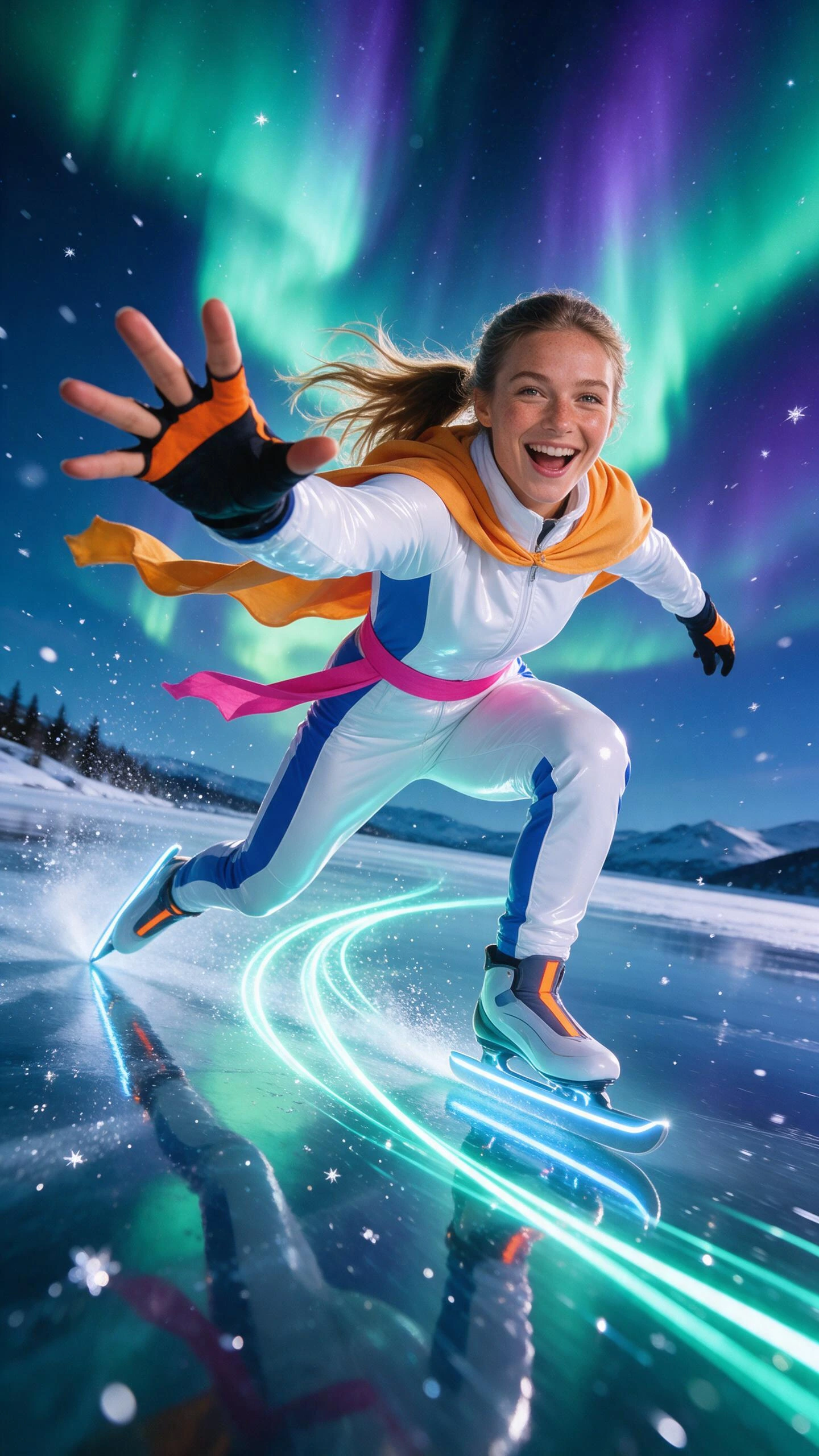
Aurora Skater
Illuminated skates carve turquoise ribbons beneath an enormous green-violet aurora.
View prompt and creation →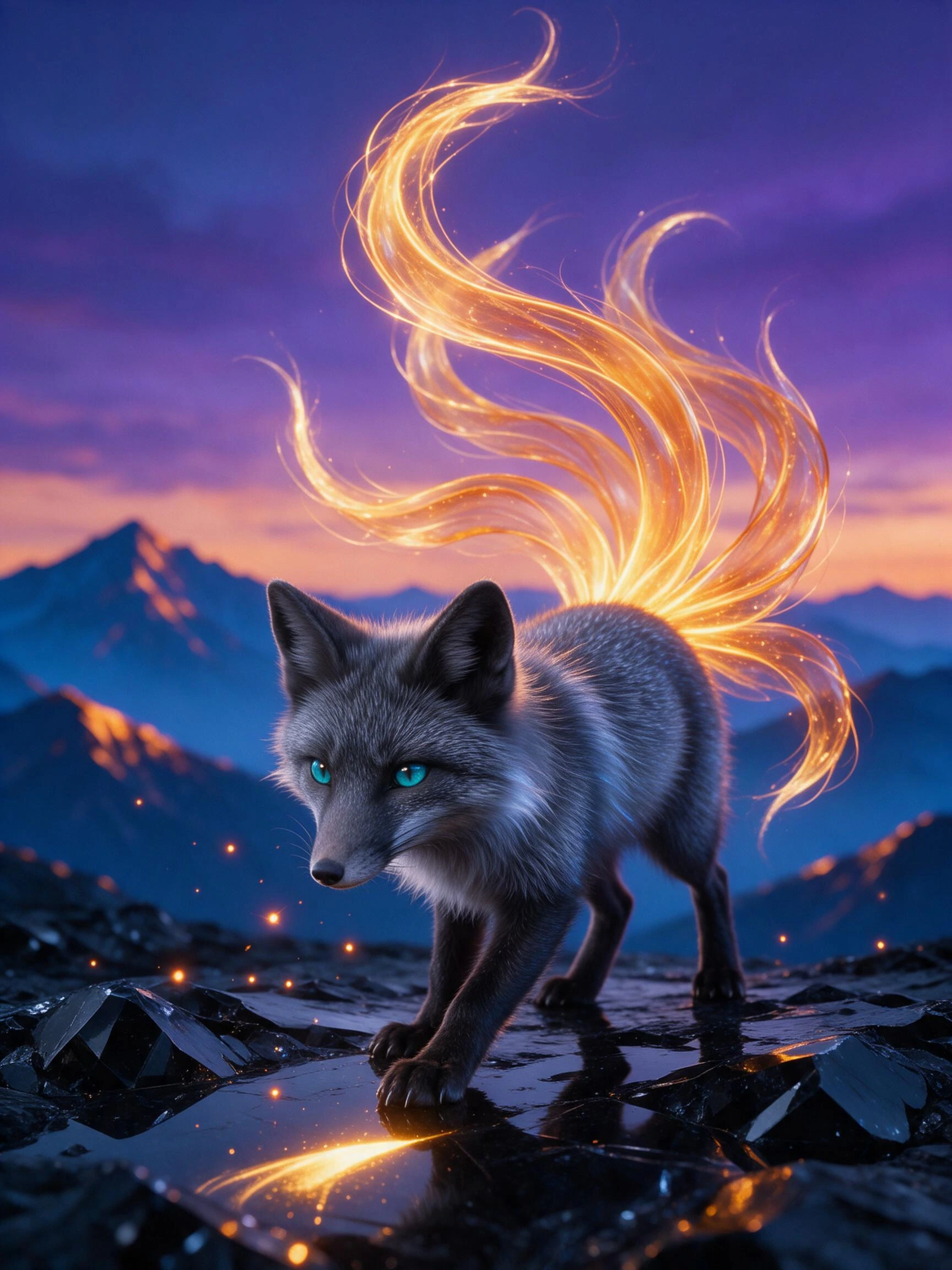
Ember Fox
A silver fox lifts nine translucent amber tails above black volcanic glass.
View prompt and creation →Every featured work links to a public detail page with its creation method, prompt, format, and duration.
Explore DiscoverAI Video Effects
AI video generator effects that start with one image
Choose a ready-made motion template, upload after sign-in, and create a short effect without writing a complex prompt.
Explore the effects library → Hover or tap to play
Slow Motion Hair Flip
Add a polished slow-motion hair sweep with controlled camera movement while keeping the portrait clean and recognizable.
Use this effect → Hover or tap to play
Splash Jump
Send one pet through a playful competition jump, aerial turn, and energetic pool landing.
Use this effect → Hover or tap to play
Warm Embrace
Turn one affectionate portrait into a gentle embrace with natural body motion and a warm, softly cinematic finish.
Use this effect → Hover or tap to play
Pet Rhythm
Give a favorite pet a playful upright dance with upbeat timing, expressive motion, and a lighthearted social-video feel.
Use this effect → Hover or tap to play
Cinematic Explosion
Burst a clear subject into a stylized cloud of fragments, sparks, smoke, and cinematic debris.
Use this effect → Hover or tap to play
Pocket Twin
Reveal a miniature double of the subject and lift it into view for a playful scale illusion with a clean cinematic frame.
Use this effect → Hover or tap to play
Kiss Surprise
Animate a paired portrait into a spontaneous romantic moment with natural reactions and soft cinematic pacing.
Use this effect → Hover or tap to play
Victory Groove
Celebrate a big moment with an upbeat full-body victory dance, athletic movement, and a bright energetic finish.
Use this effect → Hover or tap to play
Balloon Lift
Inflate the scene into a playful balloon-powered lift-off while preserving the subject and the original composition.
Use this effect → Hover or tap to play
Angel Wings Reveal
Unfold large luminous feathered wings behind the subject with natural depth, clean silhouette, and radiant atmosphere.
Use this effect → Hover or tap to play
Outfit Snap
Transform an everyday outfit into a polished editorial look on a single snap while preserving face, pose, and framing.
Use this effect → Hover or tap to play
Holiday Magic
Transform a warm family portrait into a festive holiday reveal with recognizable faces and a playful seasonal finish.
Use this effect →One connected AI video workflow
One AI video creation platform from idea to accessible video
Create the visuals, preserve your cast, then finish every scene with editable subtitles and translation.
Create
Turn a text prompt or source image into a new AI video with the style, motion, and framing you choose.
Explore AI Video GeneratorDirect the cast
Reuse the same characters across connected scenes so short dramas and episodic stories stay coherent.
Build a recurring castAdd subtitles
Generate an editable subtitle track, then correct the wording, timing, line breaks, and placement.
Open subtitle workspaceTranslate & export
Prepare localized subtitle versions, download common caption formats, or continue to video export.
Explore video translationCreate, tell stories, and reach more viewers
An AI video creator for stories, brands, education, and global teams
Recurring casts for episodic stories
Keep recognizable characters across scenes while directing dialogue, action, camera movement, and continuity.
Campaign videos from ideas or images
Create product motion, branded characters, and cinematic effects, then prepare versions for different channels.
Explainers with searchable subtitles
Create or upload a lesson, generate an editable transcript, and add readable subtitles students can review.
Localized video and long-form content
Translate captions and prepare accessible versions of interviews, presentations, training, and campaign video.
EasySub AI video platform FAQ
Create AI video and finish it for every audience
Generate new scenes or start with existing media, then use one platform for consistent characters, effects, subtitles, translation, and export.
 Image to videoThe Pocket Patisserie
Is EasySub an AI video creation platform or auto subtitle generator?
It is both. EasySub combines text-to-video, image-to-video, consistent characters, and effects with an auto subtitle generator for transcription, editing, translation, and export.
Can I create a short drama with consistent characters?
Yes. The consistent-character workspace is designed to reuse a cast across connected scenes and episodes, with controls for story structure, dialogue, camera direction, and continuity.
Can I try the subtitle editor before starting a project?
Yes. Open the demo from the homepage to explore a prepared sample in the EasySub subtitle editor.
Can I add subtitles to an existing video or audio file?
Yes. Open the subtitle workspace, add your media, generate a transcript and subtitle track, then review the result before export.
Can I translate video subtitles?
Yes. EasySub supports a multilingual subtitle workflow designed to help prepare localized versions of your content.
Create and finish in one platform
Create AI videos, then subtitle and translate every scene
Use the EasySub AI video creation platform for consistent characters and cinematic effects, or bring existing media into the auto subtitle generator for editing, translation, and export.