Create AI video
Turn text prompts or source images into new scenes with the framing, motion, and style you choose.
Text to video
About EasySub
EasySub helps people create AI video from text or images, direct consistent characters, apply cinematic effects, and finish every scene with editable subtitles and translation.
What is EasySub?
EasySub connects generative video tools with the subtitle workflow that first defined the product. Start from a prompt, image, recurring character, or existing media; then review, translate, and export the result from a practical workspace.
One product, four connected capabilities
EasySub combines creation and finishing tools without pretending that automatic output never needs review.
Turn text prompts or source images into new scenes with the framing, motion, and style you choose.
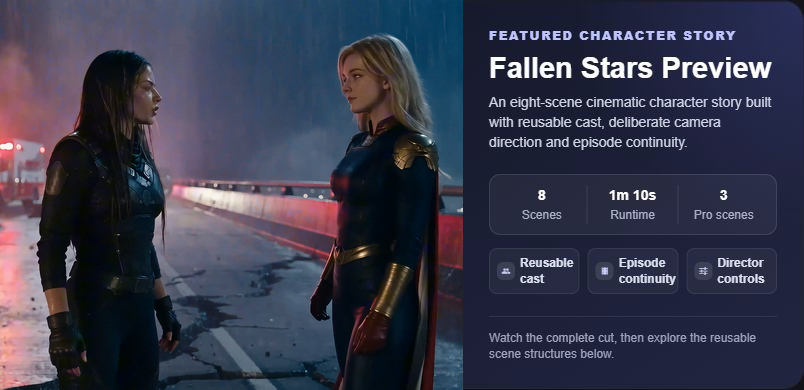
Text to videoReuse a recognizable cast across connected scenes for episodic stories, short dramas, and branded characters.
Character videoOpen the AI video editor, apply ready-made video effects, generate images, or modify an existing image.
AI video editorGenerate a transcript, review wording and timing, translate captions, and download common subtitle formats.
Subtitle generatorThe EasySub workflow
Each stage has a clear job. Generative tools create the draft; people still direct, review, and decide what is ready to publish.
Use text, an image, a recurring character, or media you already have.
Generate a new scene, animate an image, or apply an AI video effect.
Edit the visual result and correct subtitle text, timing, and line breaks.
Translate captions and prepare the version that fits your audience and channel.

Who EasySub is for
The platform is designed for people who need both a visual result and a reliable way to finish it.
Build episodic stories with reusable characters, deliberate camera direction, dialogue, and scene continuity.
Create product motion, brand characters, social video, and localized caption versions for different channels.
Bring in a lecture or explainer, generate a transcript, and review subtitles before sharing it with learners.
Prepare captions for interviews, presentations, training, creator content, and multilingual audiences.
How we think about AI
EasySub uses AI to reduce repetitive production work. The creator remains responsible for the prompt, source material, review, publishing decision, and rights to the content used.
Generated video, speech recognition, and translation can make mistakes. Check important facts, names, timing, and meaning.
Only upload or generate material you are authorized to use, and follow the rules that apply to your audience and channel.
Pricing, privacy, terms, and contact routes should be easy to find when a user needs a precise answer.
Choose your starting point