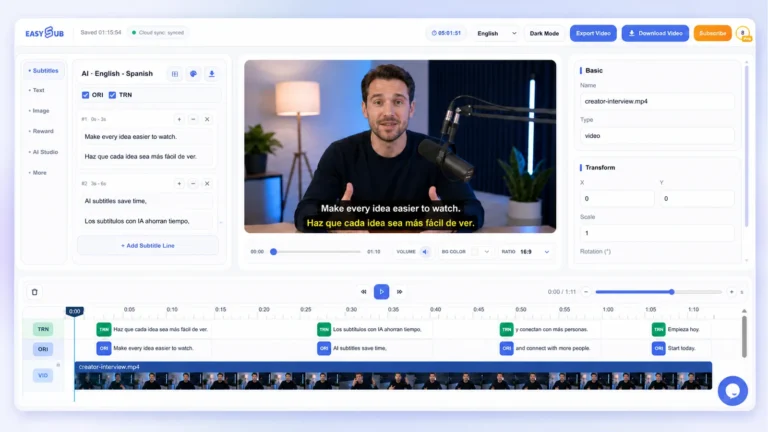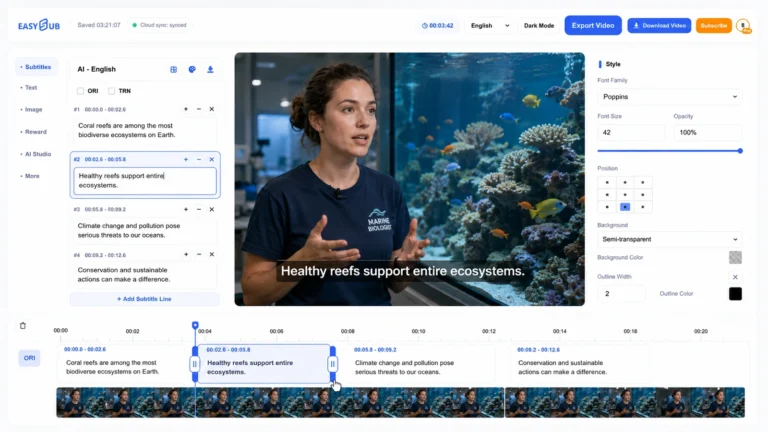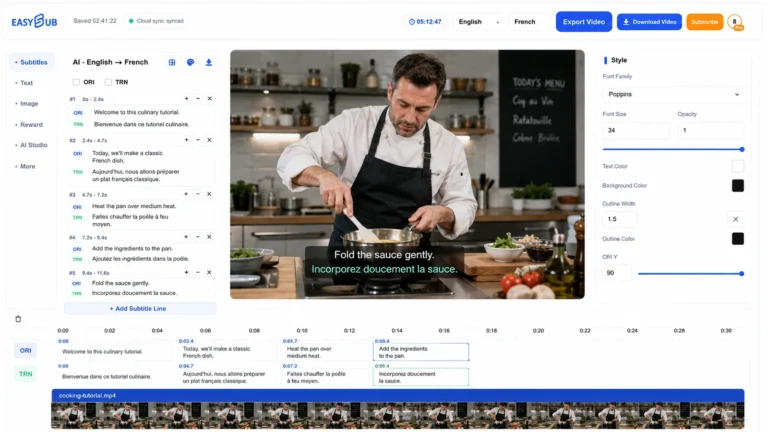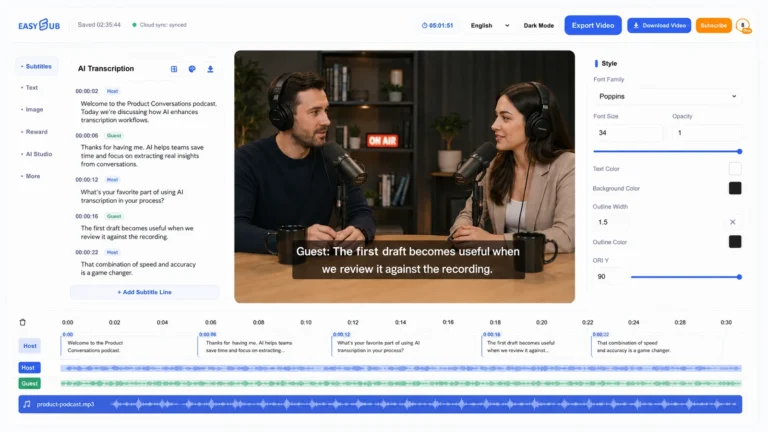

Need a switchable subtitle track for a course or a product demo? Start with the final recording, not an empty subtitle file. The output is a separate .vtt file: viewers can turn it off without changing the picture.
From recording to timed text
Upload a video you have permission to use in the workspace. Select the language people actually speak. Transcribe that audio, then replay names, measurements and cut points. Split long cues at phrase boundaries. Translate only after the source text is correct; export one language per track when viewers need a language selector.
Choose the recording your viewers will actually see
If your course has a clean camera recording and a shorter lesson with slides, upload the shorter lesson. A transcript of the camera recording may contain every correct word and still produce subtitles that appear at the wrong time. A title card, a removed pause or a reordered demonstration changes the relationship between speech and picture. Give the final video a version name before uploading it. Use that name again when you deliver the subtitle file so the person publishing the lesson can identify the matching cut.
Listen to the opening and one passage from the middle before you choose the spoken language. A French introduction on a course for English learners is still French speech. If the audience needs English subtitles, first review what the presenter said in French, then prepare the English text. This gives you a source you can consult when an unfamiliar term or an ambiguous number appears in the translation.
Review the words that change what a viewer does
Start with instructions, names, dates, prices and units. In the workshop sample, the important information is that the event starts on June 15 at 9:30. A subtitle that says June 50 might look obviously wrong, while a perfectly plausible June 16 could survive a spelling check. Replay the phrase while looking away from the draft, write down what you heard, then compare it with the text. If a name is unclear, check the speaker’s slide or an approved event listing before you choose a spelling.
Next, play the passage with the sound off. Can you tell who is giving the instruction? Can you read a unit together with its number? If a cue ends after “June” and the next cue begins with “15,” move the break so the date stays together. For a translation, repeat this pass in the target language. A concise English instruction may need a longer phrase in German, or a different break in Japanese. Use the available time and the meaning of the phrase to guide the edit.
Package the track for the person publishing the video
A useful handoff names the recording, the text language and the review status. For example, a course team might pair workshop-final.mp4 with workshop-final.en.vtt and tell the publisher that dates and technical terms have been checked against the slides. If two languages are available, give each language its own VTT file and a label viewers will recognize. Two languages combined in one cue will appear together when that track is selected. The viewer cannot turn off one line independently.
Before handing over the files, test the beginning, a point after a cut and the last spoken sentence. Check both the first word that appears and the moment the subtitle clears. A cue that hangs over the next slide can make an instruction appear to refer to the wrong control. If you make a correction, keep the updated subtitle beside the matching video and tell the publisher which file to replace. The paired player guide includes a short test they can repeat after upload.
Workflow sample
English synthetic speech, written for the public EasySub demo. This illustrative VTT preserves cue 3 of the original SRT; it is not a new production export or a professionally proofread transcript.
WEBVTT

3
00:00:07.950 --> 00:00:12.149
Our next workshop starts on June 15 at 9:30.
WebVTT · EN · Download the demonstration video · Original SRT (English)
Hand off the right file
Choose VTT in the subtitle download dialog. Keep the file with the exact cut it describes. TXT has no cue timing; ASS styling does not carry over as a web player design. For captions, add meaningful sounds and identify an unseen speaker when needed. An automatic speech draft alone does not establish accessibility.
Frequently asked questions
Can I just rename an SRT file?
No. A WebVTT file needs its header and valid cue syntax. In the example below, milliseconds follow a period. Changing a filename does not change the contents.