

Narzędzia do tworzenia filmów i napisów EasySub AI
Twórz, twórz napisy, transkrybuj, tłumacz, edytuj i eksportuj wideo za pomocą prostych narzędzi opartych na przeglądarce.
Wszystkie narzędzia EasySub
Wybierz narzędzie, aby otworzyć jego przepływ pracy i instrukcje.
49 dostępne narzędzia
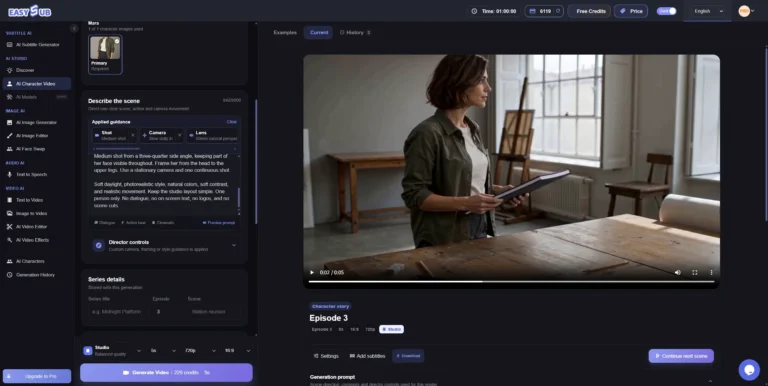
AI Character Video Generator
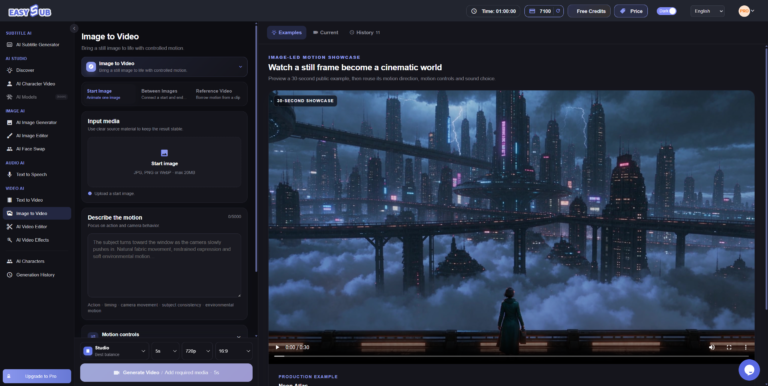
Image to Video AI
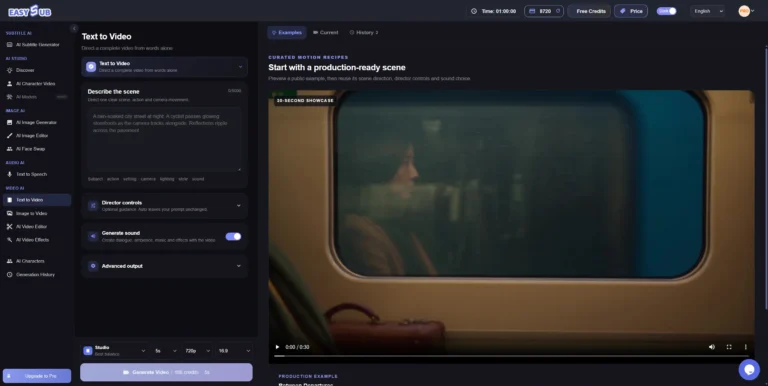
Generator tekstu na wideo AI

Generator wideo AI do tekstu, obrazów i innych zastosowań
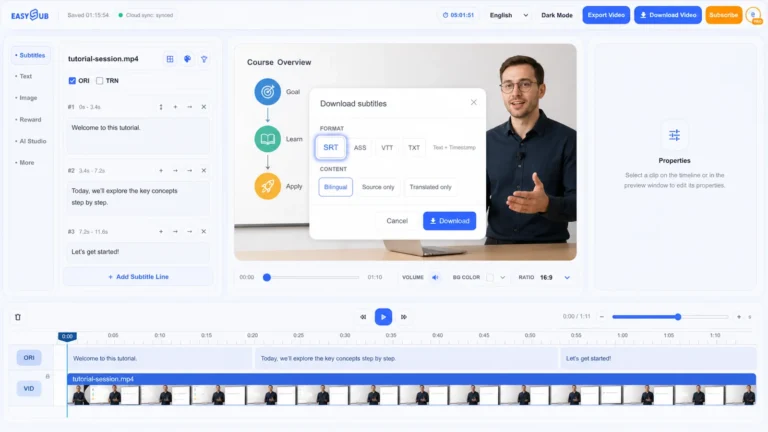
Generator AI SRT
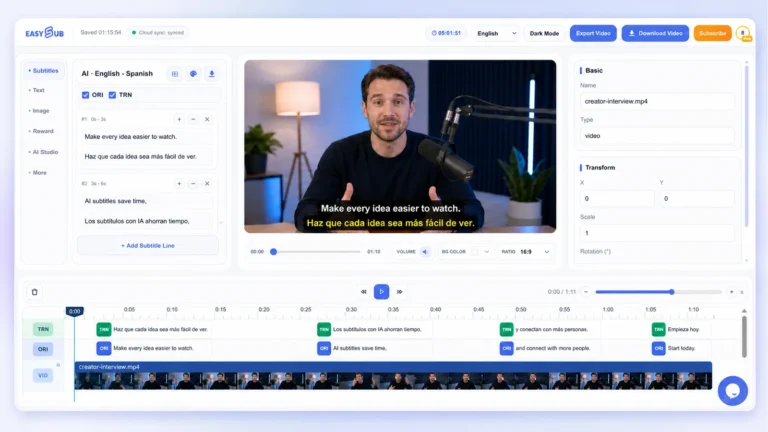
Generator napisów AI
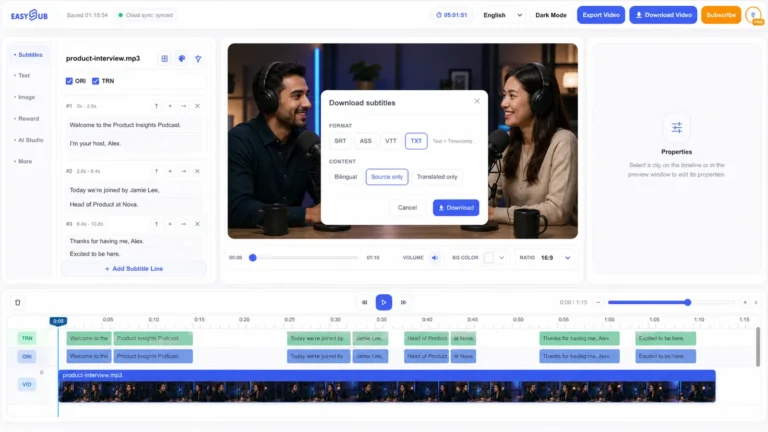
Mowa AI na tekst
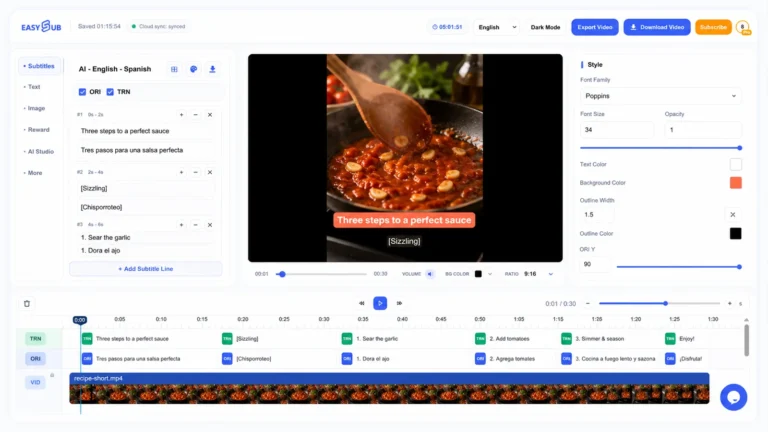
Automatyczny generator napisów
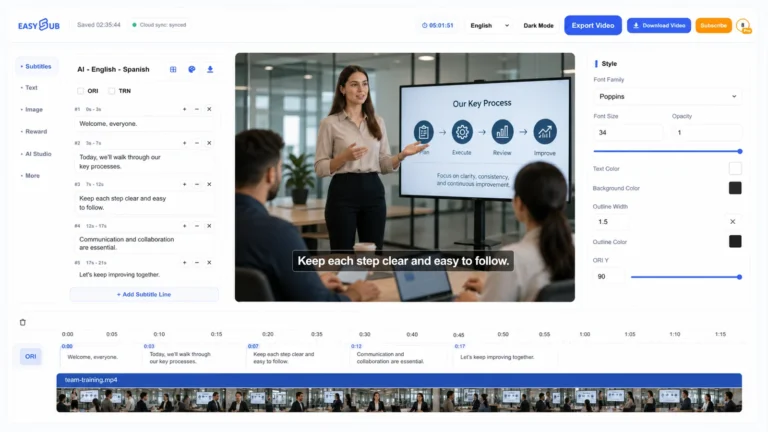
Dodaj napisy do wideo
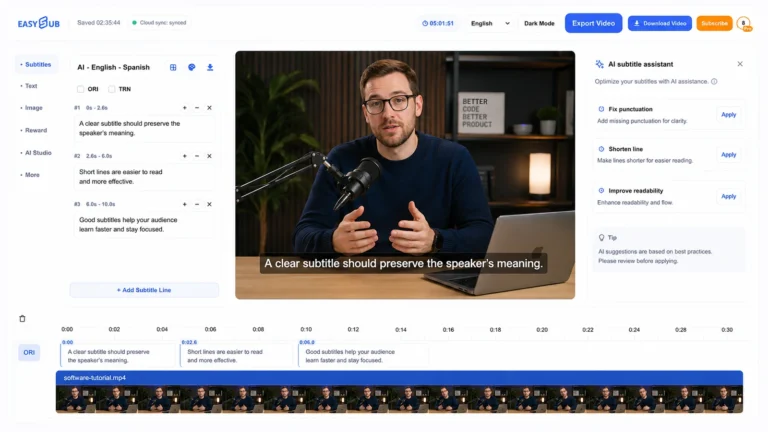
Napisy ChatGPT
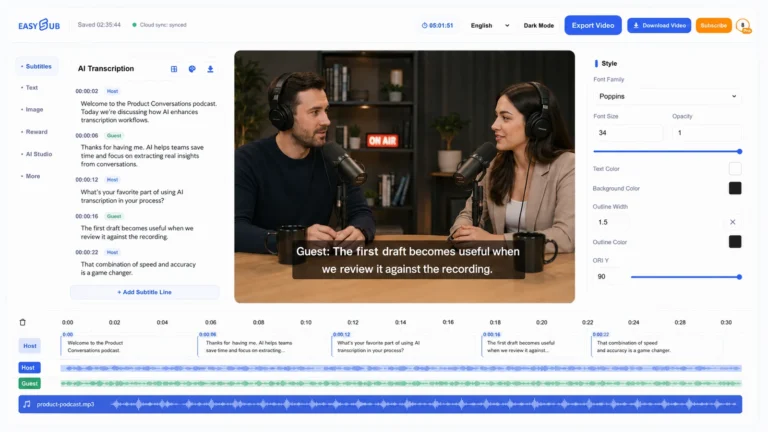
Transkrypcja AI
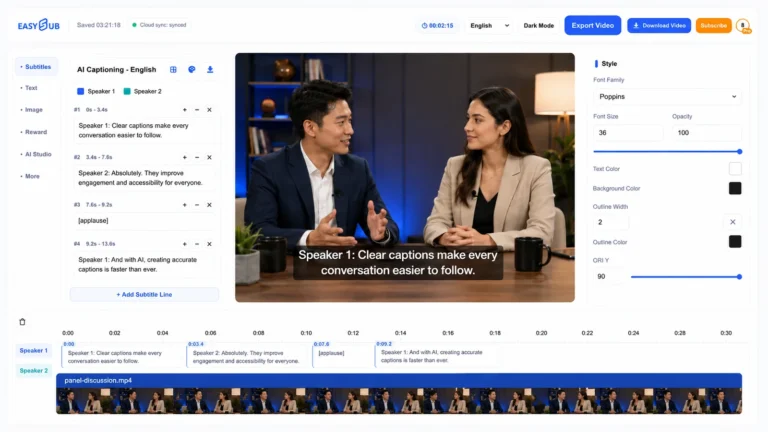
Napisy AI
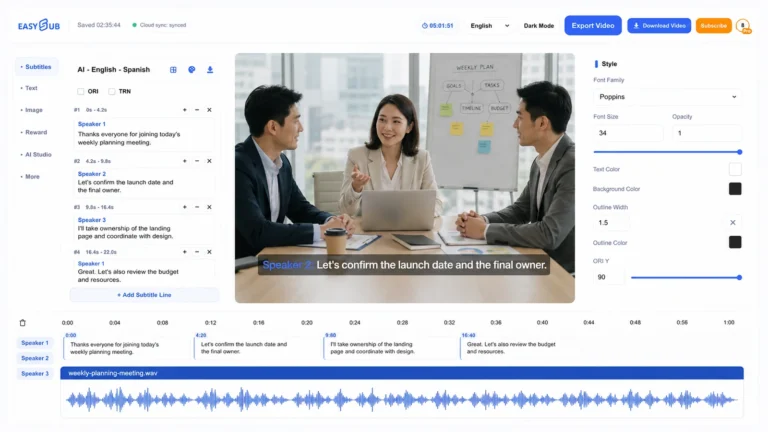
Transkrypcja
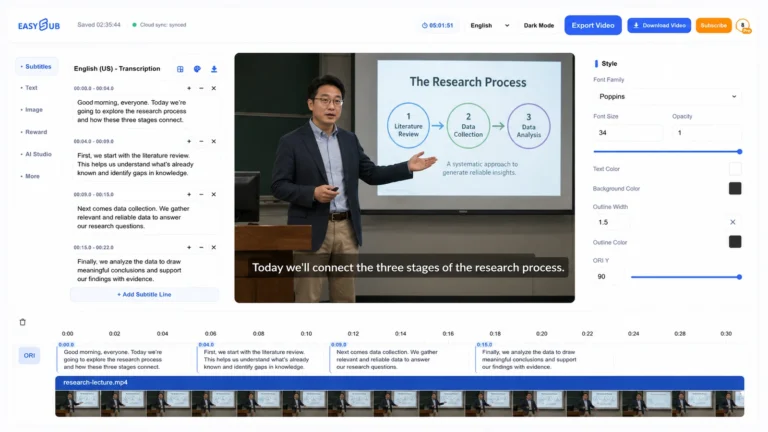
Transkrybuj wideo na tekst
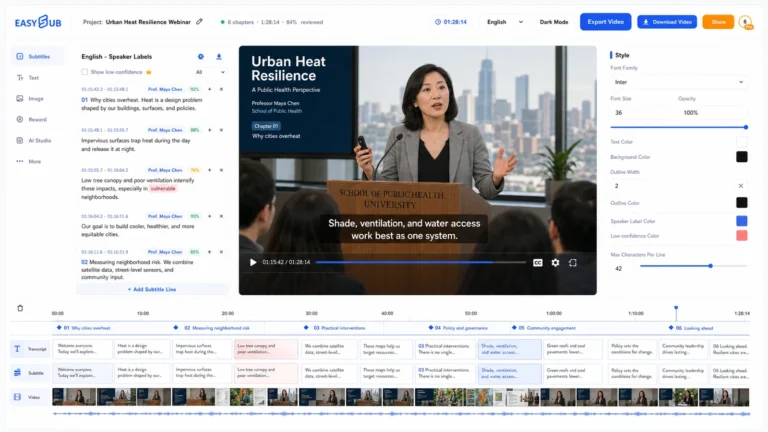
Długi tekst i napisy wideo
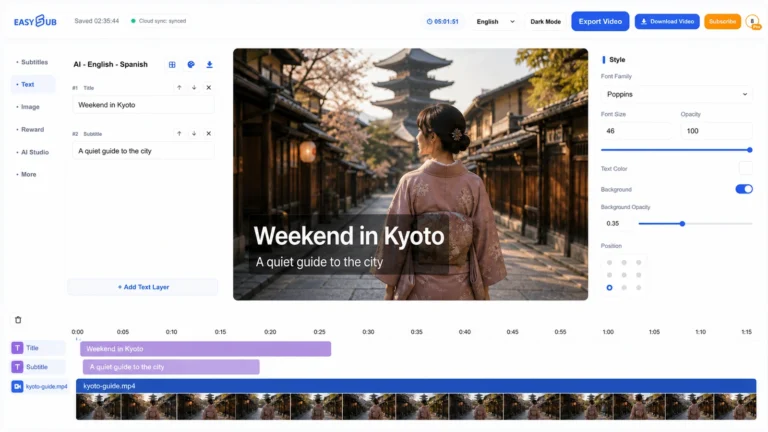
Dodaj tekst do wideo
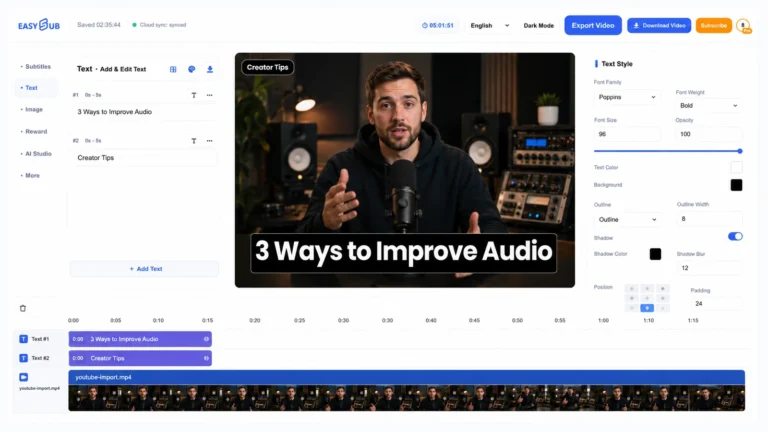
Dodaj tekst do filmów z YouTube

Podtytuł GPT
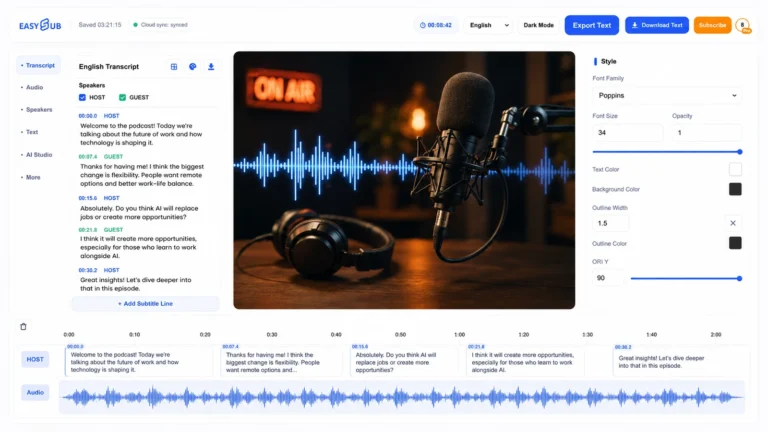
Audio na tekst
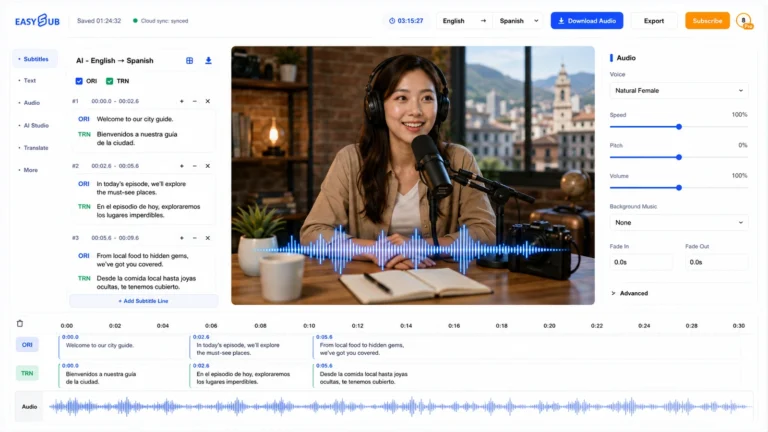
Tłumacz dźwięku
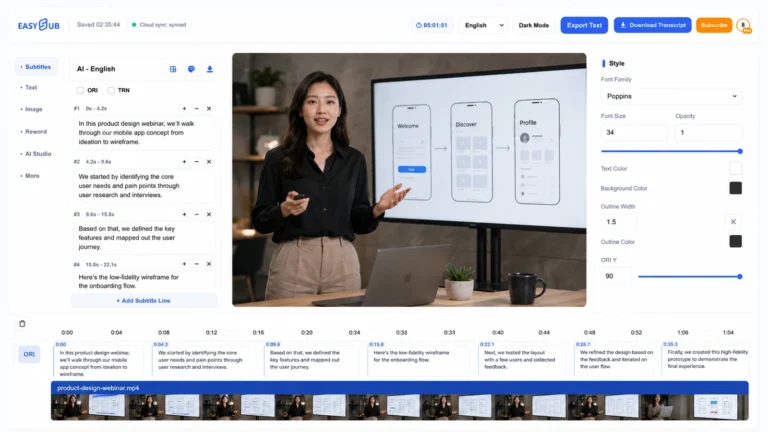
Wideo na tekst
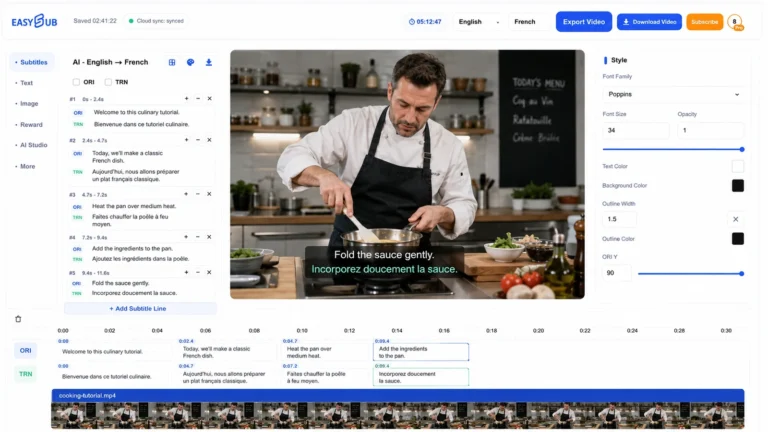
Tłumacz wideo: tłumacz filmy online
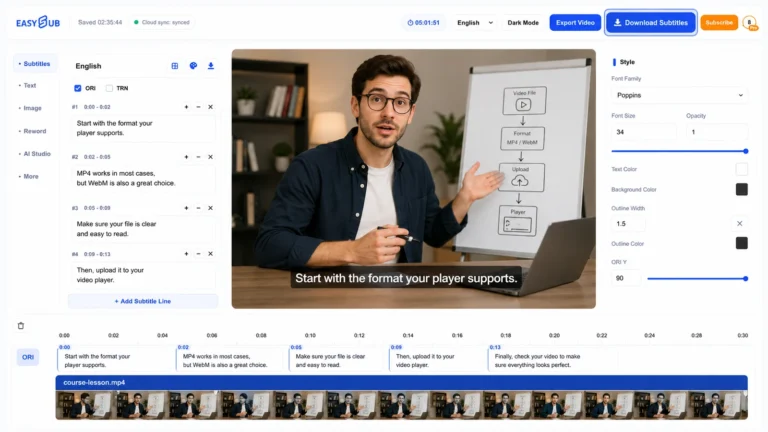
Darmowy program do pobierania napisów
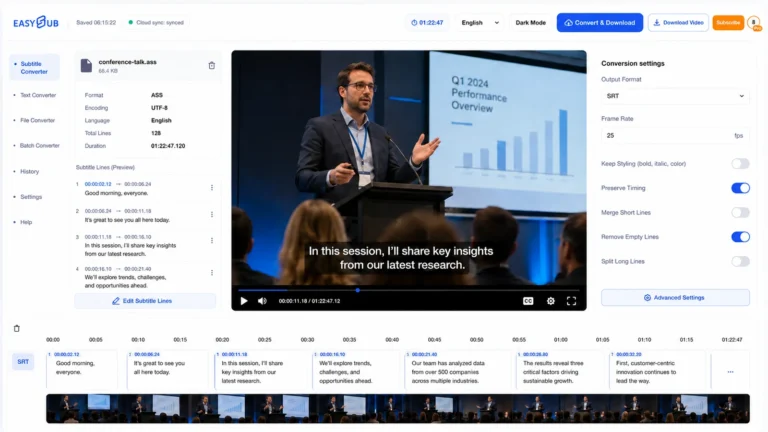
Konwerter napisów
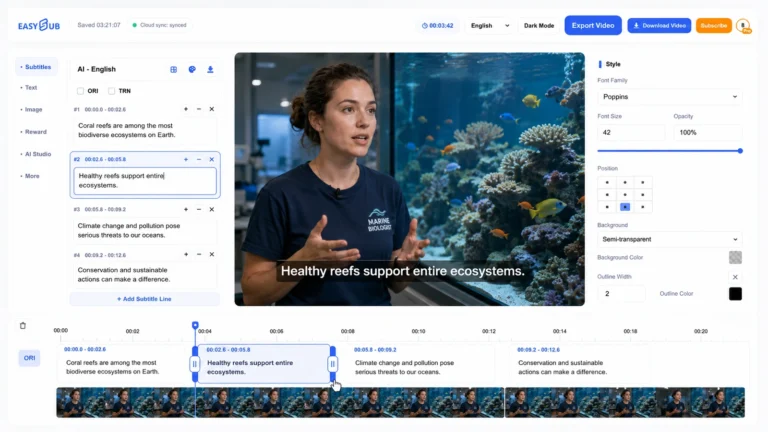
Edytor napisów
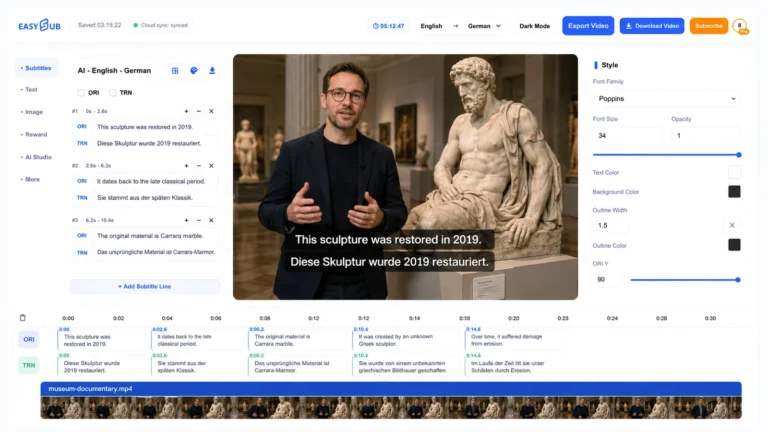
Tłumacz napisów
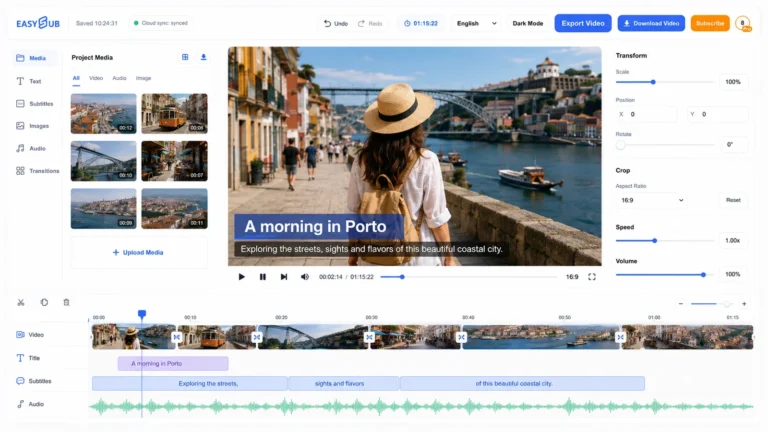
Darmowy edytor wideo online
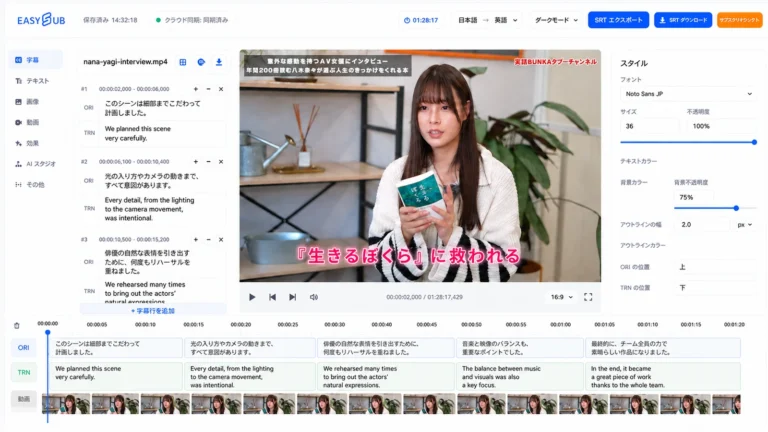
Generator AV SRT
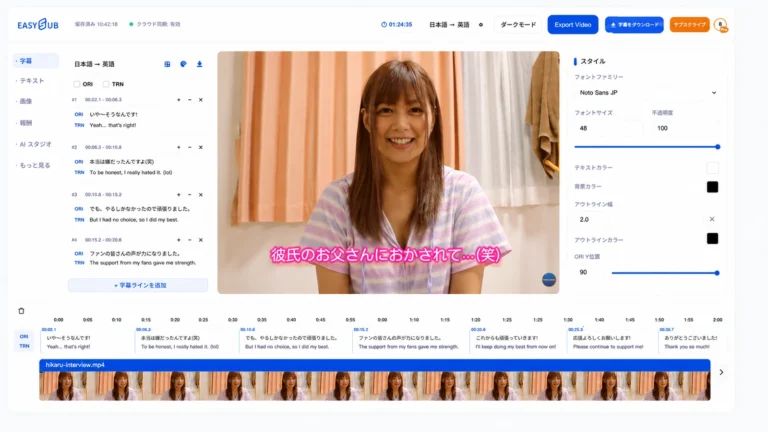
Generator napisów AV
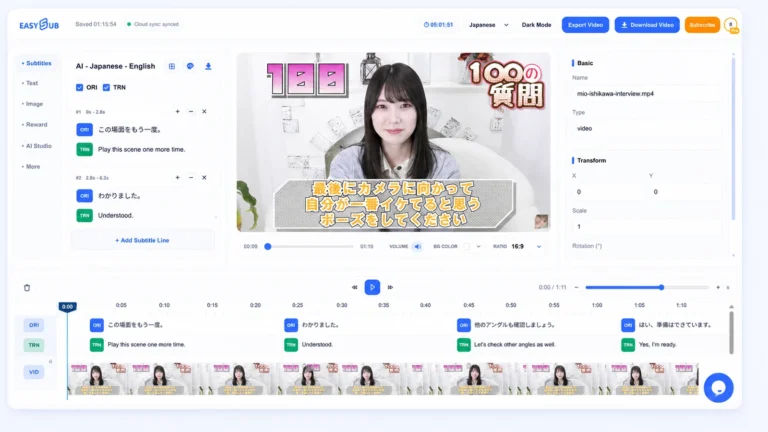
Dodaj napisy do JAV
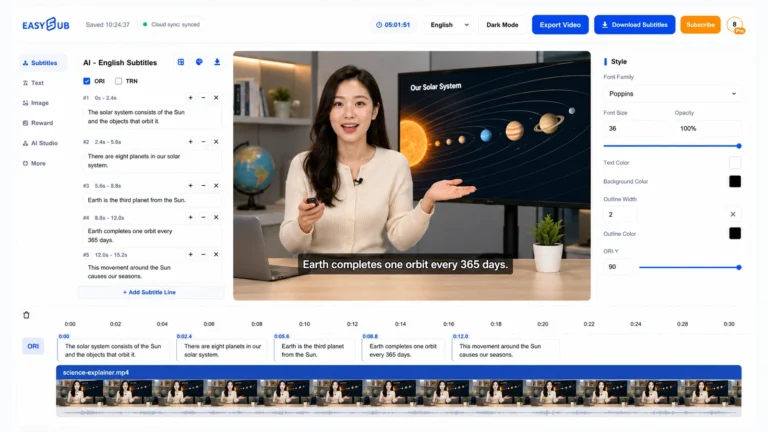
Angielskie napisy
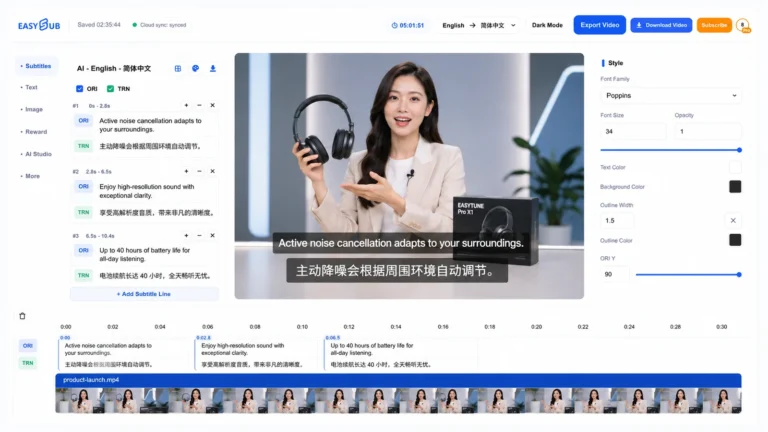
Angielski na chiński
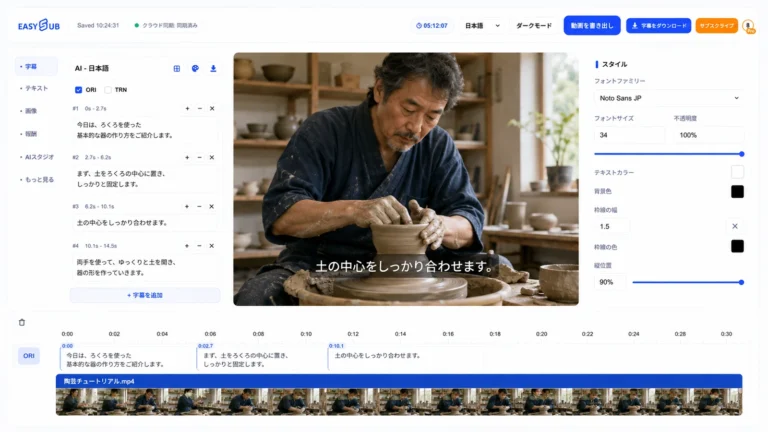
Generator japońskich napisów

japońskiego na chiński
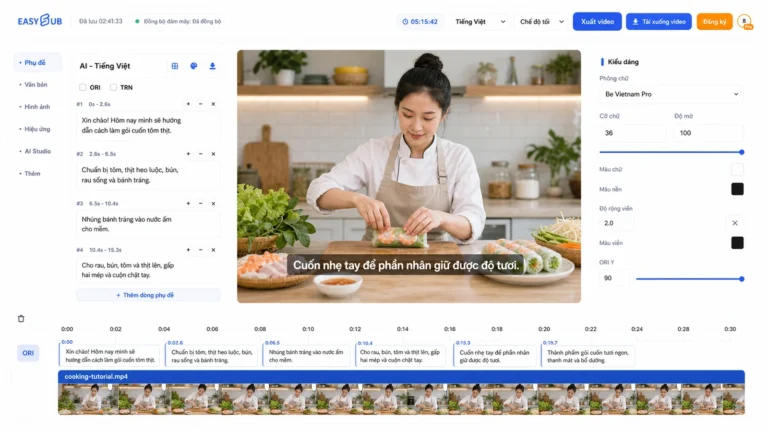
Napisy wietnamskie
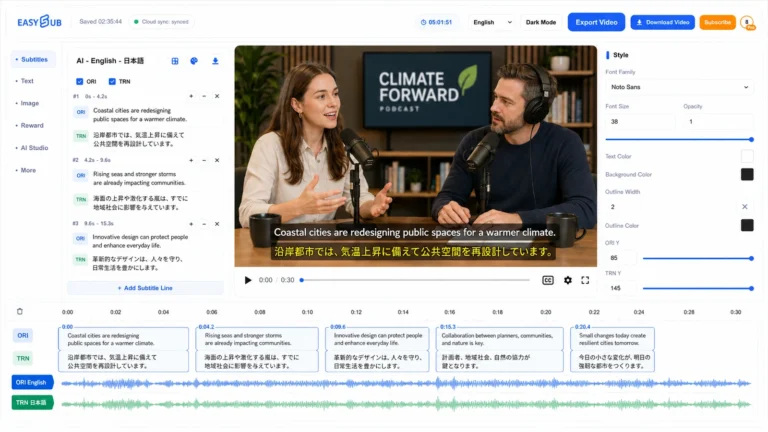
Przetłumacz dźwięk na japoński
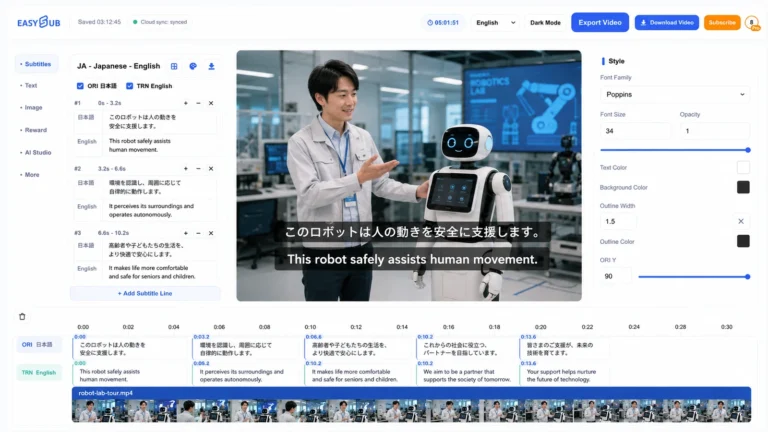
Japoński na angielski
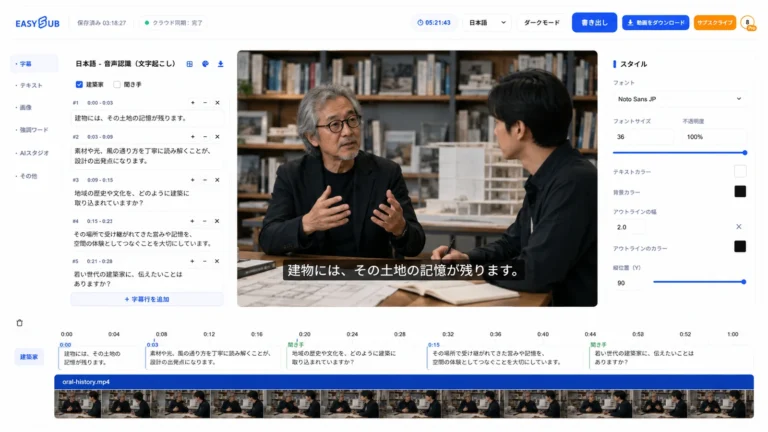
Transkrypcja japońska

Chińskie napisy online

Mowa na tekst chiński
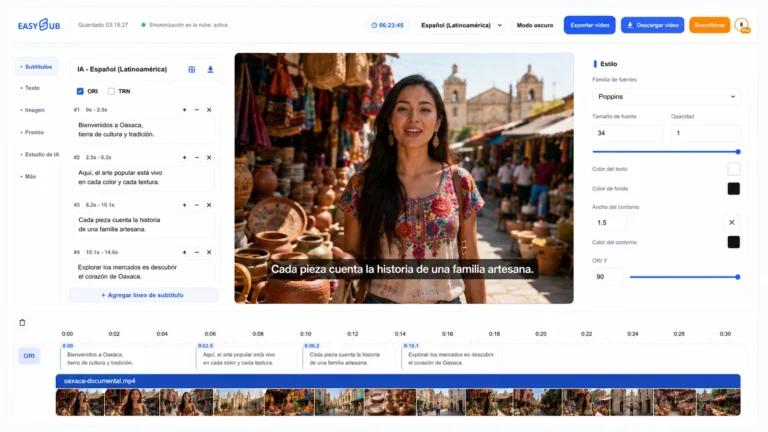
Hiszpańskie napisy
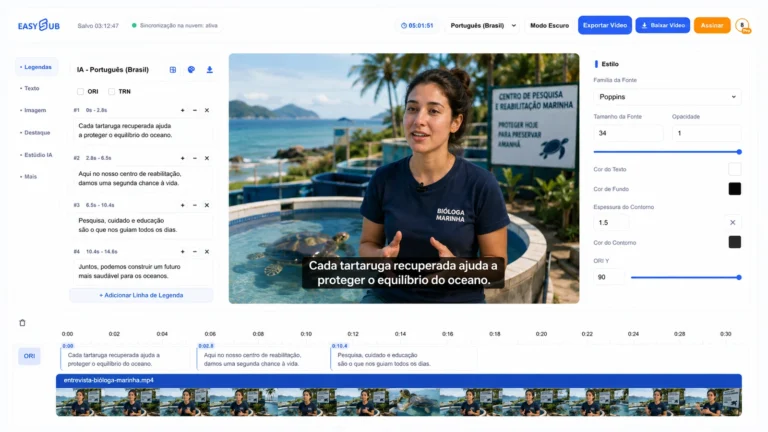
Portugalskie napisy
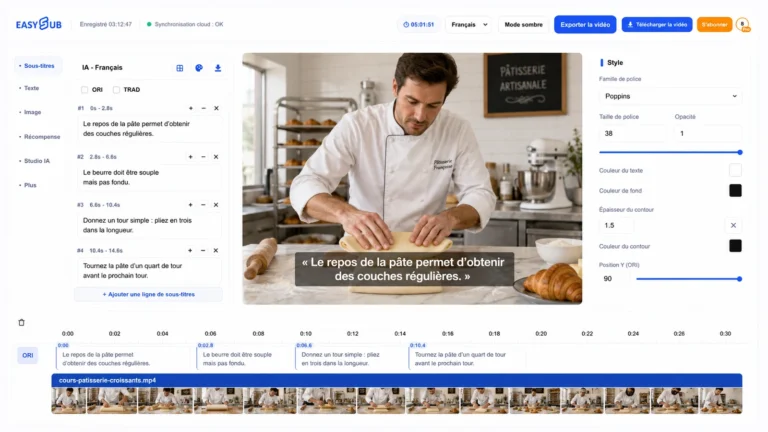
francuskie napisy
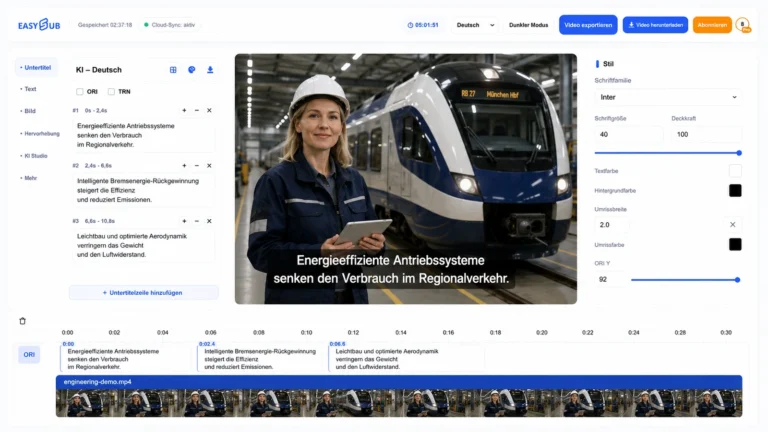
Niemieckie napisy
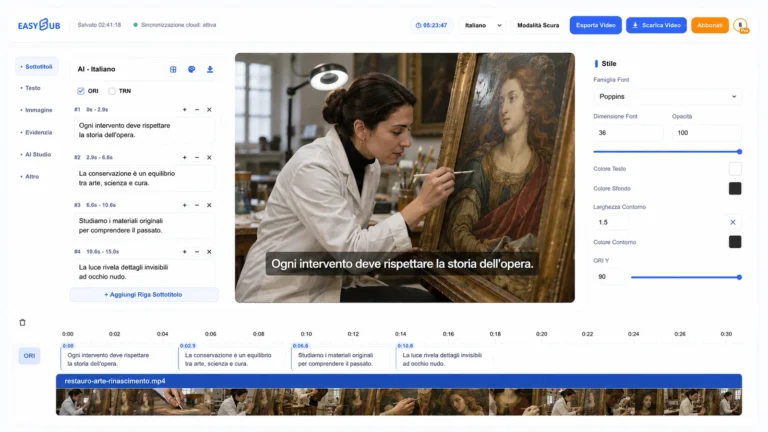
Włoskie napisy
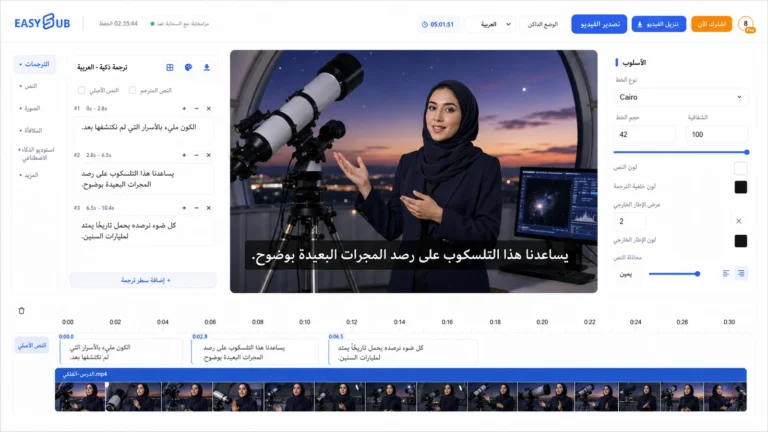
arabskie napisy
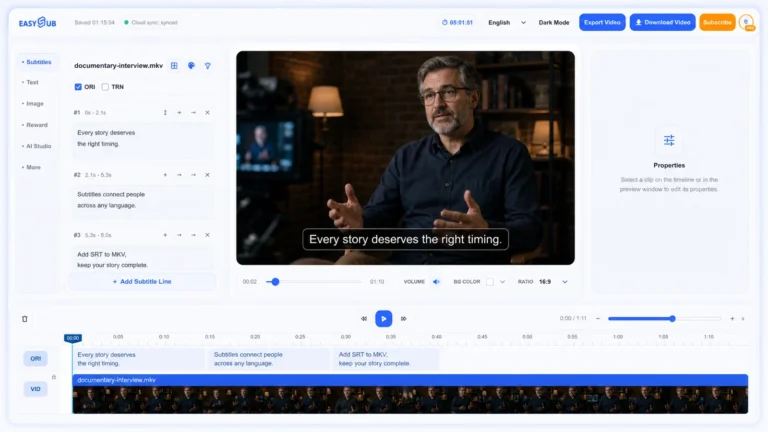
Dodaj SRT do MKV
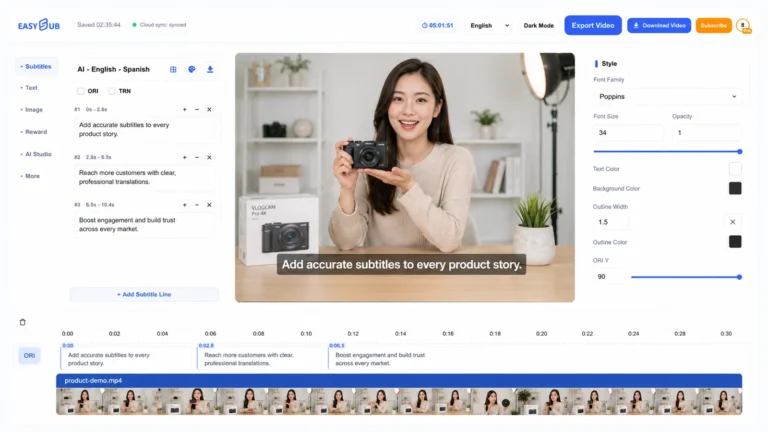
Dodaj SRT do MP4
Nie znaleziono jeszcze pasujących narzędzi.
Spróbuj wybrać szersze zadanie lub otwórz obszar roboczy napisów, aby rozpocząć nowy projekt.
Otwórz obszar roboczy napisów →Często zadawane pytania dotyczące narzędzi
Twórz, twórz napisy i tłumacz na jednej platformie
EasySub łączy procesy tworzenia generatywnych materiałów wideo z praktycznymi narzędziami potrzebnymi do tego, aby materiały wideo były zrozumiałe, dostępne i gotowe do publikacji.
Co mogę zrobić za pomocą narzędzi EasySub?
Twórz filmy AI na podstawie tekstu lub obrazów, buduj powtarzające się postacie, generuj i edytuj napisy, transkrybuj mowę, tłumacz napisy i przygotowuj popularne formaty napisów.
Czy mogę wygenerować napisy do istniejącego filmu?
Tak. Otwórz obszar roboczy napisów, dodaj wideo lub audio, wygeneruj edytowalną ścieżkę napisów, sprawdź synchronizację i brzmienie, a następnie przetłumacz lub wyeksportuj.
Czy narzędzia wymagają pobrania oprogramowania?
Nie. Wymienione przepływy pracy EasySub działają w przeglądarce. Niektóre czynności tworzenia, przesyłania lub eksportowania wymagają konta EasySub.
W jaki sposób narzędzia wideo oparte na sztucznej inteligencji są połączone z narzędziami do tworzenia napisów?
Możesz utworzyć nowy film AI lub przenieść istniejące multimedia, a następnie kontynuować pracę nad napisami, transkrypcją, tłumaczeniem i eksportem na tej samej platformie EasySub.
Gotowy coś stworzyć?