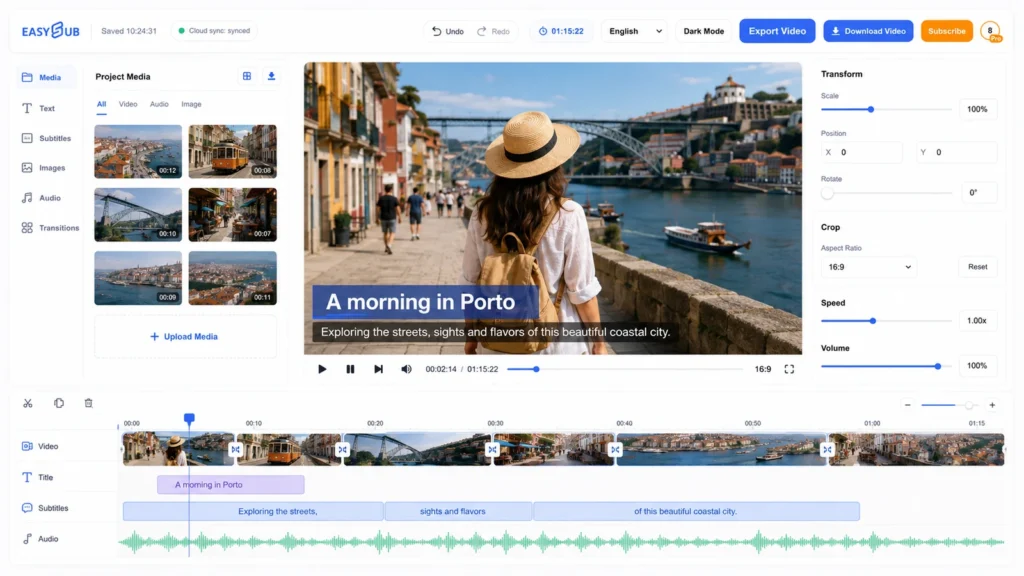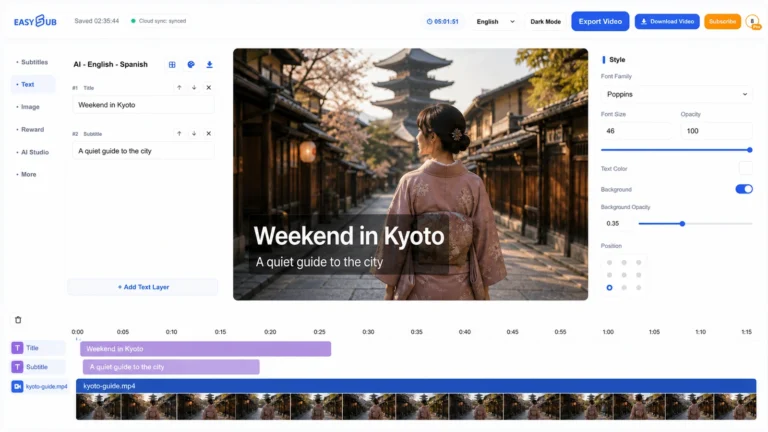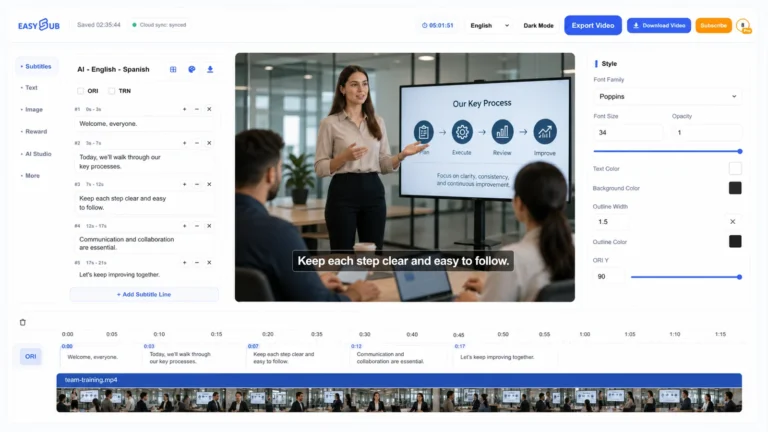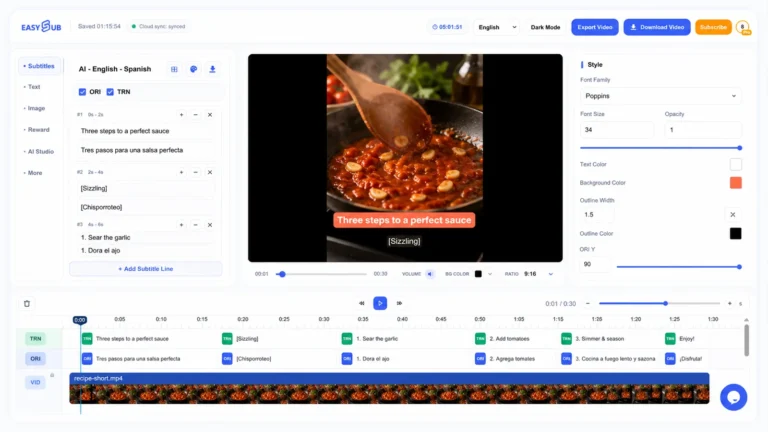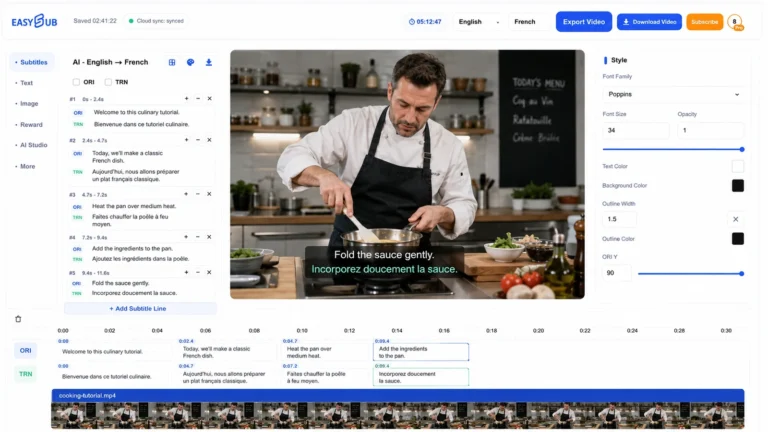
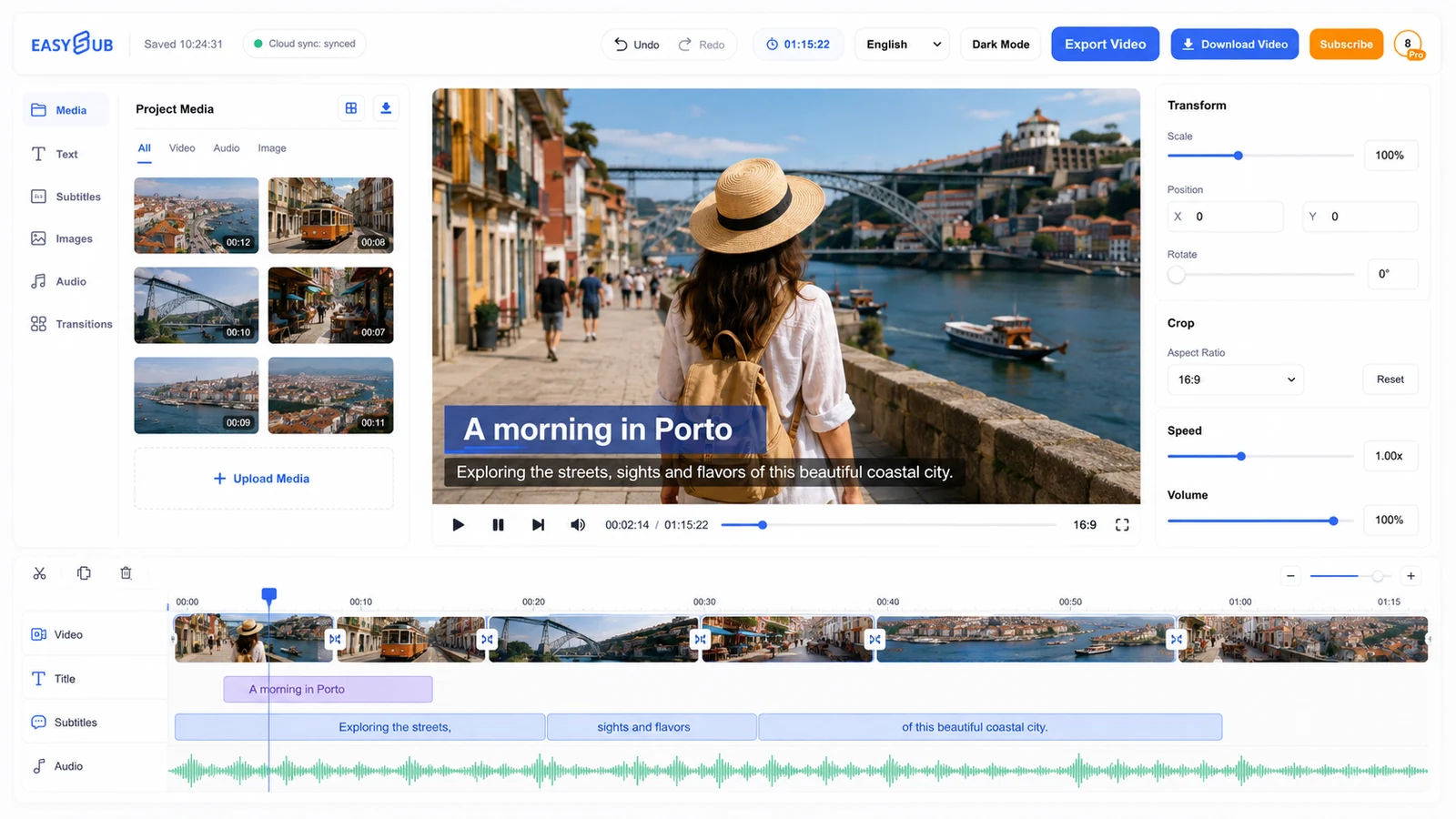
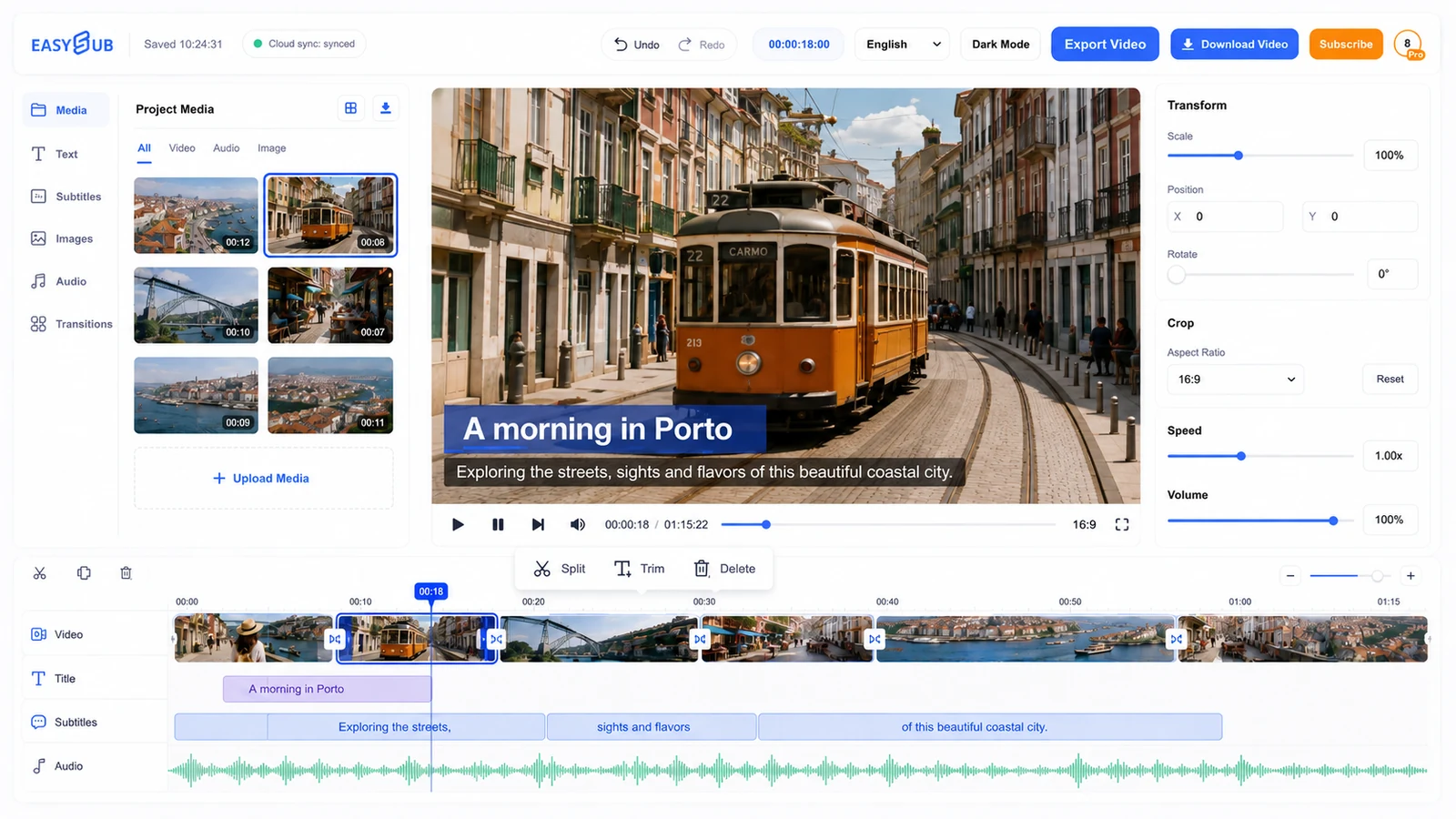
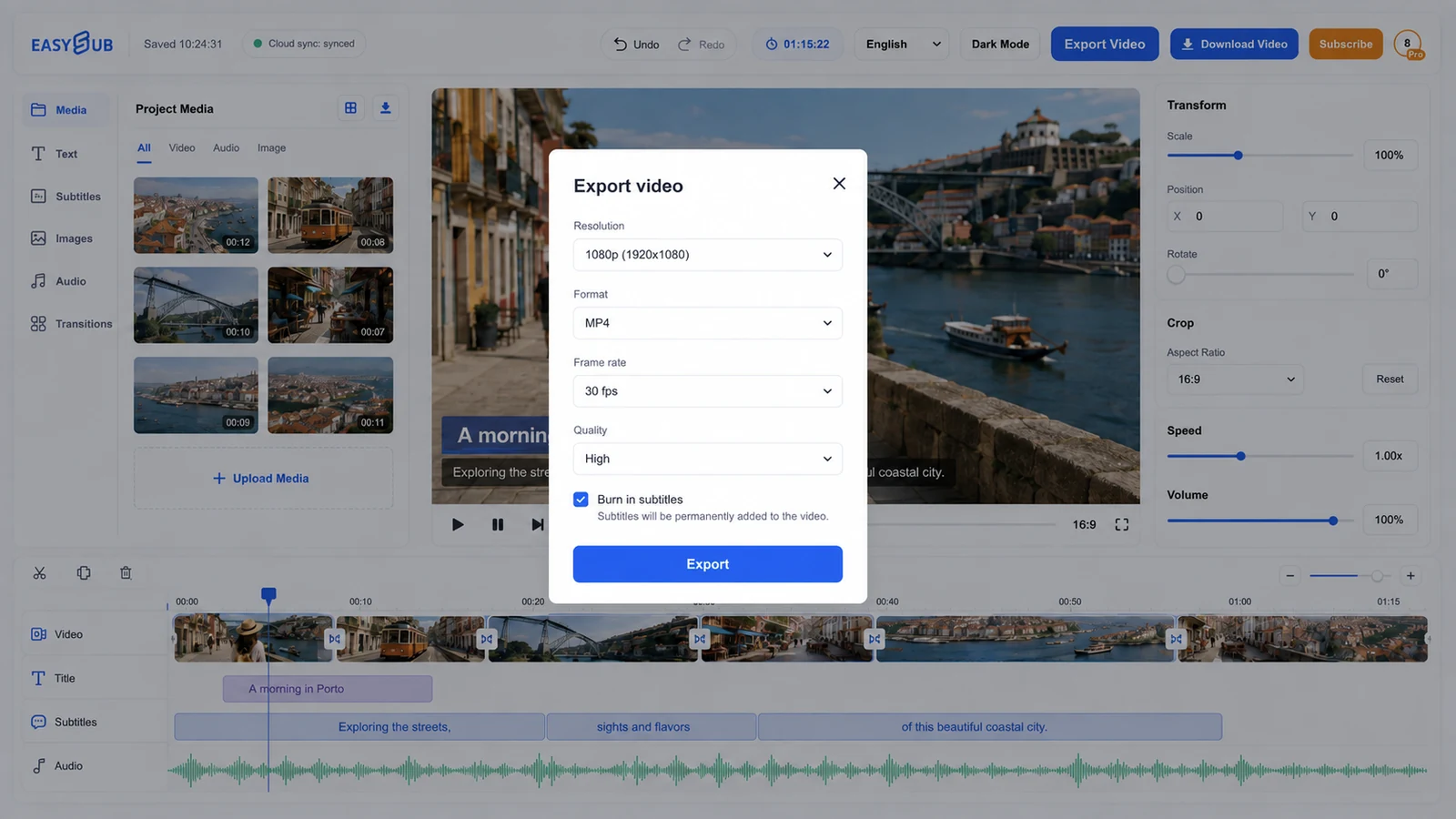
Free Online Video Editor is designed to help you make practical edits without moving a project between separate caption and video apps. Start with a video file or an existing EasySub project, create a working draft, and finish with a reviewed video project ready for export. The useful result is not the first automated output; it is the version you have checked against the source.
How to use Free Online Video Editor
- Open the right project. Start with a video file or an existing EasySub project. Use the clearest available source rather than a compressed copy whenever possible.
- Create the working draft. Choose the source language and the relevant tool settings. Let EasySub prepare the first editable version.
- Review the difficult parts. Check names, numbers, specialist terms, speaker changes and places where music or overlapping voices reduce clarity.
- Deliver and test. Prepare a reviewed video project ready for export, then open it in the player, editor or publishing workflow where viewers will actually use it.
Where this tool fits
short social edits, lessons, interviews and creator drafts.
A video file or an existing EasySub project.
A reviewed video project ready for export.
Keep the frame readable
Text and captions should support the picture, not compete with it. Check the edit on a small mobile viewport, keep important text inside safe margins, and avoid placing a title over a face, product detail or existing caption. When a scene changes quickly, shorten the line instead of forcing viewers to read through the cut.
Watch the complete export once with sound and once muted. This catches late captions, covered visuals and transitions that feel clear on a timeline but not in normal playback.
Quality checklist before export
| Check | What to look for | Why it matters |
|---|---|---|
| Source match | Names, numbers, negatives and specialist terms agree with the recording. | Small transcription errors can reverse meaning. |
| Timing | Lines begin with the speaker, leave the screen naturally and do not run through unrelated scene changes. | Good timing reduces reading effort. |
| Readability | Line breaks are natural, the text is concise and captions do not cover essential visuals. | Viewers need time and space to understand each line. |
| Final handoff | The language, file name, format and destination playback have been tested. | A correct draft can still fail in the wrong delivery format. |
Start with a reviewable draft
Open the EasySub workspace, create the first version, then check it against the source before delivery.