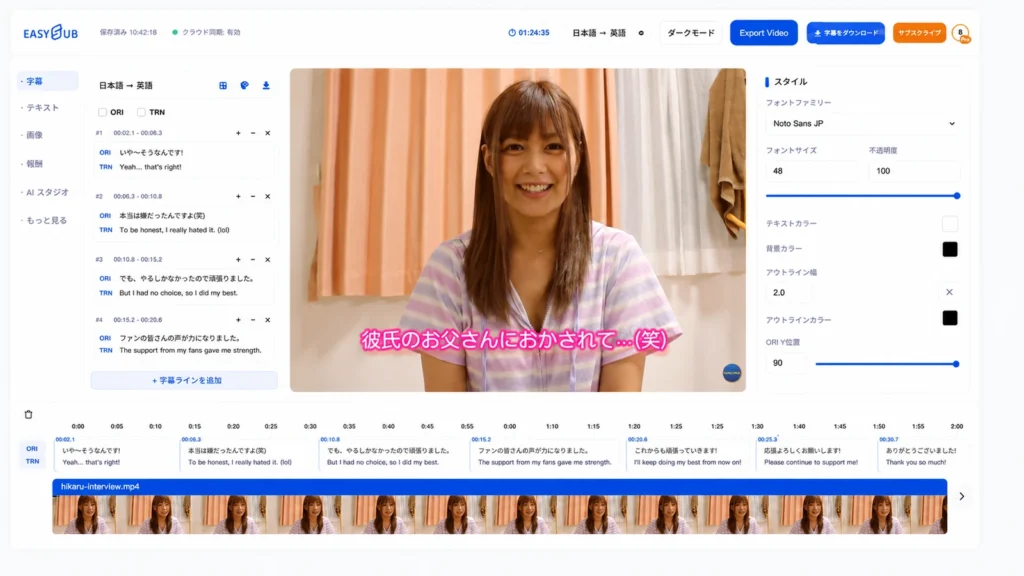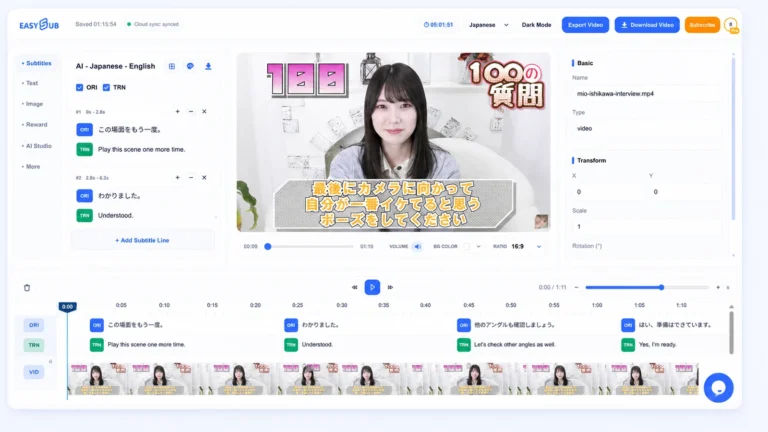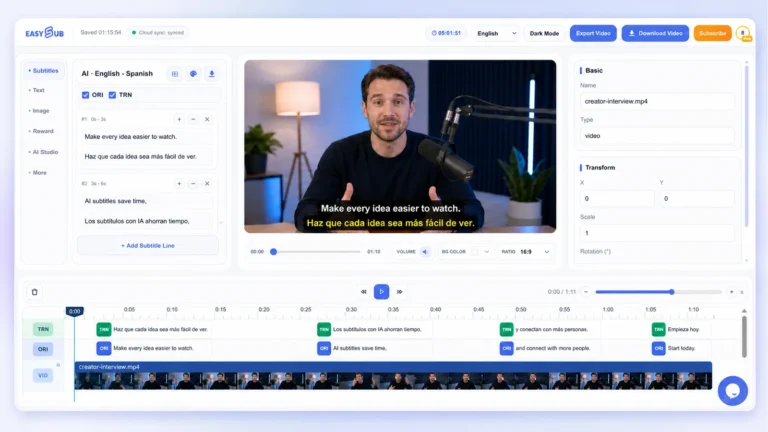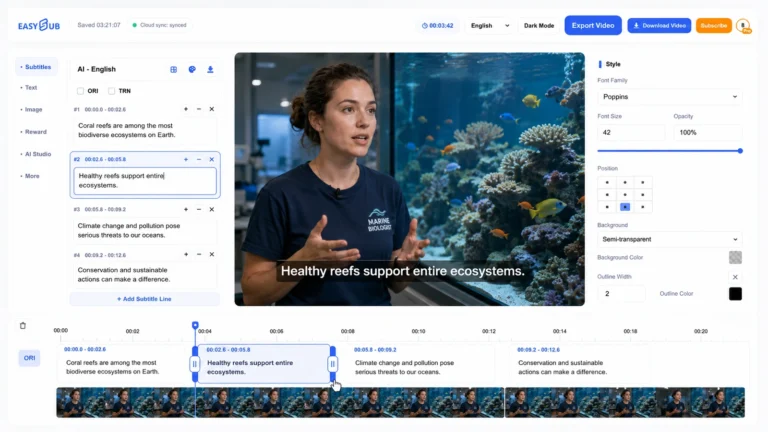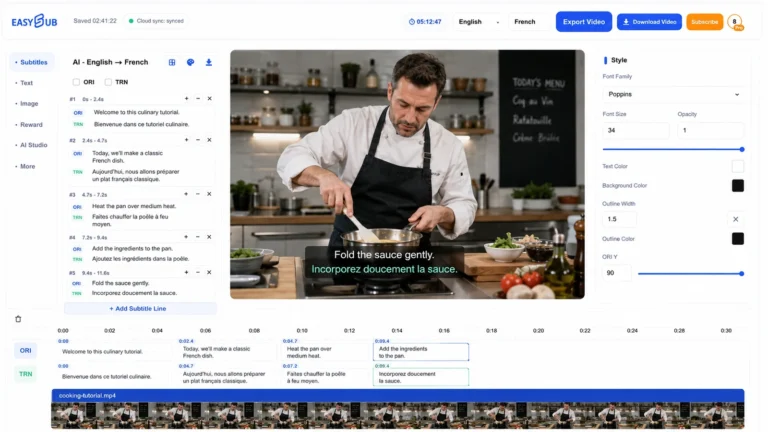
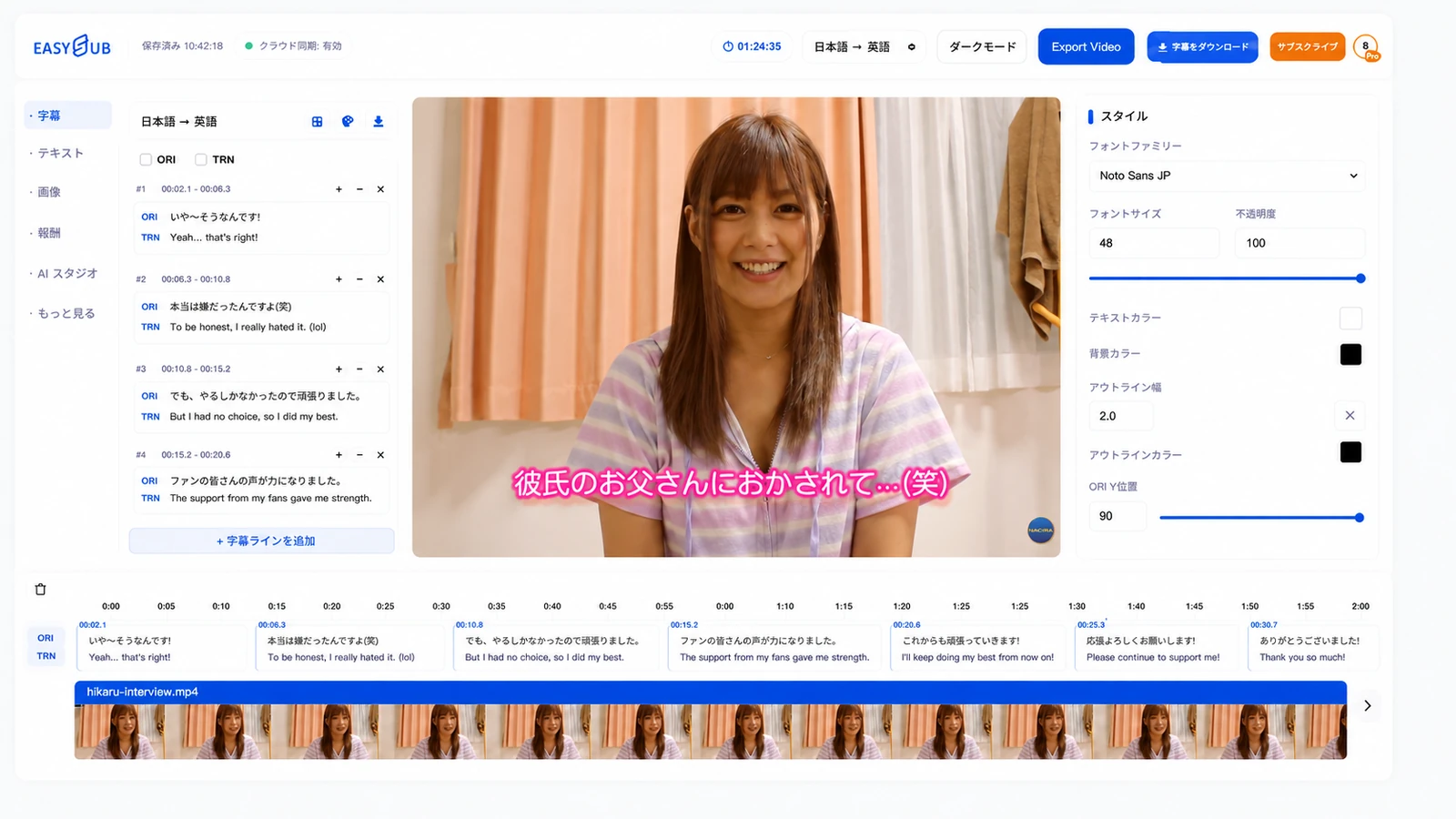
AV Subtitle Generator creates a reviewable subtitle draft for Japanese long-form video that you own or have permission to process. It keeps the source dialogue, translation and timecodes together so an editor can verify difficult lines before exporting SRT, VTT or bilingual captions.
Generate English subtitles for Japanese AV and JAV videos
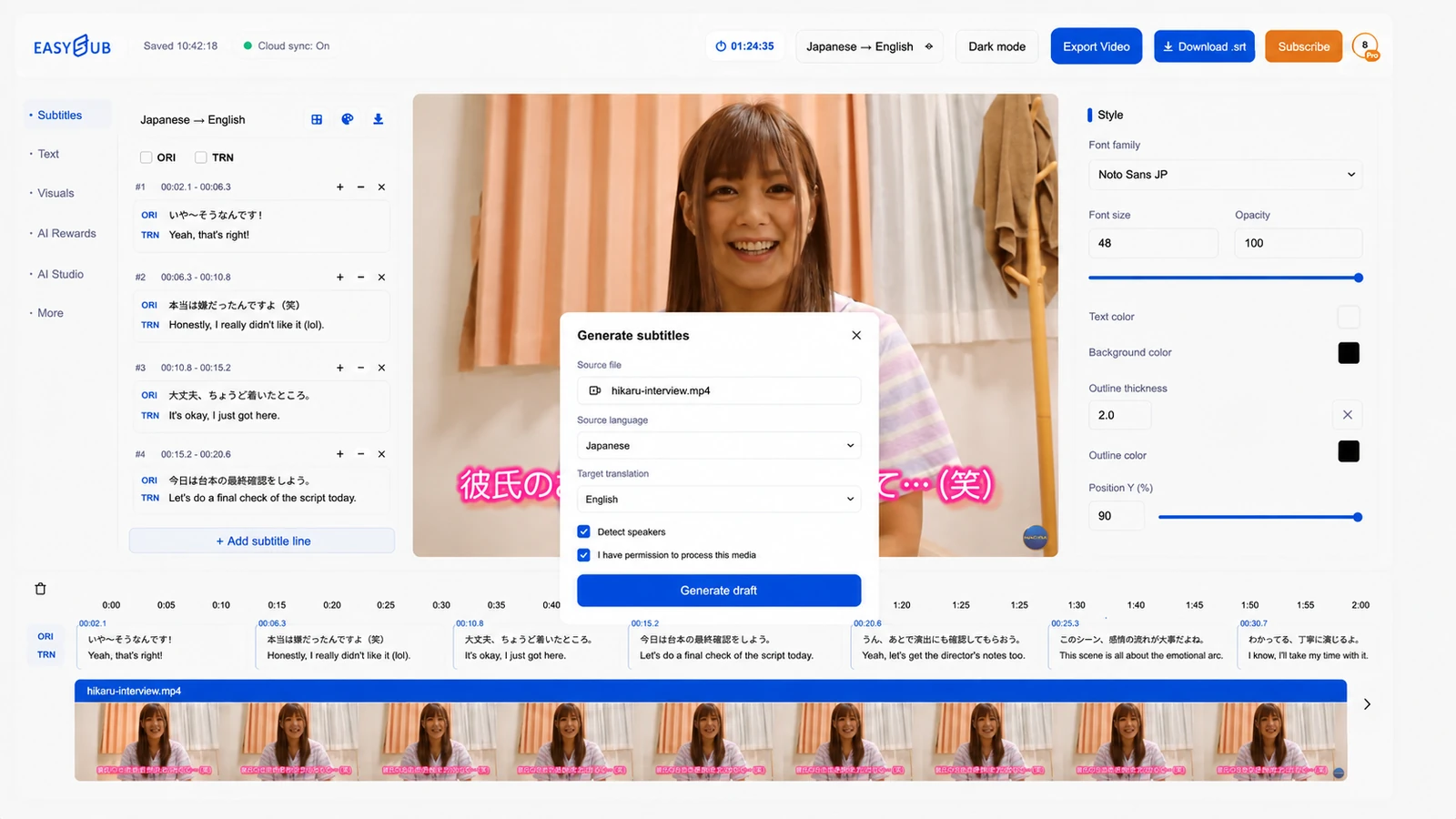
EasySub turns Japanese speech into timed subtitles and translates them into English in one online workspace. Upload your video, choose Japanese as the spoken language, and add English as the translation target to generate an editable subtitle track.
Edit the Japanese and English tracks alongside your video, adjust subtitle timing and style, and export English SRT or VTT files or Japanese–English bilingual subtitles. Replay any unclear dialogue and correct names or wording before exporting, without leaving your subtitle project.
How to generate and review AV subtitles
- Confirm permission and use the best source. Work only with media you own or are authorized to subtitle. A clean audio track and the original-quality video usually make review easier than a compressed copy.
- Create the Japanese subtitle draft. Select Japanese as the spoken language, enable speaker detection when it helps, and generate editable captions with timecodes.
- Review in context. Replay uncertain sections, correct names and colloquial wording, and compare the English translation with the complete exchange rather than a single isolated line.
- Check timing and readability. Align each subtitle with the speaker, split long lines at natural phrases, and keep text clear of important on-screen details.
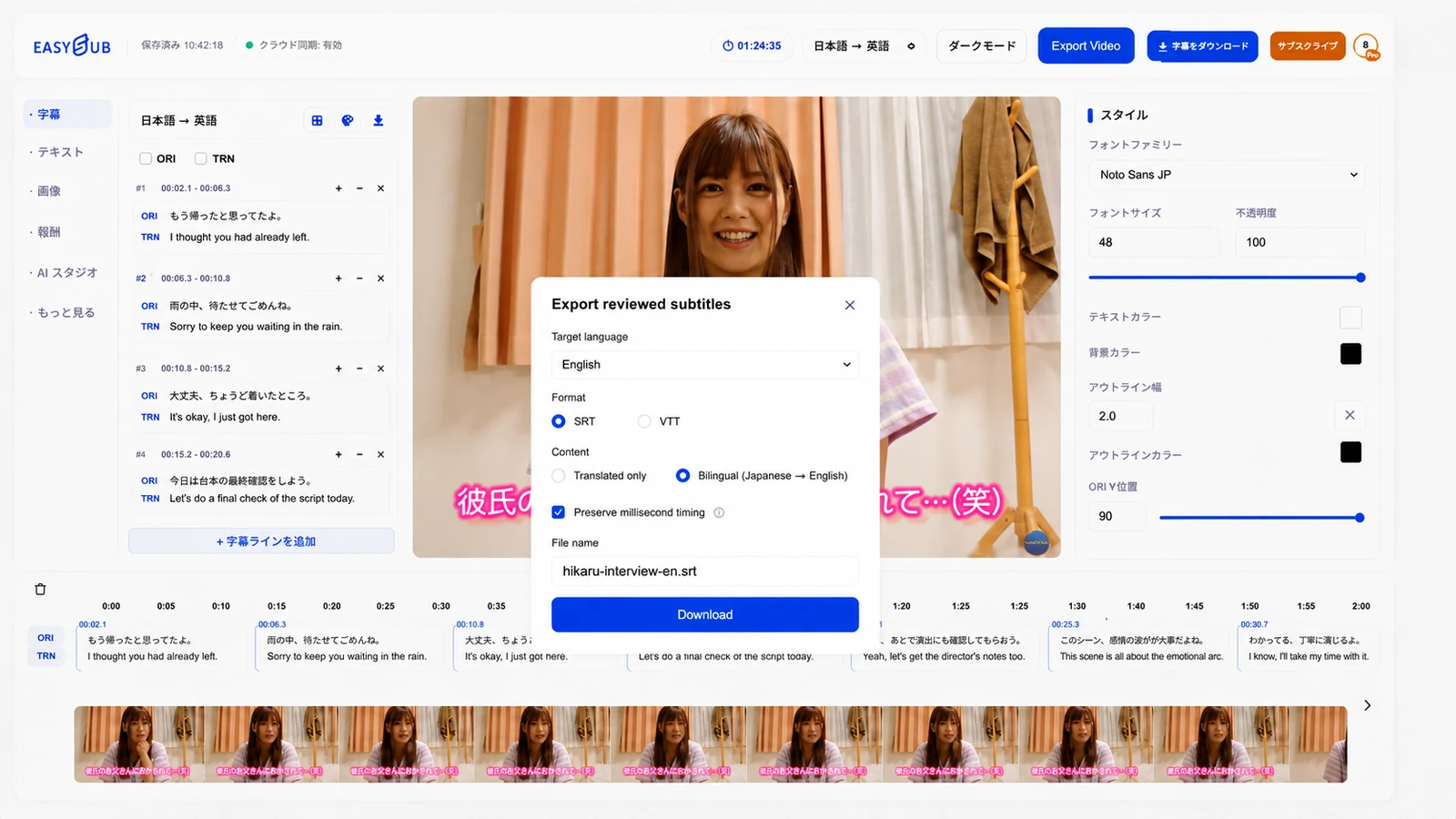
- Export and test. Download SRT, VTT or a bilingual version, then open the file with the actual video player or editor used for delivery.
Japanese dialogue needs contextual review
Japanese often omits subjects that are understood from context. Pronouns, level of formality and sentence endings can also change how an English line should read. For that reason, reviewers should check the complete scene, the relationship between speakers and any terminology established earlier in the recording.
Keep a reviewed Japanese track as the source of truth. If the project later needs another language, translate from that corrected source rather than from an unchecked English draft. The Subtitle Translator can continue the localization workflow while preserving the approved timing.
Long-form subtitle quality checklist
| Review area | What to check | Why it matters |
|---|---|---|
| Source dialogue | Names, numbers, negatives, honorifics and repeated terms match the Japanese audio. | A small recognition error can change the meaning of the translated line. |
| Translation | The English line fits the scene, speaker relationship and established terminology. | Literal wording may be grammatically correct but contextually wrong. |
| Timing | Captions begin with speech, end naturally and do not drift later in the video. | Timing errors accumulate and make long videos tiring to follow. |
| Readability | Lines are concise, breaks follow phrases and captions do not hide important visuals. | Viewers need enough time and space to read comfortably. |
| Delivery | Encoding, language label, file name and subtitle format work in the destination. | A correct track can still fail if the player expects a different format. |
Choose the right export for the next step
A practical text-and-timecode format for many players, editors and review handoffs.
Useful for web video workflows that expect WebVTT captions.
Helpful during translation review when the Japanese source and English line need to be compared.
If you only need a reusable subtitle file with precise timecodes, continue with the AV SRT Generator. For detailed timing or line-break corrections, open the Subtitle Editor.
Start with a reviewable subtitle draft
Open an authorized Japanese video, generate the timed draft and review it against the full scene before export.