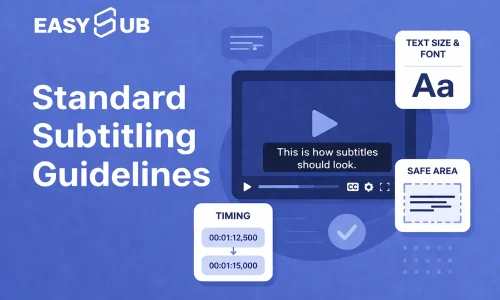
If you want to create effective subtitles, you must follow clear subtitling guidelines: limit each line to 5–7 words, use a font size of at least 12pt, and ensure high-contrast white text on a black background. These are proven subtitling best practices.
In fast-paced environments like TikTok, if your subtitles aren’t concise, clear, and eye-catching enough, your video will struggle to retain viewers and drive conversions.
Below, you’ll find a set of actionable subtitling guidelines—covering length, font, and visual presentation—to help you elevate your subtitles from merely “readable” to a tool that boosts engagement and conversions.
Table of Contents
What Are Standard Subtitling Guidelines?
Standard subtitling guidelines are a set of rules designed to make subtitles “easier to understand.” You must design them with readability and pacing in mind, rather than simply transcribing speech into text.
The core subtitling best practices are clear: limit each line to 5–7 words, use a clear font of at least 12pt, maintain high contrast with white text on a black background, and keep the text within 1–2 lines.
Properly adding subtitles can help increase your video’s watch time, reduce bounce rates, and significantly boost engagement and conversions.
How Long Should Subtitles Be?
Subtitles should be 5–7 words per line and remain on screen for 1–2 seconds.
Reading subtitles is a form of distracted reading; users process both the visuals and the text simultaneously, resulting in a processing capacity significantly lower than that of normal reading speed. This is why short sentences are the only correct solution.
The industry generally recommends that subtitle reading speed should not exceed approximately 180 words per minute (≈3 words per second), otherwise users will struggle to keep up. This is also why subtitles with more than 7 words become difficult to read, rather than providing more complete information.
How to Optimize Subtitle Length for Readability?
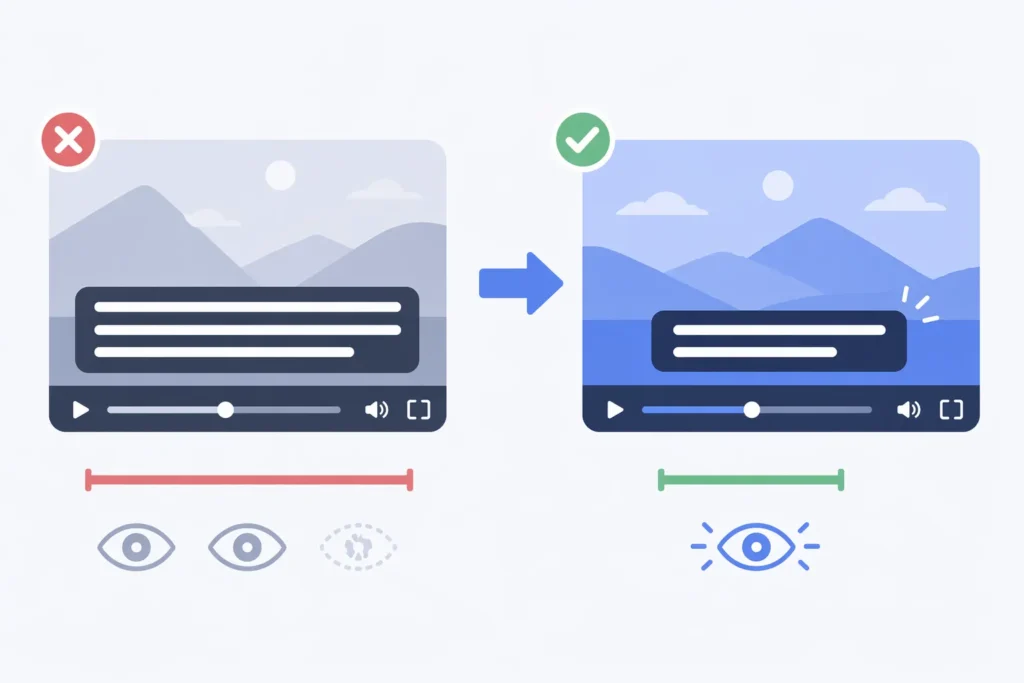
① Remove colloquial filler and retain only the core information.
Subtitles are not meant to transcribe dialogue verbatim but to condense information. If you’re still including expressions like “I want to tell you,” your subtitles are flawed from the start.
The most common mistake is placing entire lines of dialogue directly into subtitles, sometimes with over a dozen words per line. Such subtitles may appear complete, but they are actually unreadable.
② Break a sentence into multiple segments
You must break a sentence into several rhythmic chunks rather than cramming it into a single line. Users read while scrolling. Research shows that when subtitles scroll too quickly, approximately over 20% of the content is skipped. This means long subtitles are not only ineffective but also result in information loss.
③ Rewrite Using “Visual Logic”
We recommend using a “result-first” approach rather than full sentences. Users don’t read word for word; they only pick up keywords. If your subtitle can’t convey the core message within 1 second, it’s a failure.
Grammatically correct but ineffective:
If your subtitles are too long, users will not finish reading them
Visual expression:
Too long = unreadable
What Is the Best Subtitle Size?
The best subtitle size is at least 12pt recommended for mobile viewing.
You must prioritize mobile-first readability. Mobile-first readability is specifically reflected in:
- Larger font size (optimized for small screens: at least 12pt, or 40–60px in 1080p videos)
- Stronger contrast (to stand out against complex backgrounds: e.g., white text with a black outline (or a semi-transparent black background). Contrast ratio should be at least 4.5:1)
- Shorter information (adapted for scrolling: 5–7 words per line, maximum of 2 lines, with sentences broken up for rhythm)
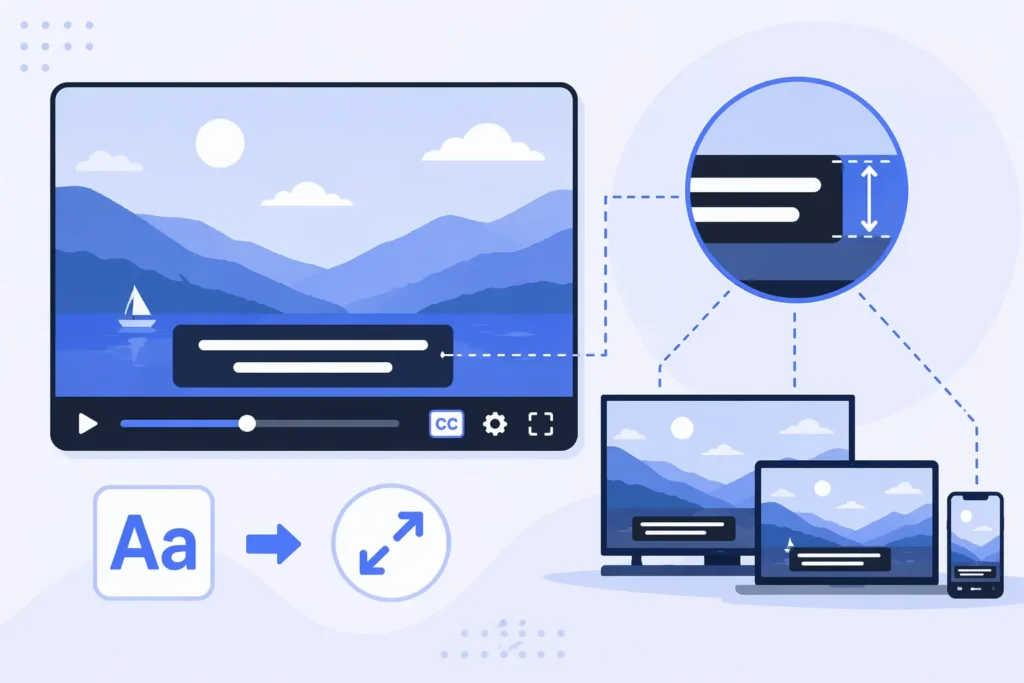
Since most users watch videos on mobile devices, using a font size smaller than 12pt is essentially forcing users to give up reading. Industry accessibility standards also indicate that text smaller than approximately 12pt significantly impairs reading fluency.
You should use 12–24pt as the default range. In short-form video contexts, subtitles serve as the gateway to information. If the font isn’t large enough, users won’t read them at first glance, rendering all subsequent content ineffective.
Keep line spacing between 120%–140%. Too little line spacing crowds the visual space, making it harder for users to scan quickly. Appropriate line spacing significantly improves recognition speed, which is key to making subtitles “look effortless.”
How Many Lines Should Subtitles Be?
Subtitles should be limited to 1–2 lines to ensure readability and fast scanning.
Subtitles must be limited to 1–2 lines. Both accessibility guidelines and mainstream subtitling standards explicitly limit subtitles to a maximum of two lines; exceeding this limit directly impacts reading efficiency.
You should prioritize using single-line subtitles. In short videos, single-line subtitles are easier to skim, allowing users to grasp the key points in a very short amount of time. If the content is slightly longer, break it into two lines rather than cramming two lines together from the start.
Avoid using three-line captions. Once the text exceeds two lines, the viewer’s eyes must move up and down, the information becomes crowded, and reading speed drops significantly—or the viewer may simply stop reading altogether. Such captions do not convey more information; they simply create a heavier burden.
What Is the Best Subtitle Look?
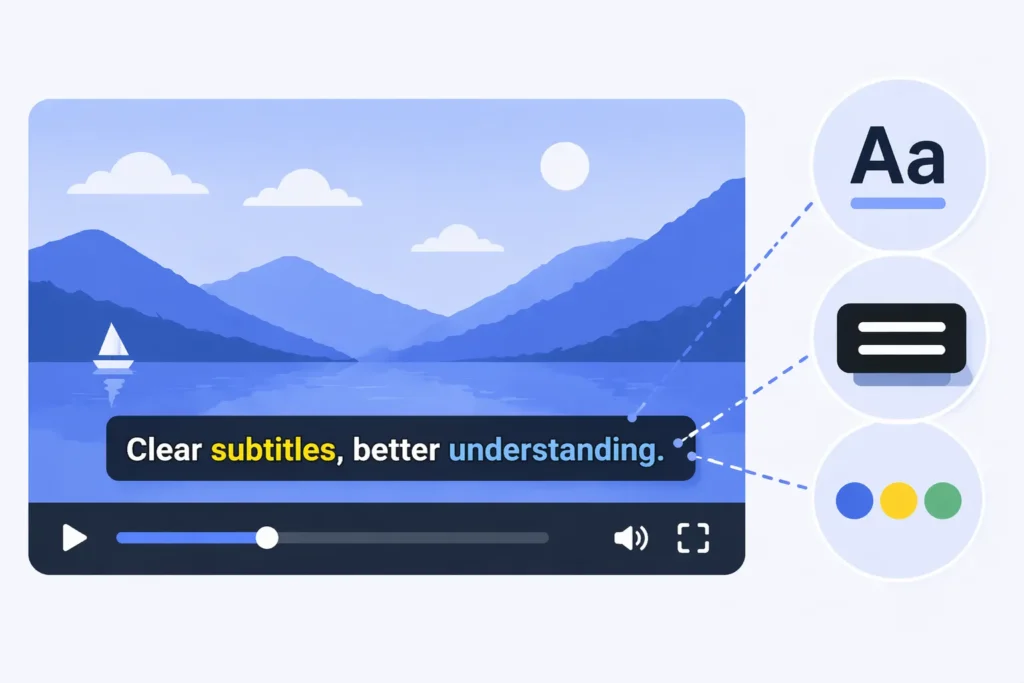
The best subtitle style uses white text with a black outline or white text on a semi-transparent black background.
You can use white sans-serif fonts (such as Roboto, Arial, or Helvetica) paired with a thin black outline or a light shadow; this combination remains clear against various backgrounds and isn’t obscured by the video footage.
You also need to actively highlight keywords rather than displaying all content equally. Highlight key words with color, boldface, or slight enlargement so users can grasp the core message in an instant. Subtitles without emphasis may look complete, but they are highly inefficient at conveying information.
Many people make the mistake of creating subtitles that look “designer-like” but are tiring to read. Complex color schemes, gradients, and fancy fonts all slow down comprehension. Effective subtitles have only one standard: users should be able to understand them without having to pause.
Subtitling Best Practices for Social Media
To create effective subtitles, simply follow a set of clear subtitling best practices: use a clear sans-serif font, maintain high contrast and highlight key words, and place subtitles within the safe area of the frame to ensure they are easily visible on any device.
- Keep subtitles concise, with 5–7 words per line, to maintain a clear rhythm and avoid information overload
- Use high-contrast designs, prioritizing white text on a black border or light text on a dark background, to ensure readability even against complex backgrounds
- Actively highlight keywords by bolding, changing colors, or enlarging them so users can quickly grasp the key points
- Prioritize the mobile experience by using larger fonts and appropriate line spacing, allowing users to read easily while scrolling
In platforms like TikTok and Reels, following these guidelines for caption design will significantly increase watch time and engagement.
Subtitling Best Practices by Use Case
| Use Case | Subtitle Length | Font and Style | Key Strategies | Core Objectives |
|---|---|---|---|---|
| Talking Head | 5–7 words/line, 1–2 lines | Sans-serif font, 12–24pt, white text on black background | Follow speech word-for-word or in short phrases | Improve comprehension and dwell time |
| Product/Sales | Shorter, 3–5 words/line | Bold + keyword color highlighting | Emphasize keywords, such as price/selling points | Boost conversions and clicks |
| Information-Dense (Tutorials/Knowledge) | 5–7 words/line, presented in paragraphs | High contrast + consistent style | Break up sentences to avoid information overload | Reduce cognitive load |
| Entertainment/Storytelling | Shorter, faster pace | May include subtle animation effects | Emphasize emotional and key words | Boost engagement and viewing experience |
| Fast-paced short videos (Reels/TikTok) | Primarily single-line, max 2 lines | Large font + high contrast | Quick skimming, prioritize keywords | Boost completion rates |
| Multilingual content (Global Content) | Limit to 5–6 words per line | Clear font + consistent style | Ensure conciseness after translation | Improve cross-language comprehension |
Subtitling Guidelines FAQ
Q1. How long should subtitles be for TikTok videos?
A: Keep them to 5–7 words per line, with a display time of 1–2 seconds. If they exceed this range, users won’t be able to read them while scrolling, and the subtitles will lose their purpose.
Q2. What is the best subtitle size for mobile?
A: Use at least 12pt, but ideally 12–24pt. Since mobile is the primary viewing platform, small font sizes effectively sacrifice readability.
Q3. How many lines should subtitles have?
A: You must limit them to 1–2 lines. More than two lines significantly increases the reading burden, and users will simply skip them.
Q4. What is the best subtitle style for engagement?
A: Use a high-contrast style with white text on a black background, and highlight keywords. Without contrast and emphasis, subtitles will likely go unnoticed.
Q5. Do subtitles increase video watch time?
A: Yes. Subtitles allow users to understand the content even when the video is muted or they are distracted, thereby significantly increasing watch time and completion rates.
Q6. What font is best for subtitles?
A: You should use a clear sans-serif font, such as Arial, Roboto, or Helvetica. Complex fonts only slow down reading speed.
Start Using EasySub to Enhance Your Videos Today
Good subtitles are short, clear, and easy to scan.
Use EasySub now to automatically generate and optimize subtitles, improving your content’s readability, completion rates, and conversion rates.
👉 Click here for a free trial: easyssub.com
Thanks for reading this blog. Feel free to contact us for more questions or customization needs!