
EasySub tools directory

AI video tools for creation, subtitles, transcription, and translation

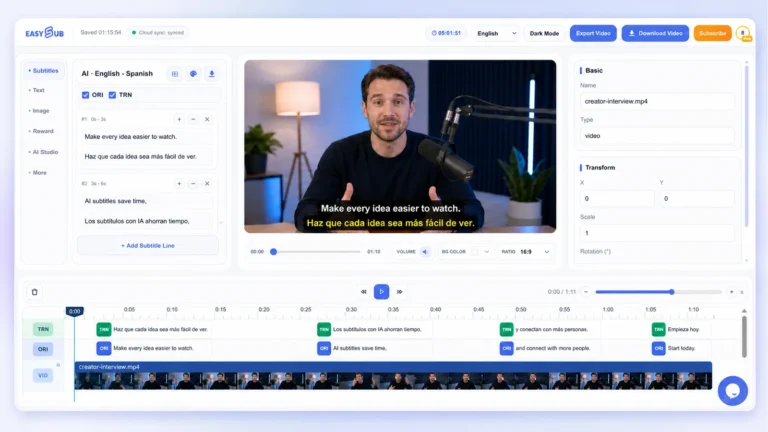
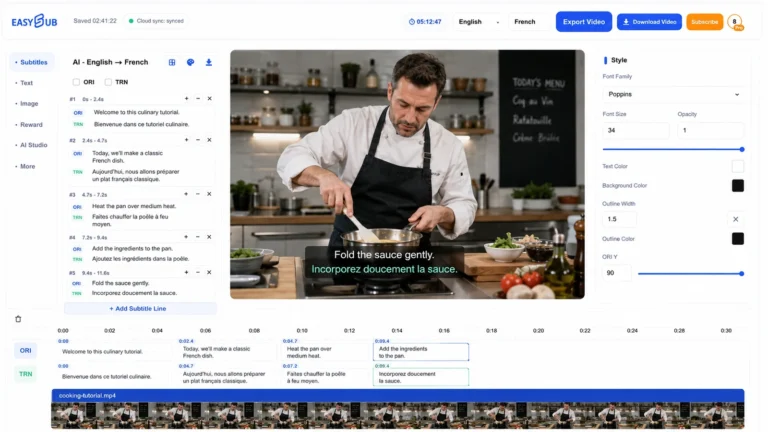
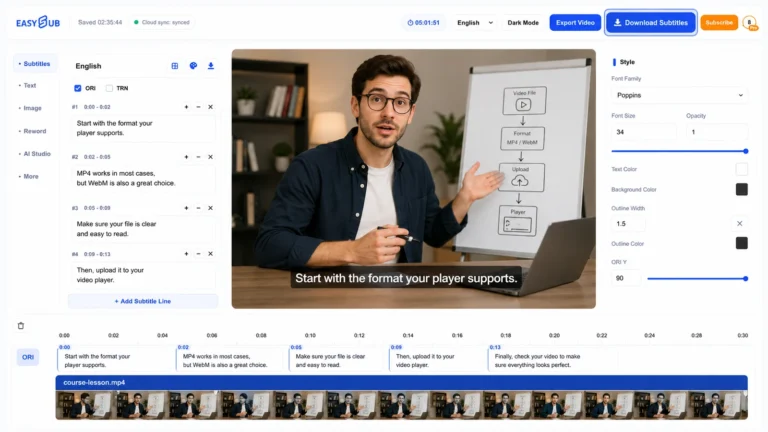
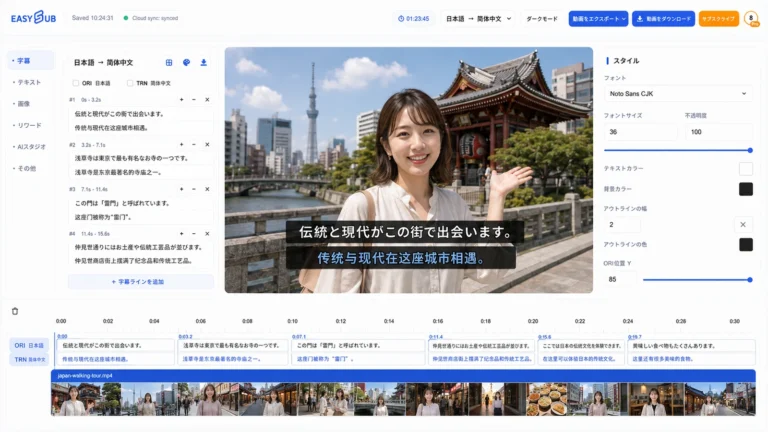
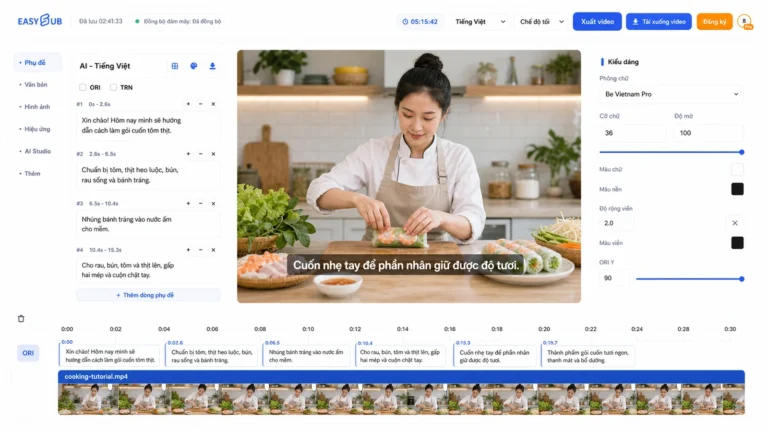
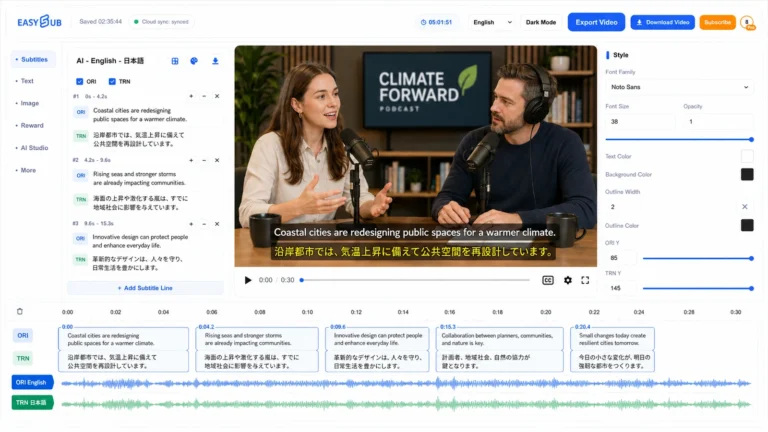
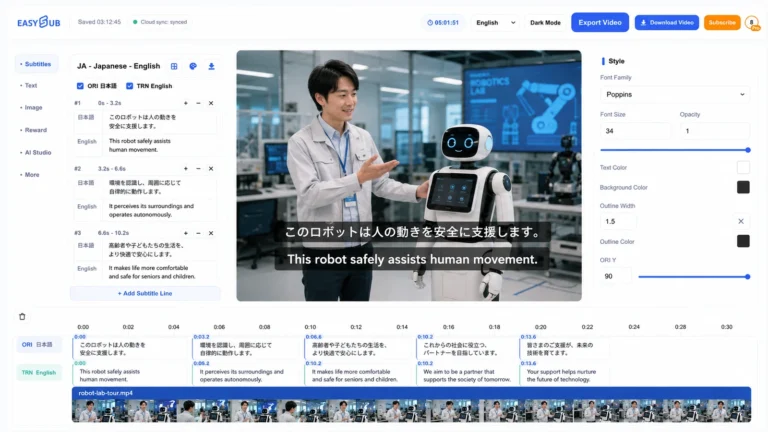
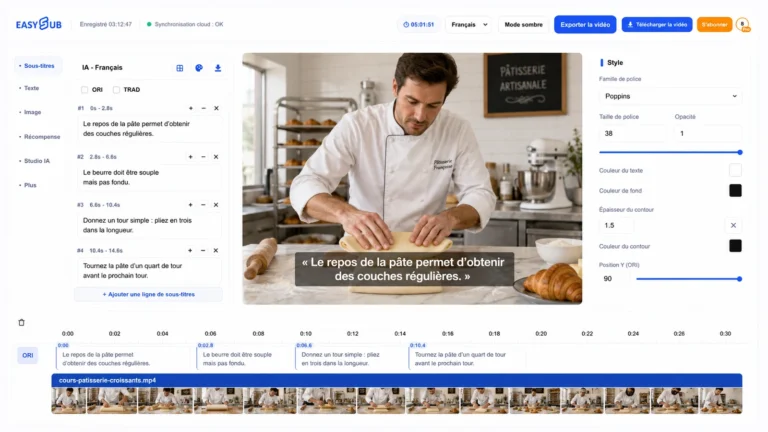
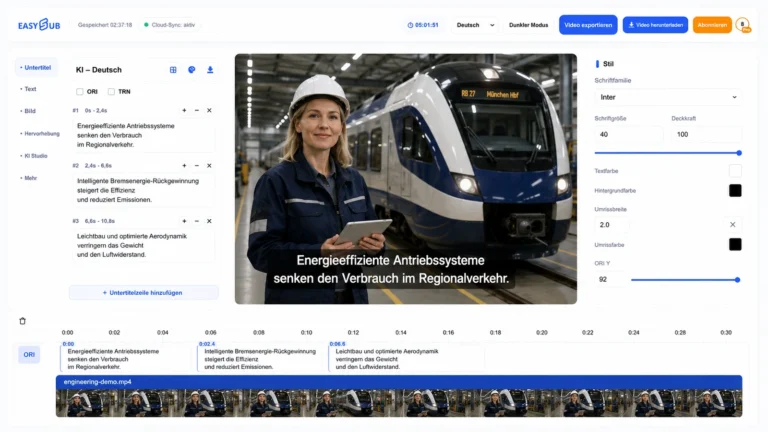
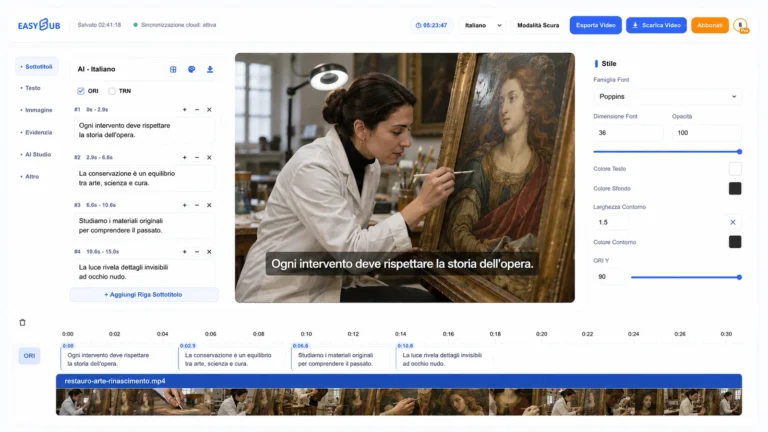
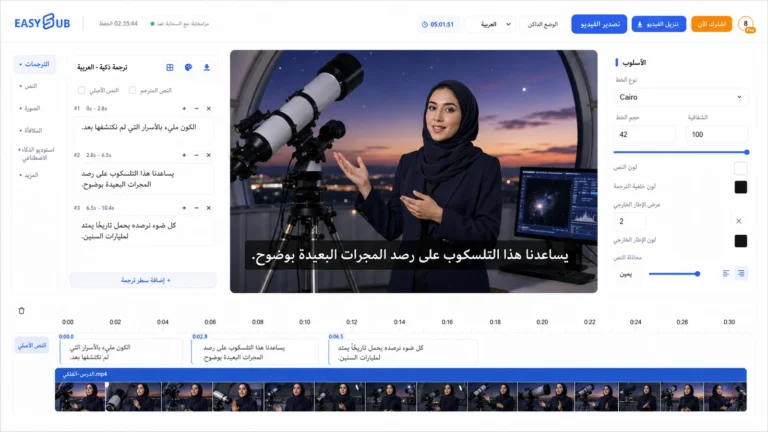
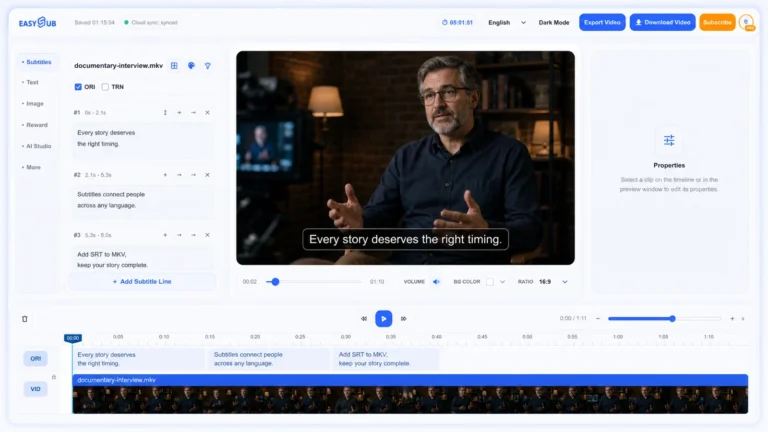
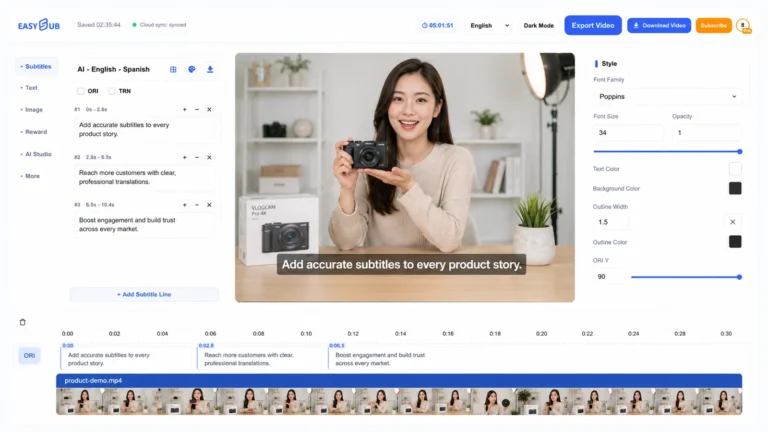
Start a new AI video, add accurate subtitles to existing media, turn speech into editable text, or prepare translated versions for a wider audience.

Browse every tool

Find the right subtitle and video workflow

Search by task or filter the full directory. Every card opens a dedicated page with details and a clear route into the EasySub workspace.

44 tools available

音声翻訳者
翻訳

音声翻訳者

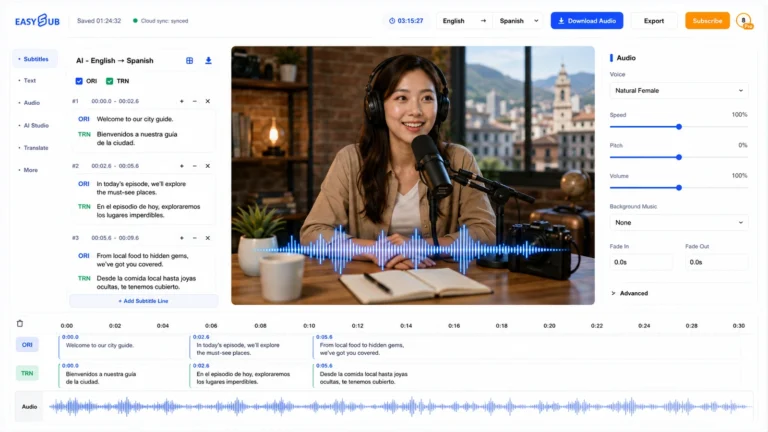
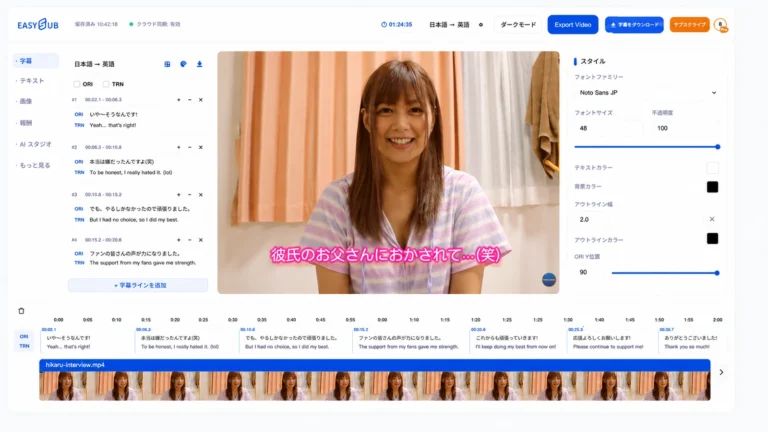
Translate audio by transcribing the source, reviewing meaning and names, and producing a timed target-language text track.

Explore tool
ChatGPT字幕
翻訳

ChatGPT字幕

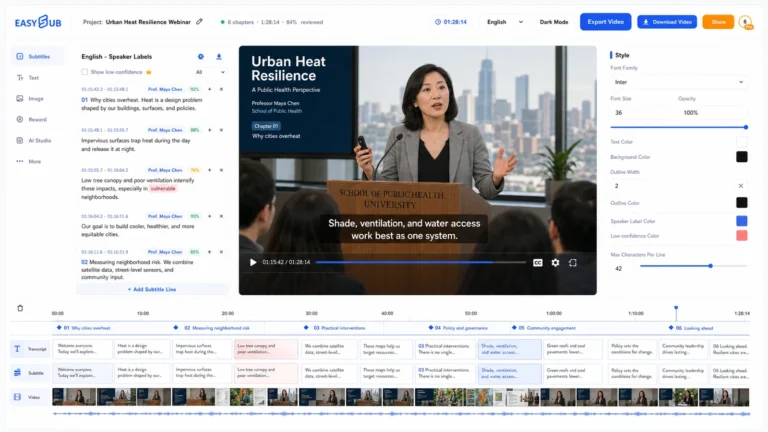
Use AI-assisted subtitle generation with a review-first workflow: transcribe, correct timing and terminology, then translate or export.

Explore tool
英語字幕
Subtitles & captions

英語字幕

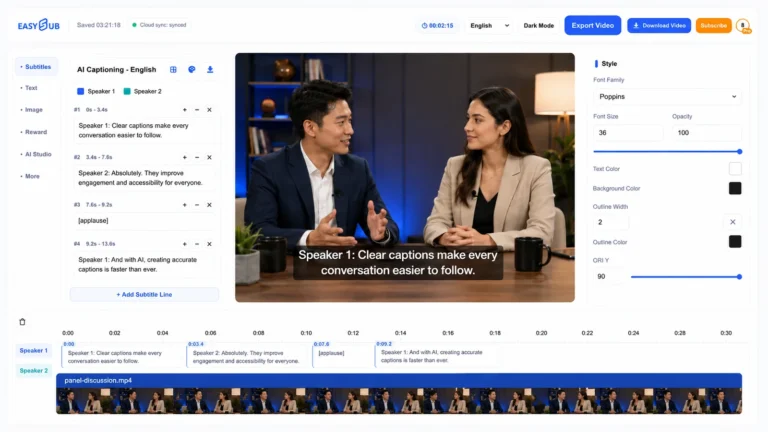
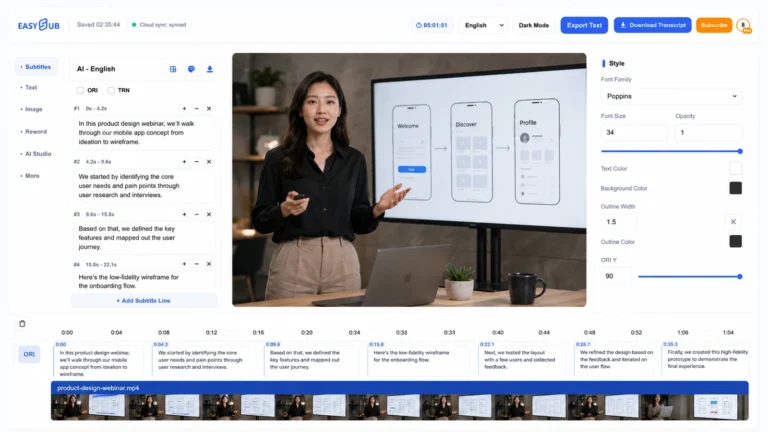
Generate English subtitles, correct names and punctuation, and export a timed caption track for accessibility or localization.

Explore tool
ドイツ語字幕
翻訳

ドイツ語字幕

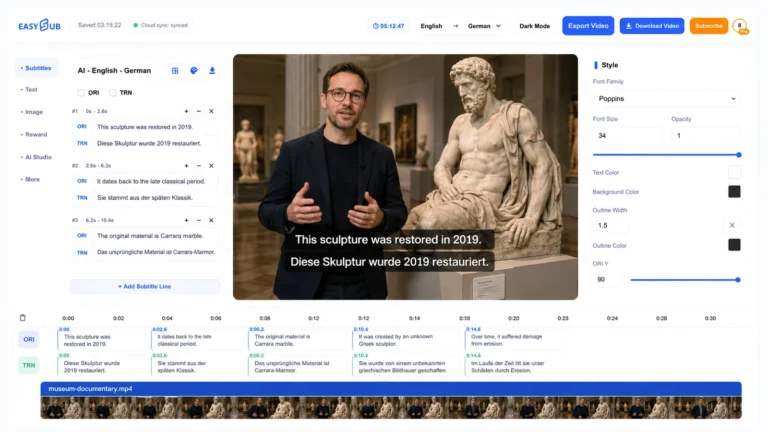
Generate German subtitles online, review compounds, names, punctuation and line length, then export a readable timed caption track.

Explore tool
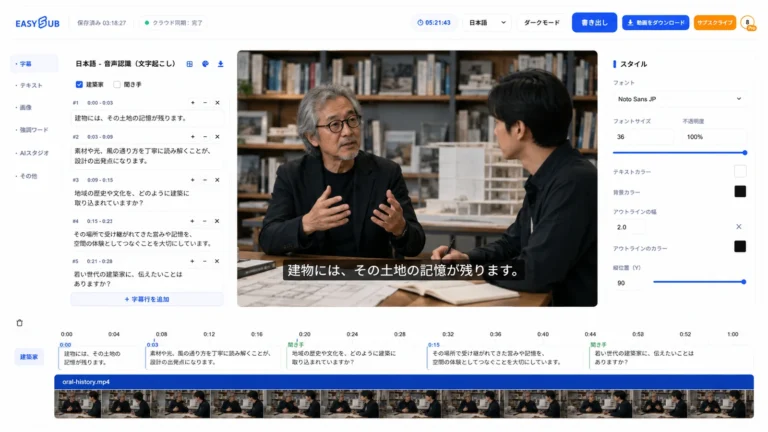
日本語転写
翻訳

日本語転写

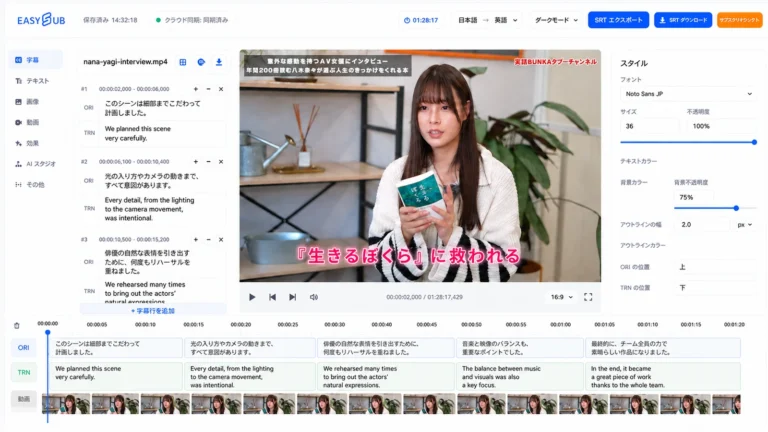
Transcribe Japanese audio or video, review word boundaries, names and specialist terms, and reuse the text for subtitles…

Explore tool
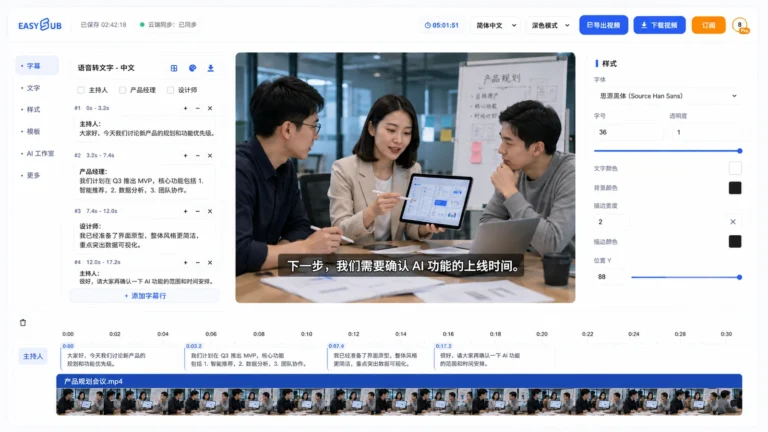
中国語の音声入力
翻訳

中国語の音声入力

中国語の音声をテキストに変換し、区切り、固有名詞、句読点などを確認し、文字起こし結果を字幕や翻訳に再利用します。.

Explore tool
字幕GPT
翻訳

字幕GPT

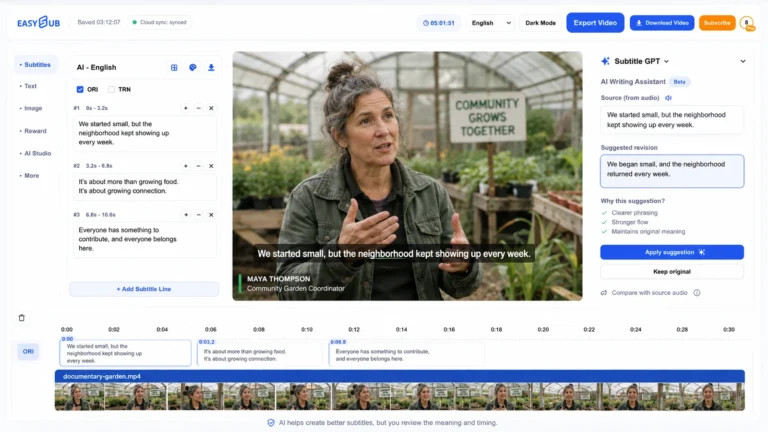
Use AI language assistance to draft and refine subtitles, while checking source audio, timing, names and context before…

Explore tool
字幕翻訳者
翻訳

字幕翻訳者

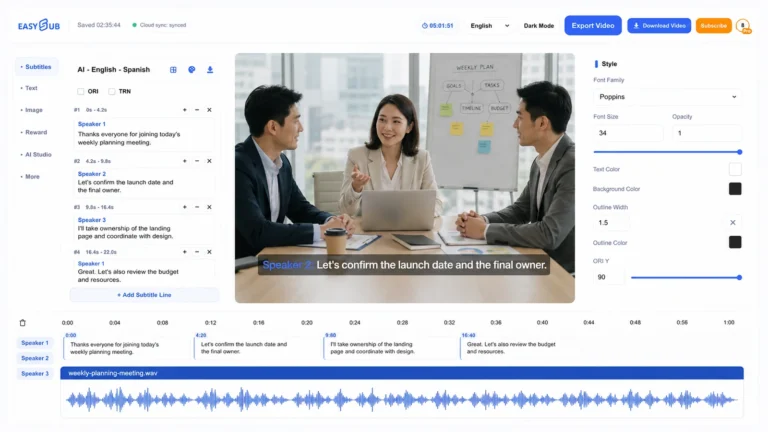
Translate subtitles online while preserving timing, then review names, context and line length before exporting each language version.

Explore tool
転写
翻訳

転写

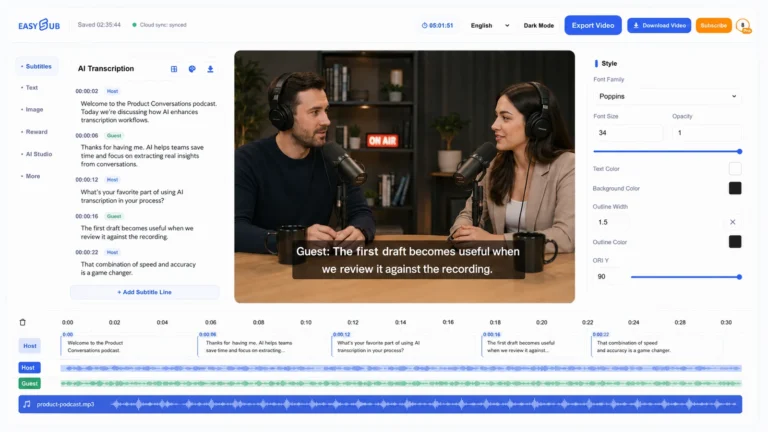
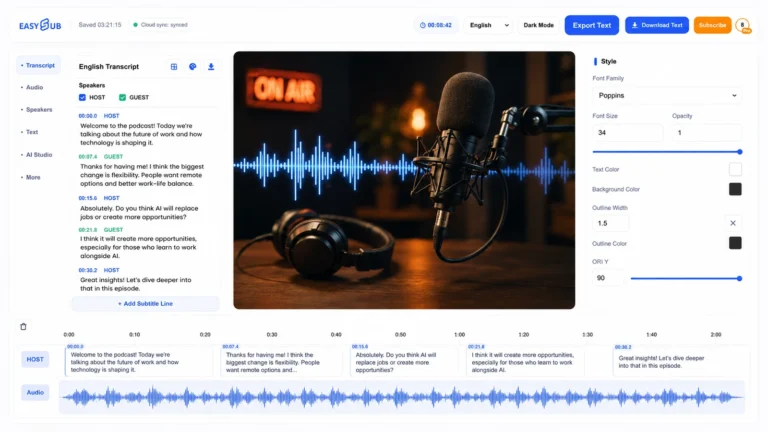
Create an editable transcription from video or audio, review uncertain passages, and prepare text for captions, notes or…

Explore tool

Tools FAQ

Create, subtitle, and translate in one platform

EasySub connects generative video workflows with the practical tools needed to make video understandable, accessible, and ready to publish.

What can I do with EasySub tools?

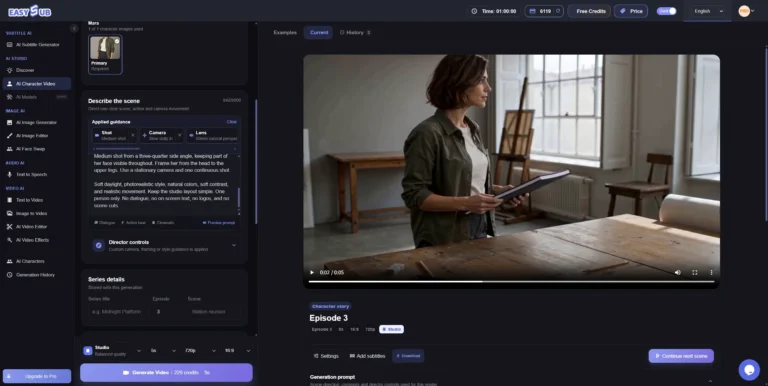
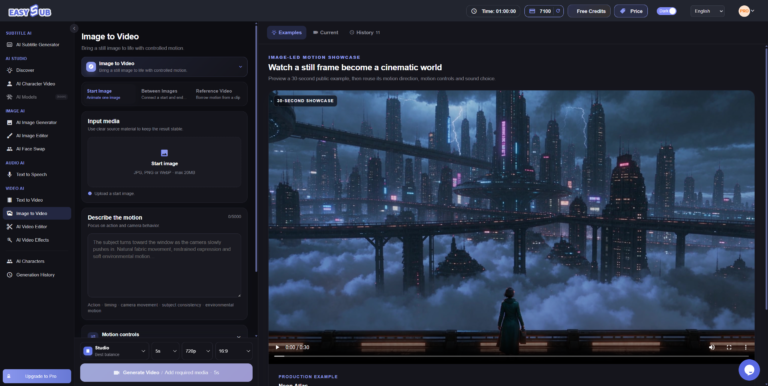
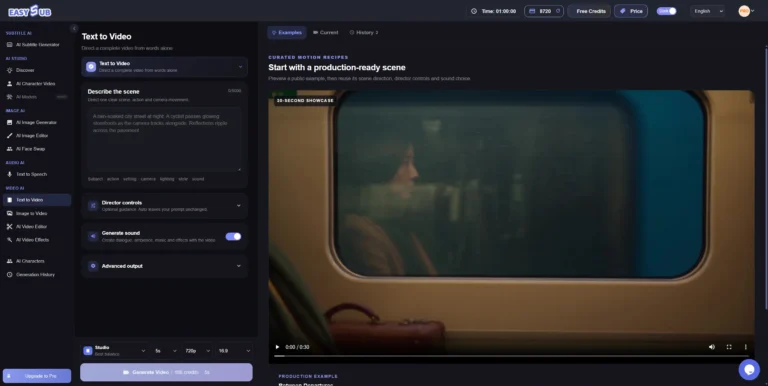
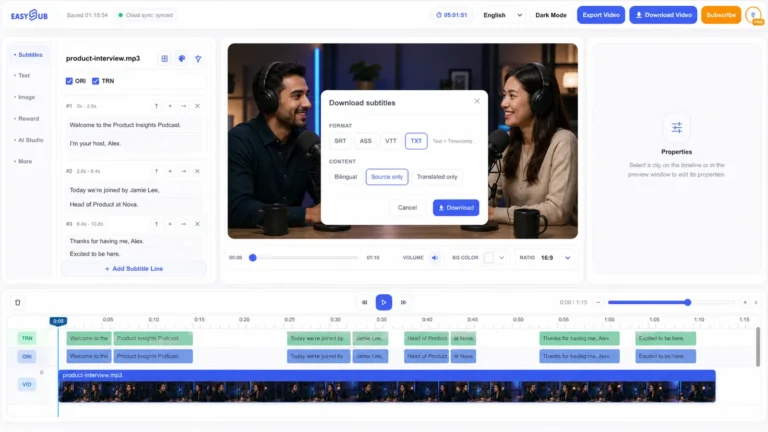
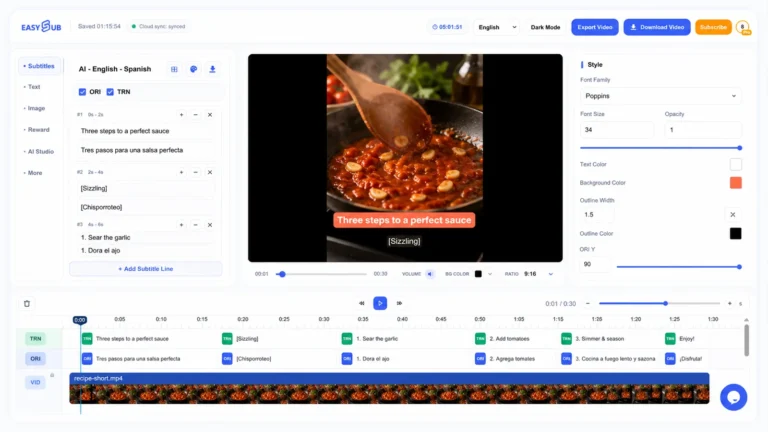
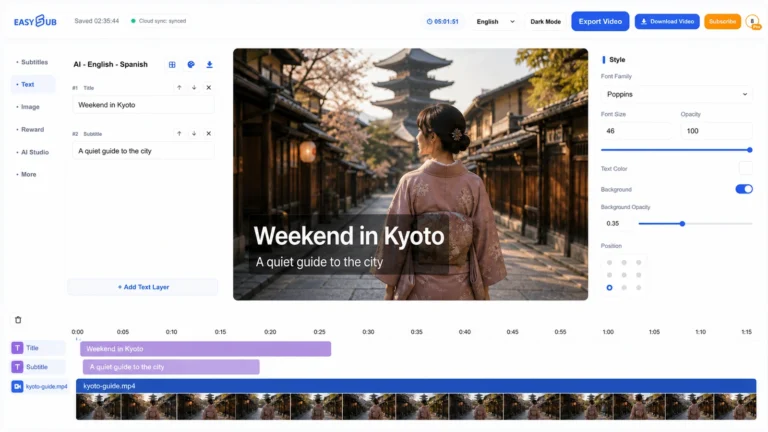
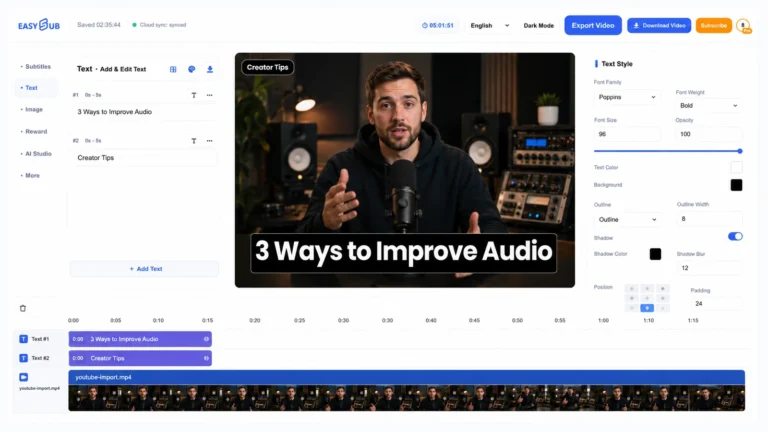
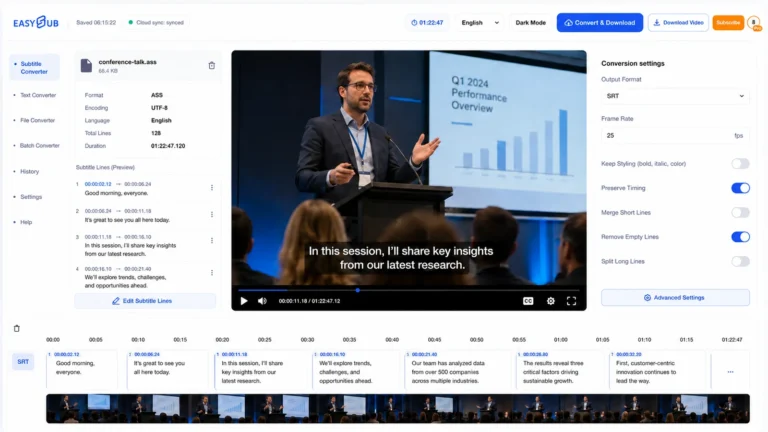
Create AI video from text or images, build recurring characters, generate and edit subtitles, transcribe speech, translate captions, and prepare common subtitle formats.

Can I generate subtitles for an existing video?

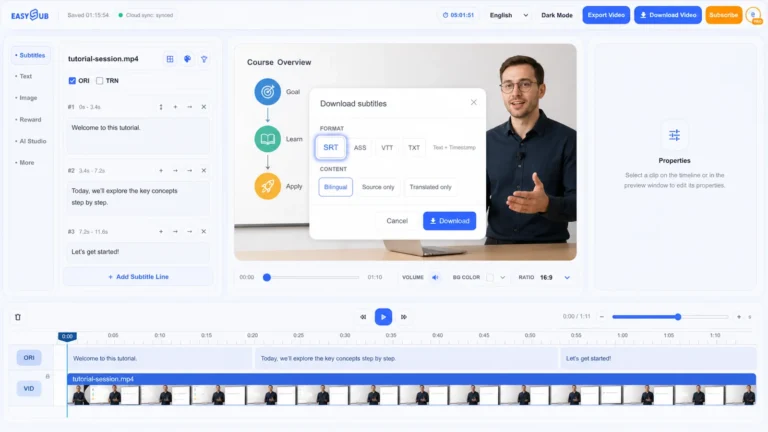
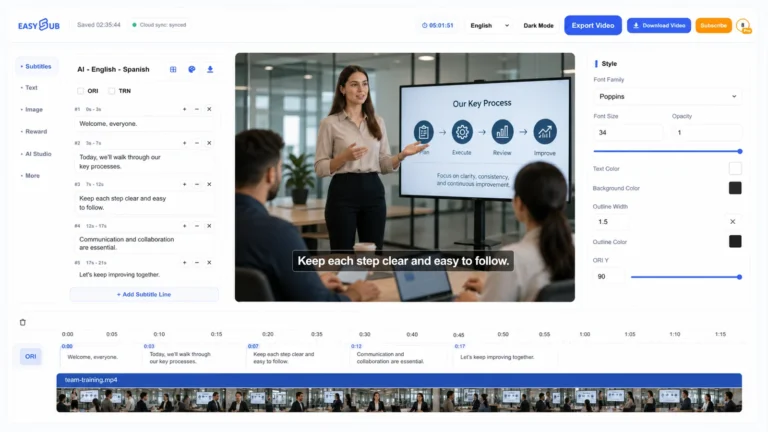
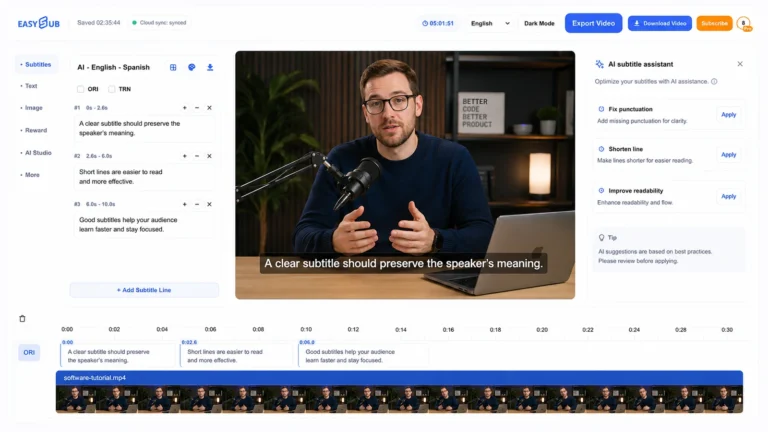
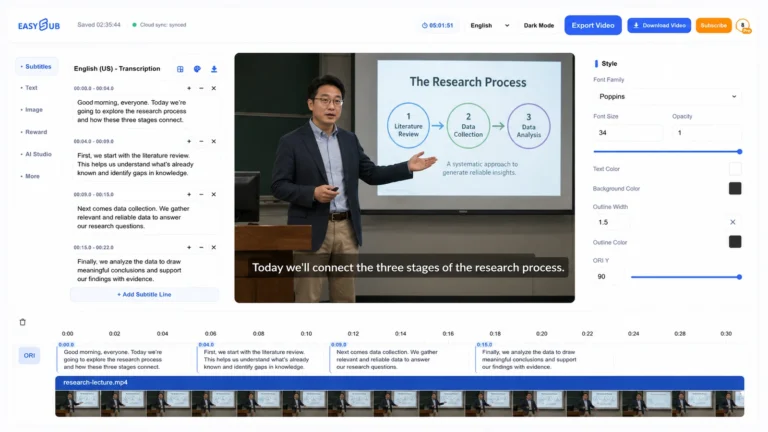
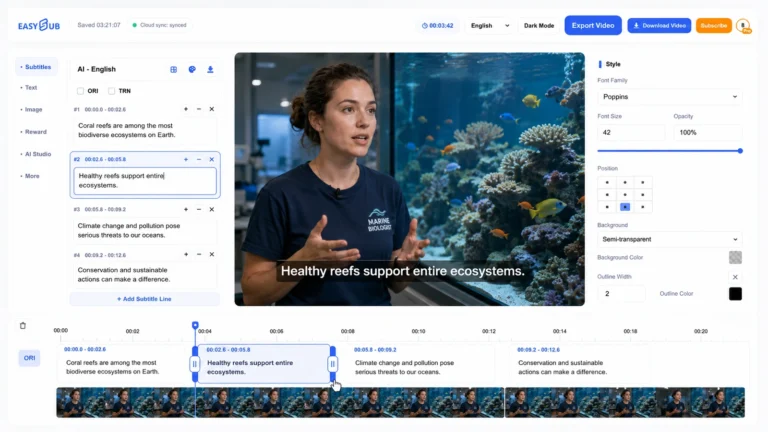
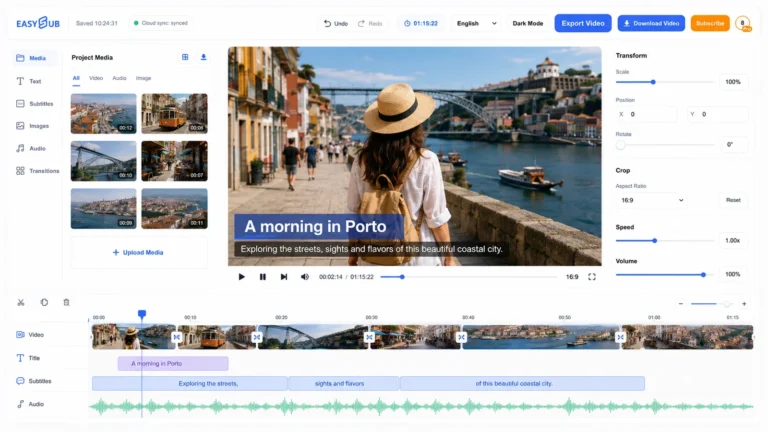
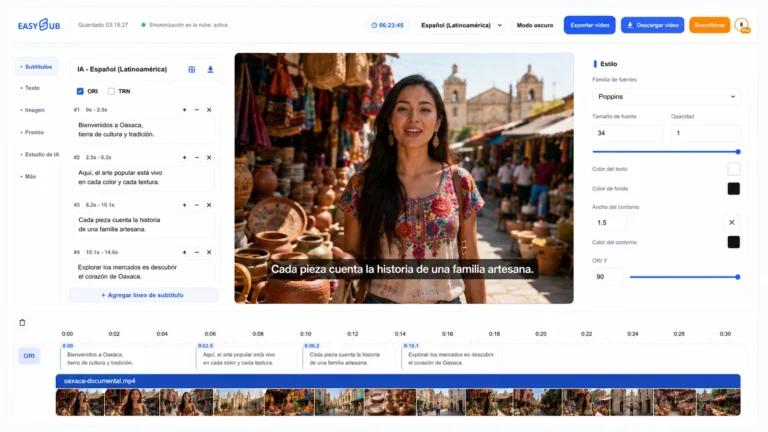
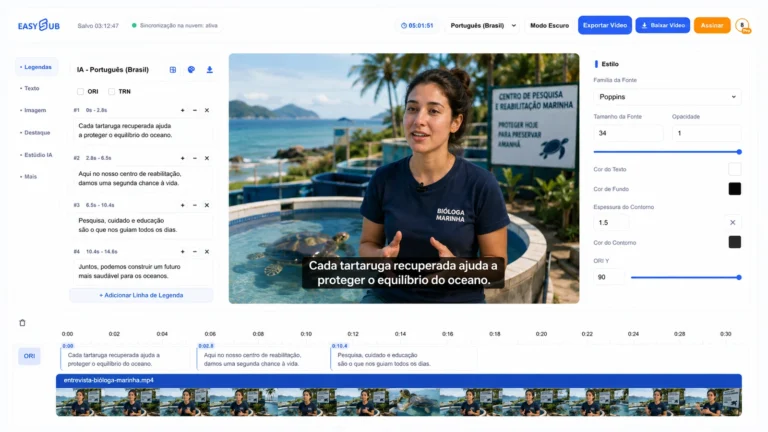
Yes. Open the subtitle workspace, add your video or audio, generate an editable subtitle track, review the timing and wording, then translate or export it.

Do the tools require a software download?

No. The listed EasySub workflows run in the browser. Some creation, upload, or export actions require an EasySub account.

How are AI video tools connected to subtitle tools?

You can create a new AI video or bring existing media, then continue with subtitles, transcription, translation, and export in the same EasySub platform.

Ready to make something?

Start with a video idea or the media you already have

DMCA
保護