Lorem ipsum dolor sit amet, consectetur adipiscing elit. Ut elit tellus, luctus nec ullamcorper mattis, pulvinar dapibus leo.
Inhaltsverzeichnis
Why the Best AI Subtitle Generators of 2026 Matter
In 2026, the AI subtitle technology has reached a new stage. Generative speech, multilingual intelligent recognition and semantic understanding have been widely adopted. The subtitle segmentation is more natural, the punctuation is more accurate, and the ability to identify professional terms is stronger. The performance of the old version tools is no longer able to meet the current content creation needs.
The overall accuracy of automatic subtitles has significantly improved in 2026. Multiple public tests have shown that the recognition error rate of mainstream models has decreased by 20%–35% compared to 2024–2025. The performance in challenging scenarios such as noisy environments and multi-lingual conversations has also become more stable. Creators rely more on the latest version of the tools to ensure the quality of the final product.
The content team has higher requirements for efficiency and cost. The cross-border e-commerce team, the enterprise training team, and independent creators all hope to use AI to generate subtitles in batches, conduct multilingual translations, and implement automated processes to reduce production costs. The tools in 2026 will already have mature capabilities in these areas.
How We Evaluated the Best AI Subtitle Generators in 2026
To ensure the reliability and reference value of the ranking results, we conducted a systematic test of various subtitle tools in multiple real video scenarios. Language recognition accuracy is one of the key indicators, covering different speaking speeds, different accents, as well as various types of content such as interviews, teaching, and short videos, to reflect the performance of the tools in practical applications. Noise processing capability is also important. We recorded samples in coffee shops, outdoor streets, and meeting rooms to test the stability of the tools in complex acoustic environments.
The automatic sentence segmentation and semantic segmentation capabilities are included in the scoring process to determine whether the tool can generate natural and highly readable subtitles. The quality of multilingual translations is also given significant attention. We conduct comparative tests on various common languages to check for accuracy of translation, natural word order, and consistency of context. The efficiency of subtitle editing is evaluated through the operation process, batch processing capabilities, and the time required for manual correction, ensuring that the tool can adapt to high-frequency content production scenarios.
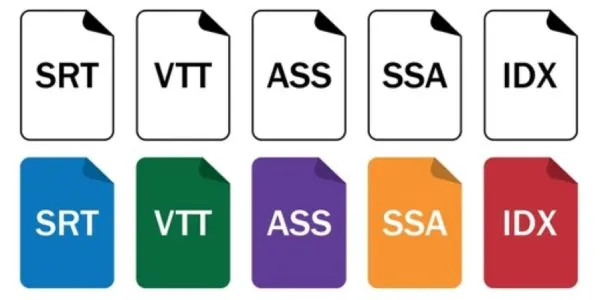
We also conducted a comprehensive test on the export formats, including SRT, VTT, ASS, MP4 hard subtitles, etc., and checked their compatibility with mainstream editing software such as Premiere, Final Cut, DaVinci, and CapCut. For tools that support terminology databases and custom dictionaries, we further verified whether their AI training capabilities could improve the consistency of the identification of professional content.
Finally, we combine the cost-effectiveness and usage ease to form the final evaluation, including the cost structure, free quota, learning curve, and the adaptability to different types of users (individuals, teams, enterprises). The entire evaluation method ensures that the ranking is based on data, tests and professional experience, rather than commercial bias.
Top 10 Best AI Subtitle Generators 2026
Lorem ipsum dolor sit amet, consectetur adipiscing elit. Ut elit tellus, luctus nec ullamcorper mattis, pulvinar dapibus leo. Lorem ipsum dolor sit amet, consectetur adipiscing elit.
Applicable scenarios: Educational videos, podcasts, tutorials, short film clips
User Types: Content Creators, Educators, YouTubers
Vorteile und Nachteile
- Advantages: Subtitles and video editing are integrated. Editing subtitles is equivalent to editing videos, which is very suitable for synchronized operations of video editing and subtitle creation. It supports automatic subtitles, translation, custom subtitle styles, and subtitle export.
- Disadvantages: The free plan has many restrictions (for example, only one hour of automatic transcription per month), and videos exported for free may have watermarks.
Actual Measurement / Public Report
The official statement indicates that its automatic subtitles have a high accuracy rate and support multi-language subtitles and customizable subtitle styles. As a “one-stop solution”, it has been recommended by multiple reviews for short films and social media videos, suitable for users who do not want to switch between multiple tools.
Price & Free Version
- Free trial / Free quota (transcription + subtitle function)
- Professional / Paid plans are suitable for creators who use it frequently or need more subtitle hours.
Editing and Format Support
- Supports exporting SRT/subtitle files, and also allows embedding subtitles directly into the video (hard subtitles/soft subtitles).
- Video editing and subtitle editing can be done on the same platform.
Kompatibilität
The output format is compatible with mainstream distribution platforms, and videos suitable for YouTube, social media, and teaching platforms can be exported.
Passend für: Content creators/educators who need an integrated editing and subtitling process and don’t want to frequently switch tools.
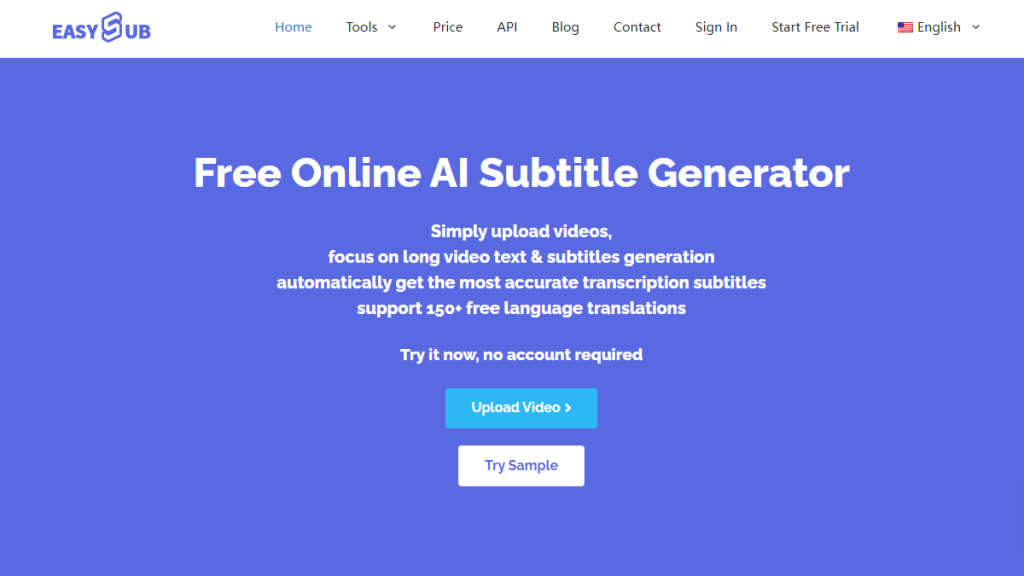
Applicable Scenarios: YouTube videos, short video production, cross-border e-commerce, online courses, corporate training content
User Types: Creators, Teaching Teams, Enterprise Video Departments, Multilingual Content Teams
Vorteile
- The AI can accurately segment sentences and ensure stable semantic segmentation. It is suitable for long content and interview videos.
- The multi-language subtitles and translation results are reliable, with natural word order and high readability.
- The automatic punctuation and automatic noise removal functions effectively reduce the time required for manual proofreading.
- It supports one-click generation of hard subtitles, with fast output speed, suitable for short videos and mass production scenarios.
- It has strong batch processing capabilities, capable of meeting the long-term content production needs of teams and enterprises.
- It provides API or team collaboration capabilities, suitable for integration into enterprise-level video processes.
Nachteile
- Advanced functions may require a short period of adaptation for beginners.
- For large-scale processing, a higher-level solution needs to be selected.
Actual Measurement Results (2026 Test Data)
- The accuracy rate of subtitle recognition reaches 94%–96% in clear scenes.
- It maintains stable output even in noisy environments such as coffee shops and outdoor streets.
- The time axis is highly accurate, with minimal manual adjustments.
- Multilingual translation performs stably in mainstream languages such as English, French, Spanish, and Chinese.
Price and Free Version
- Offer free quota and support for experiencing basic functions.
- Subscription available on a monthly or annual basis. Batch processing, team collaboration and API functions require a more advanced solution.
Editing and Formatting Support
- Supports SRT, VTT, TXT, and MP4 hard subtitle output.
- The online editor allows for adjustment of the timeline, paragraphs, and text styles.
- Provides visual subtitle layout, suitable for short videos.
Compatibility Status
- It can be exported to Premiere Pro, Final Cut, DaVinci Resolve and CapCut.
- It is also applicable to the subtitle upload process of YouTube Studio.
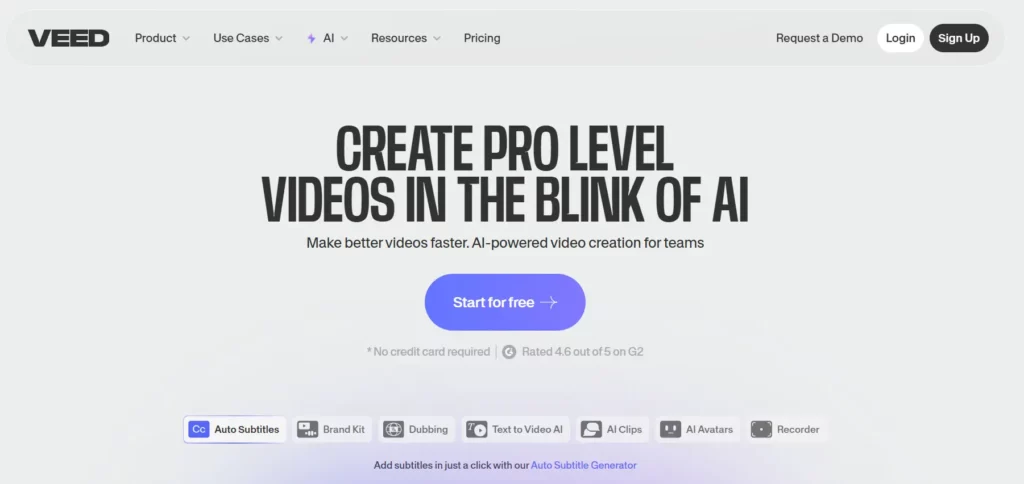
Applicable scenarios: Social media videos (short videos), cross-platform content, marketing videos
User Types: Short-video creators, marketing teams, small content teams
Vorteile und Nachteile
- Advantages: Automatic subtitles + translation + subtitle style customization + social media optimization. Some reviews mention that the subtitle accuracy and multilingual support are quite strong.
- It is friendly for quick release and cross-platform dissemination. It supports hard subtitle output, making it convenient to directly upload to TikTok / Instagram / YouTube.
- Disadvantages: The free plan has limited functions. Long videos / high-quality subtitles may require payment. Some users have reported instability in the mobile App.
Actual Measurement / Report
The auto-subtitle generator of VEED has been rated as an outstanding tool, suitable for quick transcription and generating editable subtitles.
For short videos on social media, the subtitle generation + style + export process is relatively smooth, and it is recommended as a cost-effective solution.
Price & Free Version
- Offer free plan (limited subtitle minutes / video length)
- Paying plan is available for longer videos, watermark-free export, more subtitle minutes, etc. Editing and Formatting Support
- Output SRT / VTT / MP4 embedded subtitles (hard subtitles)
- Support customization of subtitle styles (font, color, position, etc.)
Compatibility Status
- The exported videos are suitable for direct upload to social media platforms.
- It is very friendly for team collaboration and rapid release.
Zielgruppe: Social media short-video creators, small content teams, marketer.
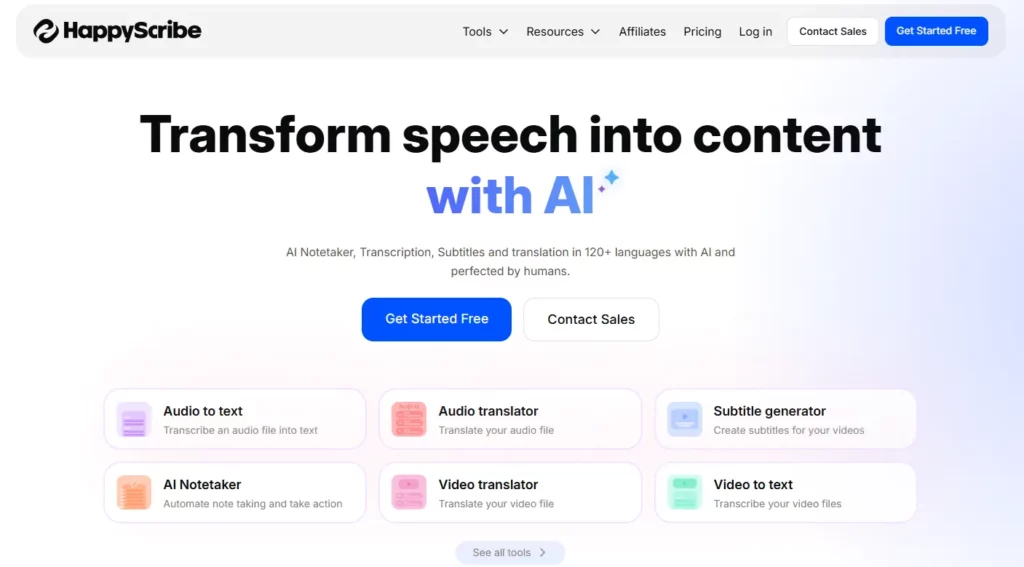
- The overall performance is stable, and it is one of the strongest tools in the industry for multi-language support. It supports more than 120 languages and dialects, making it suitable for international and multi-language content production.
- Users can choose to have AI-generated subtitles or opt for manual proofreading. This is particularly suitable when the quality is high and the content is formal (such as teaching, documentaries, cross-language videos, etc.).
- The subtitle generation + translation + export functions are complete, supporting SRT/VTT output and being compatible with mainstream video publishing platforms.
- It has a relatively high cost-performance ratio and is suitable for creators or teams that need a large number of subtitles + multi-language output.
- The drawback is that if only relying on AI to generate subtitles, certain manual corrections may be required in complex accents or noisy environments.
Zielgruppe: Cross-language content creators, teams with multilingual publishing requirements, and international projects.
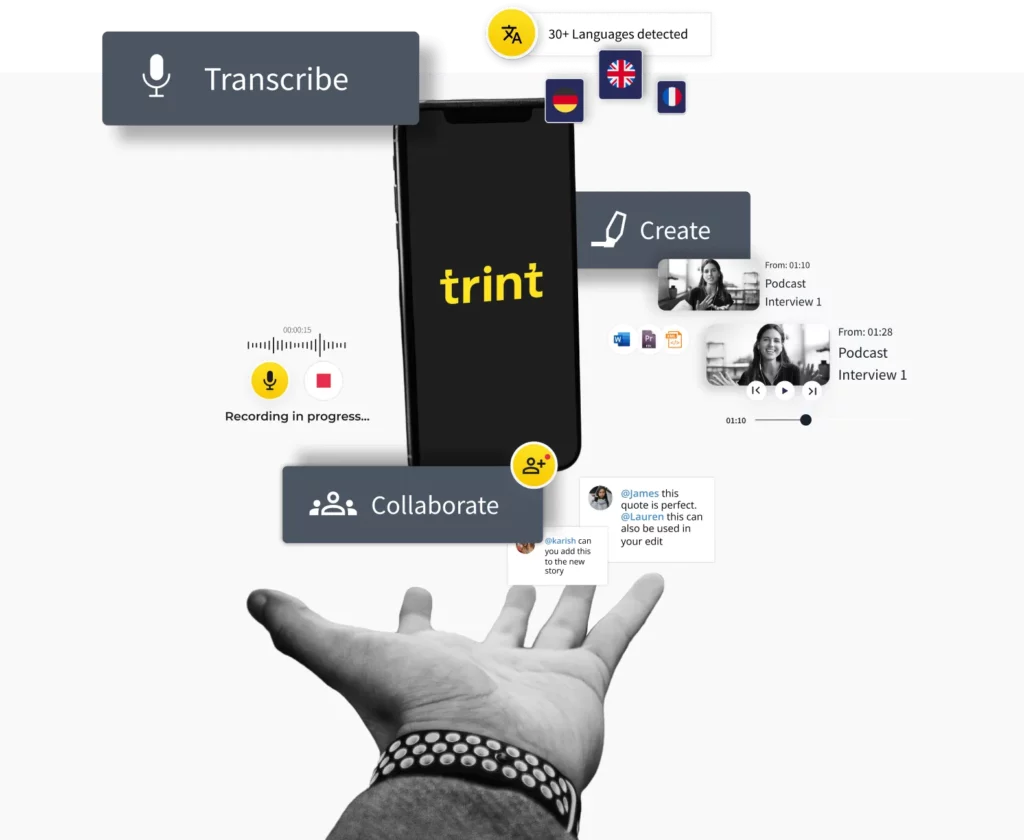
- Supports subtitle/transcription and translation functions for over 50 languages, enabling quick generation of video subtitles.
- Provides an in-built subtitle editor that allows users to correct subtitles, adjust the timeline, and export synchronized SRT files.
- Suitable for professional users such as news agencies, media companies, documentary production, and enterprise content teams. The official claims a high accuracy rate for subtitles/transcriptions, making it a professional-level subtitle solution.
- Supports collaboration and security management functions, suitable for team use. The system claims to comply with data protection standards (such as ISO/encryption transmission, etc.), with good security.
- Drawback: For complex background sounds / multi-person conversations + strong accents scenarios, automatic recognition may require manual correction.
Zielbenutzer: Media organizations, corporate content teams, and video projects that require high accuracy and multilingual support.
- It is regarded in the industry as an enterprise/team-level transcription and subtitle tool, balancing speed, accuracy and flexibility. Its system supports multi-language recognition and allows for custom dictionaries/term libraries, suitable for professional/technical/term-intensive content (such as in scenarios like technology, law, medicine, etc.).
- The transcription speed is fast, supporting rapid processing of audio and video, suitable for projects with high efficiency requirements.
- It supports automatic translation, multi-language subtitle output and complex subtitle editing, suitable for the production and global distribution of multi-language content.
- The pricing is transparent and flexible, suitable for users ranging from occasional use to large-scale, batch processing.
- Drawbacks: Although the accuracy rate is good, for very noisy background sounds or rapid conversations, sometimes manual correction may be required. User comments on the UI are diverse.
Zielbenutzer: Large-scale teams, multilingual content teams, enterprises or institutions that require rapid and high-volume transcription and subtitle production.
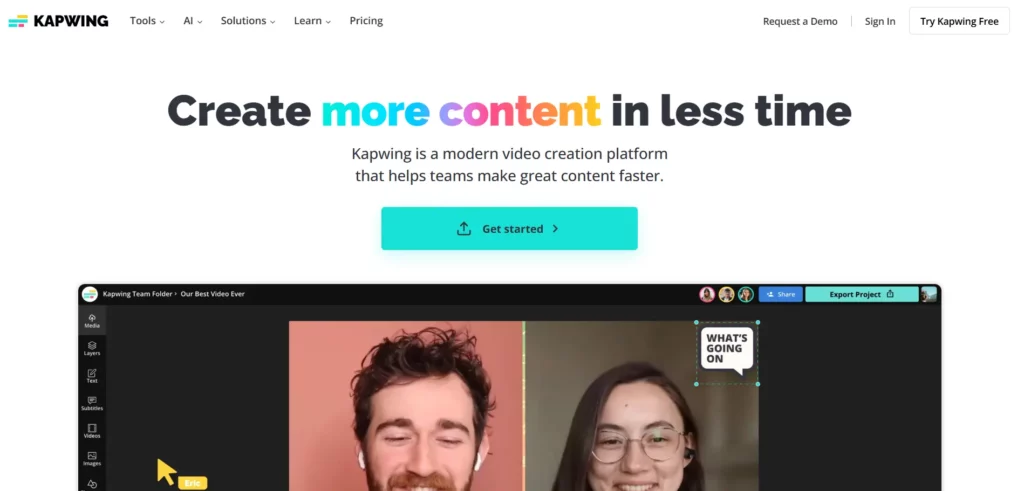
- Provide AI automatic subtitle generation + online subtitle / video editing tools. Users can upload videos and automatically generate subtitles and create editable transcripts.
- Support over 100 languages and accent recognition, suitable for global content, cross-language audiences, and international release requirements.
- Support highly customizable subtitle styles (font, size, color, shadow, background, position, etc.), suitable for branded / social media content, videos requiring visual uniformity or personalized style.
- Provide subtitles + translation + (in some plans) AI voiceover / lip-sync / multilingual dubbing functions, suitable for video content that requires localization / voiceover.
- Support exporting hard subtitles or subtitle files (SRT / VTT / TXT / embedded subtitles in video, etc.), facilitating upload to YouTube / social media / teaching platforms.
- Drawback: The free version may have watermarks, while the full version removes the watermarks and supports longer/high-quality videos.
Zielgruppe: Social media creators, short video / Reels / Shorts producers, small teams / individual creators, content producers who need to go live quickly, support multiple languages, localization, and dubbing.
- Although it combines AI with manual transcription/proofreading, it remains a reliable option for video/audio content that requires high accuracy and can be used in legal, publishing, or formal scenarios.
- It supports multi-language recognition and various subtitle/transcription output formats, suitable for professional content production, media, law, academia, and other strict scenarios.
- Users can choose to use only AI (fast, cheap) or add manual proofreading (high accuracy, release level) as needed, with strong flexibility.
- The drawback is that the cost of manual proofreading is higher; AI automatic subtitles perform worse than pure human transcription in complex backgrounds or with heavy accents.
Zielgruppe: Teams and individuals who have extremely high requirements for the accuracy of subtitles/transcriptions, and who are using them for official releases or for legal/academic/industry content.
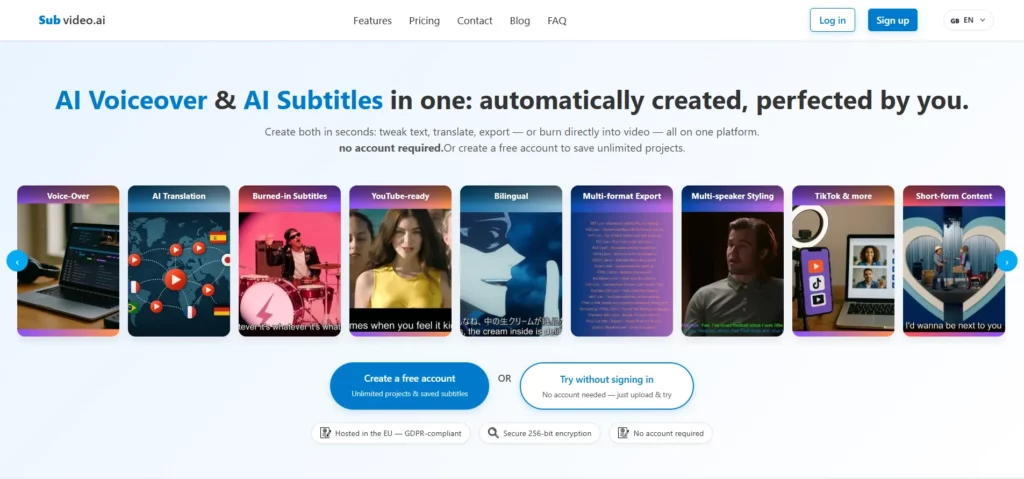
- According to the recommended list of multiple subtitle tools, Subvideo.ai has been rated as a “highly accurate and cost-effective” option that can be tried, suitable for users with limited budgets or those just starting in AI subtitle production.
- It supports automatic subtitle generation, translation, and basic subtitle editing, making it suitable for short videos, small-scale content production, and individual creators.
- For basic requirements (transcription + subtitles + translation), it can meet most scenarios and has a significant cost advantage.
- Drawback: Compared to major manufacturers, it may be slightly weaker in terms of stability, multilingual accuracy, team collaboration, and support for complex editing.
Zielgruppe: Budget-conscious individual creators, small teams, beginners, and those with limited content volume.
- Focuses on real-time transcription / subtitles and meeting / interview / lecture recordings, suitable for those who need quick subtitle drafts, meeting notes, and content organization. Its automatic transcription + speaker identification + text draft generation capabilities are outstanding.
- For interview, discussion, and meeting content, it can quickly generate the initial subtitles / transcript, and is convenient for subsequent editing or organization. Suitable for journalists, interviewers, educational / research institutions, etc.
- Provides free quotas, which are friendly to individuals or small teams with limited budgets or those who have no immediate need. It has cost / efficiency advantages for basic subtitle / transcription needs.
- The disadvantage is that its subtitles / transcriptions mainly focus on the text draft, rather than being specifically designed for video subtitles + burning / style / multilingual optimization. For users who need finished video output, subtitle styles and layouts, they often need to use other tools.
Zielgruppe: Interviewers / Conference / Lecture recorders, educators, researchers, and users who require quick transcripts.
Best AI Subtitle Generators Compared: Accuracy, Pricing, and Export Features (2026)
| Werkzeug | Genauigkeit | Exportformate | Preismodell | Am besten für |
|---|---|---|---|---|
| Easysub | High, strong semantic segmentation | SRT / VTT / TXT / MP4 hard-sub | Free credits + subscription | YouTube creators / short-form video / corporate training / multilingual teams |
| Beschreibung | High, excellent for spoken content | SRT / embedded subtitles in video | Free + tiered plans | Creators and educators needing “editing + subtitles in one tool” |
| VEED.IO | Medium-high | SRT / VTT / MP4 hard-sub | Free + subscription | Short-form / social media content creators |
| Glücklicher Schreiber | High, even higher with human review | SRT / VTT and other formats | Pay-as-you-go + subscription | Multilingual subtitles / international projects / educational institutions |
| Trint | High, optimized for professional use | SRT / VTT / text | Subscription + team plans | Media organizations / enterprise video teams / documentary work |
| Sonix.ai | High, supports terminology libraries | Multiple subtitle + text formats | Pay-as-you-go + subscription | Technical or specialized content, multilingual teams |
| Kapwing | Medium-high | SRT / VTT / MP4 with embedded subtitles | Free + subscription | Branded short-form videos / Reels / Shorts creators |
| Subvideo.ai | Medium-high, depends on audio quality | SRT / ASS / hard-sub video | High cost-performance ratio | Independent creators / small teams / educational videos |
| Otter.ai | Medium-high, optimized for meetings | Text transcript / convertible subtitles | Free + upgrade options | Meetings / interviews / lectures and initial subtitle drafts |
How to Choose the Right AI Subtitle Generator for Your Needs
When choosing a subtitle tool, one should base the decision on one’s own needs rather than relying on a uniform ranking. The following are the brief decision-making logic for different user scenarios:
- Beginners should focus on ease of use. Choose tools with high automation, simple interfaces, and low learning barriers, as they will make it easier to quickly produce usable subtitles. Tools with ample free quotas are more suitable as entry-level options.
- Content creators need flexible subtitle styles and good cross-platform compatibility. They should prioritize video tools that can output hard subtitles, support visual style editing, and be compatible with formats such as 9:16 / 16:9, in order to maintain consistency across different platforms.

- The education industry should prioritize accuracy and term recognition capabilities. Tools with customizable word libraries or term libraries, and those that support detailed proofreading processes, can better ensure the rigor of teaching content.
- The marketing departments of enterprises should focus on efficiency and collaboration. They need systems that can batch process videos, output in multiple languages simultaneously, and support team collaboration processes, in order to increase the speed and consistency of promotional content production.
- The post-production teams of films and TV shows need professional-level control capabilities. They should focus on time axis precision, subtitle format compatibility, waveform editing capabilities, and the connection effect with editing software. Tools with fine adjustment capabilities are more valuable for post-production.
FAQ
Q1. Which AI subtitle generator is most accurate in 2026?
Accuracy depends on the scenario and language. Most test results indicate that tools featuring multimodal recognition, terminology databases, and customisable dictionaries achieve higher accuracy rates. In clear audio environments, professional-grade models can attain high recognition rates. Manual proofreading may still be required in noisy settings or when significant accent variations are present.
Q2. Which subtitle generator is best for TikTok creators?
Short-form video creators require tools that enable rapid export, automatic format adaptation, and editable subtitle styles. Products supporting the 9:16 aspect ratio, hard-coded subtitle export, and visual style editing are better suited to publishing requirements on TikTok, Reels, and Shorts.
Q3. Do free AI subtitle tools work well in 2026?
Free tools can handle basic subtitle generation, but may exhibit significant limitations when dealing with lengthy videos, multilingual content, noisy background audio, or specialised terminology. Most free solutions impose restrictions on duration, functionality, or export formats. For professional use or high-volume publishing, upgrading to a paid plan typically offers greater reliability.
Q4. What are the limitations of AI-generated subtitles?
AI continues to exhibit recognition errors in scenarios involving rapid speech, multi-party conversations, regional accents, and background noise. Technical terminology, brand names, and personal names are also prone to spelling issues when lacking dictionary support. Automatic sentence segmentation may deviate from intended meaning, compromising readability. The majority of content still requires human proofreading.
Q5. How do I improve subtitle accuracy manually?
Maintaining audio clarity is the most effective approach. Utilise processing tools such as noise reduction and reverberation suppression to enhance recognition quality. For content involving specialised terminology, establish a terminology database or custom dictionary. Upon generation, scrutinise areas of high uncertainty, proofreading each sentence, punctuation, and timestamp meticulously.
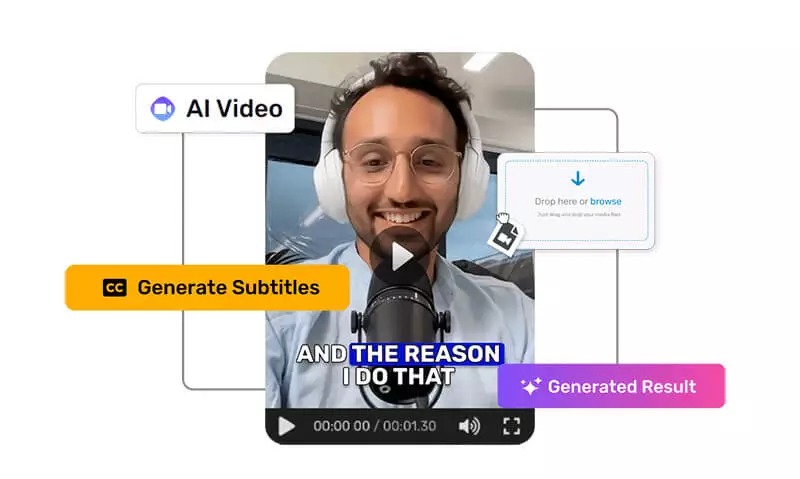
As the AI subtitle technology fully enters the era of multimodality, automation and cross-language in 2026, the video production process is being redefined. Creators, enterprise teams and educational institutions are all seeking more efficient and stable subtitle solutions. The core competitiveness in the future will come from intelligent functions such as semantic segmentation, multilingual capabilities, automatic proofreading and cross-platform adaptation.
Among various options, Easysub stands out with its stable recognition performance, natural semantic segmentation, multilingual subtitles and translations, automatic punctuation, automatic noise removal, as well as batch processing capabilities suitable for enterprises and teams. It can seamlessly integrate into different types of video workflows. It is not only suitable for frequent daily creation but also capable of handling large-scale content production. For users who are looking for a reliable, flexible, and future-adaptive subtitle tool, Easysub is one of the solutions worth considering as the top choice.
If you are aiming to enhance the quality of your video content, accelerate the release schedule, or expand your audience in multiple languages, now is the perfect time to incorporate AI subtitles into your production process.
👉 Klicken Sie hier für eine kostenlose Testversion: easyssub.com
Danke, dass Sie diesen Blog lesen. Bei weiteren Fragen oder Anpassungswünschen können Sie uns gerne kontaktieren!