As video content reaches global audiences, Spanish subtitles are becoming an essential tool for expanding into Latin American and Spanish markets. Many creators searching for “how to add Spanish subtitles to a video” are actually seeking an efficient and accurate solution. Drawing on practical experience, this article introduces several viable methods to help you add high-quality Spanish subtitles to your videos.
目錄
Why Spanish Subtitles Are Critical for Global Video Reach
- Spanish is one of the world’s most widely spoken languages, spanning Spain, Latin America, and vast bilingual communities. Omitting Spanish subtitles means actively forfeiting this enormous potential audience.
- For Latin American and Spanish markets, Spanish subtitles are often essential for full comprehension. Even for English-language videos, subtitles significantly boost viewing intent and comprehension efficiency.
- Industry data shows that a significant number of videos are played on mobile devices with the sound muted. Videos without subtitles are more likely to be skipped quickly, directly impacting completion rates and viewing duration.
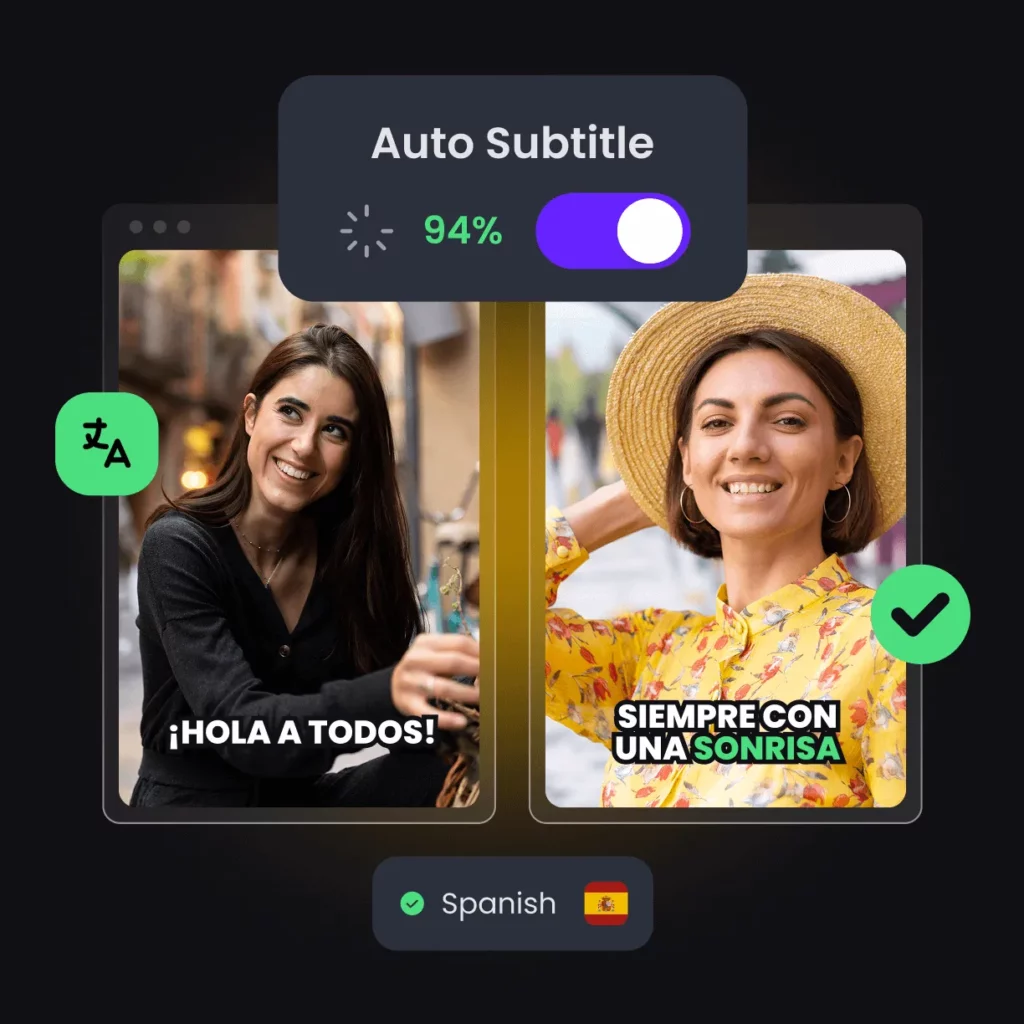
- The recommendation algorithms of platforms like YouTube, TikTok, and Instagram heavily rely on user behavior data. Subtitles improve comprehension, which helps increase engagement rates and indirectly boosts the chances of content being recommended.
- Multilingual subtitles form a crucial foundation for brand globalization. With Spanish subtitles, a single video can serve diverse markets, reducing production costs while expanding international reach.
Four Practical Ways to Add Spanish Subtitles to a Video
① Manually Translate and Add Spanish Subtitles
This is the most traditional approach. It requires manually translating the content first, then creating subtitles and timelines sentence by sentence. It offers the highest accuracy but is extremely time-consuming. It’s best suited for projects with few videos and extremely high language quality requirements.
② Add Spanish Subtitles Using Editing Software (e.g., Premiere, CapCut)
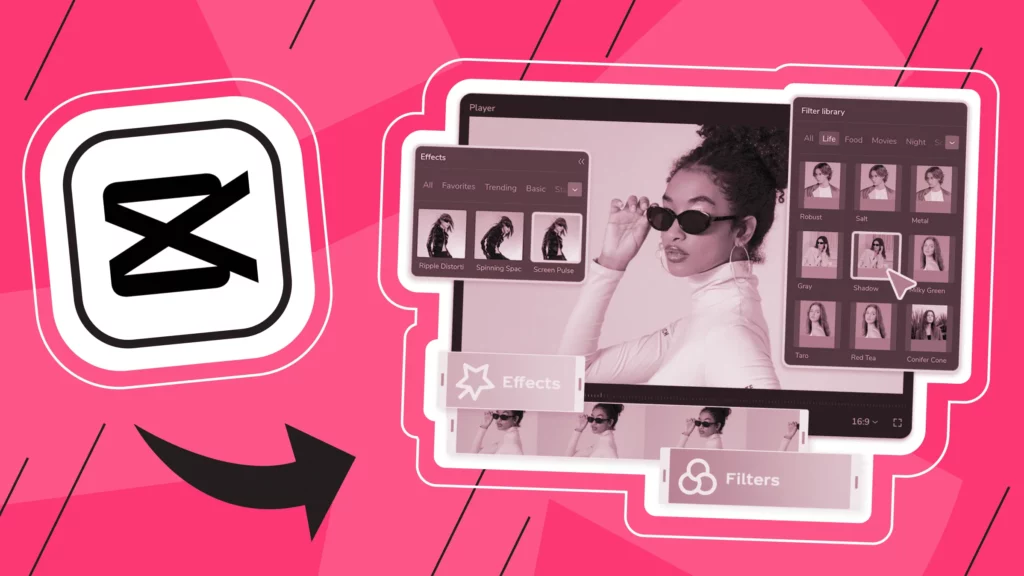
This approach suits creators already using editing software. Editing and subtitle creation can be completed within the same environment, offering moderate efficiency. Translation quality depends on human reviewers or built-in tools, making it costly for long-term, high-frequency production.
③ Using Online AI Subtitle + Translation Tools
This is currently the most mainstream practice. AI automatically generates subtitles and translates them into Spanish, followed by human proofreading. It offers fast turnaround, controllable accuracy in most scenarios, and is better suited for creators and teams producing consistent content.
④ Uploading Spanish Subtitle Files to Platforms (e.g., YouTube)
If you already have ready-made SRT or VTT files, you can upload them directly to the platform. This method is simple to operate but requires the subtitle files to be pre-made, making it more suitable as the final step in the workflow.
For most creators and teams, using online subtitle tools is the most efficient and reliable way to add Spanish subtitles. This process balances speed and control, making it suitable for YouTube, TikTok, Instagram, as well as course and brand videos.
第一步—上傳您的視頻
.png)
The first step is to upload your video file. Mainstream online subtitle platforms typically support common formats like MP4, MOV, and AVI, allowing you to start processing without complex setup.
- Audio clarity directly impacts subtitle quality. Videos with clear speech and minimal background noise yield better recognition and translation results.
- Professional recording equipment isn’t required, but avoid excessive background music or multiple speakers talking simultaneously.
- For longer videos, consider splitting them into chapters or segments for easier proofreading and editing later.
Step 2 – Generate Subtitles or Translate to Spanish
When generating Spanish subtitles, two common approaches exist, depending on the video’s original language:
English → Spanish Translated Subtitles
This is the most common approach. AI first recognizes the English audio and then automatically translates it into Spanish. It’s efficient and suitable for international content.
Direct Recognition of Spanish Audio
If the video is originally in Spanish, direct speech recognition typically yields higher accuracy and fewer translation errors.
From an accuracy standpoint, direct recognition of Spanish audio yields the best results. Translated subtitles require extra attention to ensure natural semantics and avoid stiff expressions caused by literal translations.
-1024x351.png)
Spanish subtitles almost always require proofreading. This is a crucial step to ensure release quality.
- Common errors include incorrect verb conjugations, gender-specific word usage mistakes, and differences between Latin American Spanish and Castilian Spanish.
- Sentence structures copied directly from English may not align with Spanish reading habits and require appropriate adjustments.
- A good subtitle editor should support line-by-line editing, precise timeline adjustments, and real-time previews of subtitle effects.
Simple proofreading often significantly improves subtitle quality.
Step 4 – Export or Burn-in Spanish Subtitles
-1024x598.png)
After proofreading, choose the appropriate export format based on your publishing platform.
Ideal for platforms like YouTube that support standalone subtitle files. Facilitates future edits and multilingual management.
內嵌字幕
Embed subtitles directly into the video frame. Ideal for TikTok and Instagram to prevent subtitles from failing to display due to device or settings issues.
Regarding platform recommendations: YouTube is better suited for uploading subtitle files; TikTok and Instagram typically favor videos with subtitles already embedded.
How Easysub Helps You Add Spanish Subtitles More Efficiently
Where Easysub Fits in the Subtitle Process
In the process of adding Spanish subtitles, Easysub primarily covers three key stages: generation, editing, and export. After uploading a video, the system can rapidly generate subtitles and complete Spanish conversion, then proceed to the editable phase, and finally export files or hard-coded subtitles according to platform requirements. This centralized workflow minimizes time wasted switching between tools.
Real Pain Points Easysub Addresses
For many users creating Spanish subtitles, the biggest challenge isn’t “can I translate?” but rather efficiency and control.
- For translation efficiency, auto-generated draft subtitles drastically cut prep time, allowing users to focus on proofreading rather than starting from scratch.
- For editing control, line-by-line adjustments with a clear timeline facilitate corrections for verb conjugations, gendered terms, or regional variations.
- For multilingual scalability, the workflow seamlessly extends to other languages after Spanish completion, ideal for teams maintaining long-term multilingual content.
How It Differs from Traditional Editing Software
Compared to pure editing software, Easysub focuses exclusively on subtitles. It requires no complex editing operations and doesn’t rely on local hardware configurations. All subtitle-related work is done within the browser, creating a lighter workflow. For users frequently handling multilingual subtitles, this approach scales more easily without repeatedly setting up complex editing environments.
Why This Matters for Long-Term Content Creation
As video volumes grow, multilingual subtitling becomes an ongoing task. A tool centered around subtitles—supporting generation, editing, and export—facilitates stable workflows. Easysub functions more as a dedicated “subtitle workflow tool” than an add-on feature within editing software, making it more practical for multilingual scenarios.
Manual vs AI Spanish Subtitles – Which Is Better?
| 比較標準 | Manual Spanish Subtitles | AI Spanish Subtitles |
|---|---|---|
| 時間成本 | Very high. Requires manual translation, line-by-line subtitle creation, and timeline adjustment. | Relatively low. Subtitle drafts can be generated in minutes, with most time spent on review. |
| Translation Accuracy | Theoretically the highest. Full control over meaning and regional word choices. | Medium to high. Performs well with clear audio, but still requires manual refinement. |
| 可擴展性 | Very limited. Costs and time increase rapidly as video volume grows. | Highly scalable. Supports batch processing and multilingual expansion, suitable for large-scale use. |
| Suitability for Long-Term Content Production | Suitable for a small number of high-requirement projects, such as official releases or core brand content. | Better suited for long-term, high-frequency creation. AI plus human review is more sustainable. |
From an industry perspective, purely manual subtitling is no longer suitable for most content teams. AI-generated subtitles combined with human proofreading strike a more realistic balance between efficiency and quality, and will be the mainstream subtitling solution by 2026.
Spanish Subtitle Tips for YouTube, TikTok, and Instagram
Different platforms feature distinct content formats and recommendation mechanisms. Spanish subtitles must be optimized for each platform’s characteristics to deliver an enhanced viewing experience and maximize dissemination effectiveness.
YouTube
Uploading SRT or VTT subtitle files offers greater flexibility. Subtitles can be modified at any time and facilitate the addition of other language versions later.
Multilingual subtitle management helps reach diverse regional audiences with a single video, making it ideal for international content.
TikTok
Most users watch videos without sound, making hard-coded subtitles nearly essential.
Spanish speakers tend to read faster; keep subtitle sentences concise to prevent overcrowding and comprehension issues.
Videos are primarily viewed in quick-scroll mode; subtitles should use short sentence structures to highlight key information.
Font size must be sufficiently large to ensure clear readability on small screens.
Subtitle placement should avoid UI areas like the like button, comments section, and progress bar to prevent obscuring by interface elements.
Adjusting subtitle formats according to platform differences is a crucial detail for enhancing the overall performance of Spanish-language video content.
FAQ – How to Add Spanish Subtitles to a Video
Q1. Can I add Spanish subtitles for free?
是的,很多。 線上字幕工具 offer free quotas suitable for short videos or testing purposes. However, free versions typically have limitations on duration, export formats, or the number of subtitles. For long-term or bulk Spanish subtitle production, paid plans provide greater stability.
Q2. Do I need to speak Spanish?
Not necessarily. AI subtitle tools can automatically recognize the original audio and translate it into Spanish. For videos with clear audio, the generated subtitles meet most publishing requirements. However, basic proofreading is recommended to ensure natural language flow.
Q3. How accurate are AI Spanish subtitles?
AI Spanish subtitles achieve high accuracy with clear speech and moderate speaking pace. Common issues include verb conjugations, gendered pronouns, and regional variations, making human proofreading essential.
Q4. Should I translate or transcribe in Spanish?
If the original audio is in English, transcribing first and then translating into Spanish is generally more efficient. If the original audio is already in Spanish, direct transcription typically yields higher accuracy with fewer translation errors.
Q5. Should I burn Spanish subtitles into the video?
This depends on the platform. YouTube is better suited for uploading SRT or VTT files, facilitating future edits and multilingual management. TikTok and Instagram recommend using hard-coded subtitles to ensure they display correctly during silent playback.
Conclusion – The Smart Way to Add Spanish Subtitles in 2026
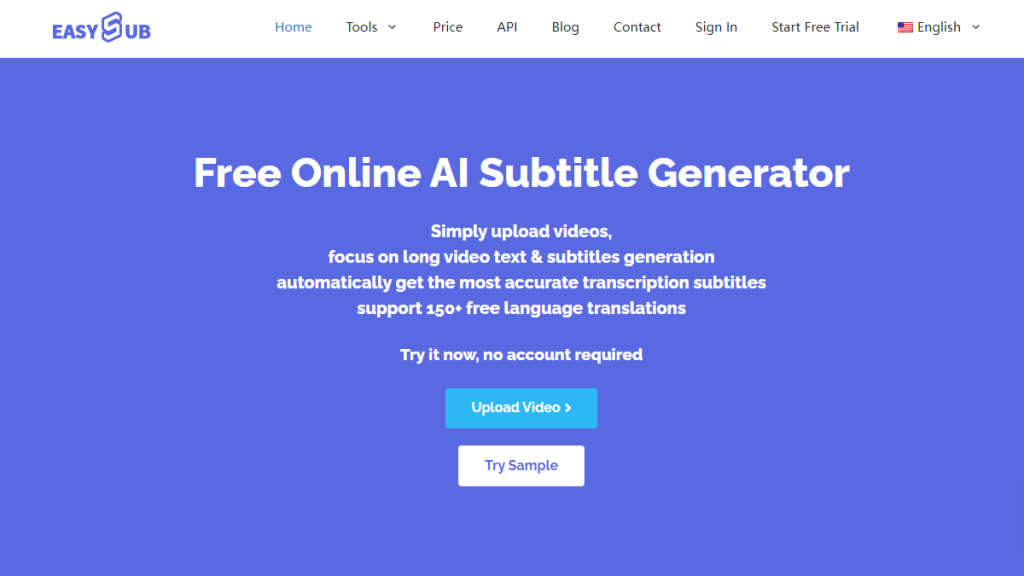
If you’re seeking the best practices for adding Spanish subtitles to a video, the answer in 2026 is relatively clear. The most practical and sustainable approach involves using AI to automatically generate subtitles, followed by human editing for necessary proofreading. This workflow ensures both efficiency and linguistic quality.
While purely manual Spanish subtitling offers high precision, it’s unsuitable for long-term or high-frequency content creation. Relying solely on automatic translation often leads to issues with grammar, word choice, and regional variations. AI-generated drafts combined with targeted human corrections have become the more realistic industry choice.
Within this trend, online subtitling tools like Easysub seamlessly integrate into the subtitling workflow. Emphasizing auto-generation, editability, and multilingual scalability, it suits creators and teams aiming for consistent Spanish subtitle output while gradually expanding their international audience. Long-term, Spanish subtitles not only enhance individual video performance but directly impact content’s global dissemination potential. Establishing standardized, high-quality subtitling workflows early strengthens content competitiveness across diverse markets.
👉 點此免費試用: easyssub.com
感謝您閱讀本部落格。. 如有更多問題或客製化需求,請隨時與我們聯繫!