Do leta 2026 bo rast video vsebin močno presegla prejšnje stopnje. Na YouTubu, TikToku ali v kratkih videoposnetkih in navodilih za e-trgovino so kakovostnejši podnapisi nujni za izboljšanje izkušenj pri gledanju. Hkrati so se zaradi vse večjih zahtev po objavljanju v različnih jezikih podnapisi iz “možnosti” spremenili v “nujnost”. V primerjavi s tradicionalno namizno programsko opremo so spletna orodja za podnapise lažja, hitrejša in primernejša za ustvarjalce, ki pogosto posodabljajo vsebino. Ker podnaslavljanje z umetno inteligenco vstopa v obdobje semantičnega prepoznavanja, so segmentacija stavkov, ločila in prevajanje postali bolj inteligentni. Izbira resnično zanesljivega Najboljši spletni generator podnapisov je postala osnovna zahteva za številne uporabnike. V tem članku je na podlagi testiranja v resničnem svetu in strokovnega ocenjevanja predstavljen avtoritativen vodnik, ki vam bo pomagal najti najprimernejše orodje za podnapise.
Kazalo vsebine
Kako smo ocenili najboljše spletne generatorje podnapisov?
Da bi zagotovili, da so rezultati razvrščanja strokovni in dragoceni za referenco, je bilo to ocenjevanje izvedeno na podlagi scenarijev uporabe v resničnem svetu in postopkov ročnega preverjanja, ne pa zgolj z zbiranjem opisov funkcij. Preizkusili smo približno 80 videoposnetkov različnih vrst, vključno z intervjuji, vlogi, kratkimi videoposnetki, vsebinami tečajev, govori z več poudarki in posnetki iz hrupnih okolij, da bi simulirali dejanske scenarije uporabe ustvarjalcev in ekip. Vsa orodja smo primerjali pod enakimi pogoji, končne uvrstitve pa smo določili s kombinacijo subjektivnih in objektivnih kazalnikov.
Vključene so bile dimenzije vrednotenja:
- Natančnost prepoznavanja: Razlike v uspešnosti v čistem zvoku in hrupnih okoljih
- Samodejna segmentacija in ločila: Možnost ustvarjanja naravnih in berljivih napisov
- Kakovost večjezičnega prevajanja: Sintaktična struktura, semantični pomen in medjezikovna skladnost: skladenjska struktura, semantični pomen in medjezikovna skladnost
- Izkušnje spletnega urednika: Tekočnost delovanja, učinkovitost urejanja, krivulja učenja
- Raznolikost formata izvoza: Podpora za SRT, VTT, TXT, podnapise s trdim kodiranjem itd.
- Stroškovna učinkovitost: Brezplačna stopnja, struktura naročnine, cenovna dostopnost za različne uporabnike
- zmožnosti skupinskega sodelovanja: Podpora za večuporabniško urejanje in souporabo projektov
- Izkušnje z brskalnikom: Možnost delovanja brez namestitve, pripravljen za takojšnjo uporabo
10 najboljših spletnih generatorjev podnapisov za leto 2026
Naslednji pregled temelji na obsežnem testiranju s pravimi videoposnetki, ročnem popravljanju in izkušnjah z uporabo na več platformah, da bi zagotovili strokovno in preverljivo vsebino. Vsako orodje je dosledno ocenjeno glede na ciljno občinstvo, prednosti, omejitve, cenovno strukturo in podporo formatov.
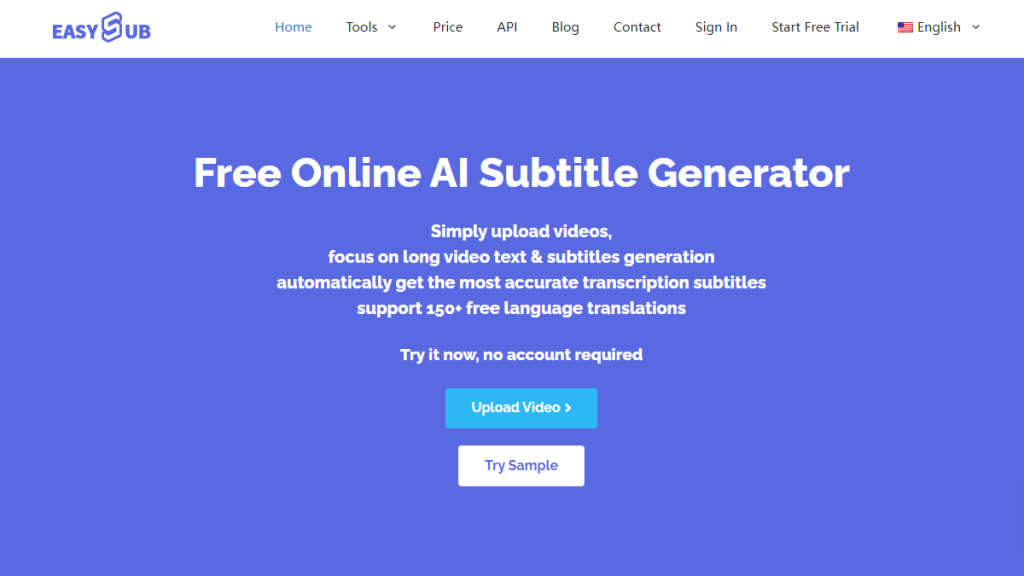
Idealni uporabniki: Ustvarjalci YouTuba, upravljavci TikToka, ekipe za izobraževalne vsebine in ekipe v podjetjih, ki potrebujejo večjezične vsebine.
Prednosti: Robustno semantično prepoznavanje umetne inteligence zagotavlja naravno segmentacijo stavkov z visoko natančnostjo pri različnih hitrostih govora in scenarijih. Spletni urejevalnik se hitro naloži z gladkim delovanjem, kar je idealno za pogosto urejanje in izdelavo kratkih videoposnetkov. Samodejna ločila in zmanjševanje šumov znatno zmanjšata čas ročnega popravljanja. Večjezični podnapisi in prevodi delujejo zanesljivo, saj z enim klikom ustvarite videoposnetke SRT, VTT ali podnapise s trdim kodiranjem. Robustne zmogljivosti paketne obdelave ustrezajo skalabilni produkciji vsebin za ekipe in podjetja.
Slabosti: Napredne funkcije zahtevajo učenje. Pri scenarijih, ki zahtevajo izjemno natančno prepoznavanje strokovne terminologije, je še vedno potrebno ročno popravljanje.
Cene in brezplačna različica: Za začetne preizkuse ponuja brezplačna sredstva; polna uporaba poteka po naročniškem modelu.
Podprti formati za izvoz: SRT, VTT, TXT, videoposnetki z vdelanimi podnapisi (trdo kodirani).

Idealni uporabniki: Ustvarjalci podkastov, izobraževalci, uporabniki YouTuba in uporabniki, ki želijo urejati videoposnetke neposredno s podnapisi.
Prednosti: Poglobljena integracija podnapisov z urejanjem videoposnetkov, ki omogoča neposredno spreminjanje vsebine videoposnetka s spremembami besedila. Visokokakovostni samodejni podnapisi, ki so še posebej učinkoviti pri govorjeni vsebini. Vgrajena večjezična podpora za različne vrste vsebin.
Slabosti: Pomembne omejitve v brezplačni različici; na učinkovitost izvoza dolgih videoposnetkov lahko vpliva zmogljivost naprave.
Cene in brezplačna različica: Na voljo je brezplačen preizkus; za polno funkcionalnost je treba skleniti naročnino na večstopenjske načrte.
Podprti formati za izvoz: SRT, podnapisi, vgrajeni v video, in več formatov za urejanje.
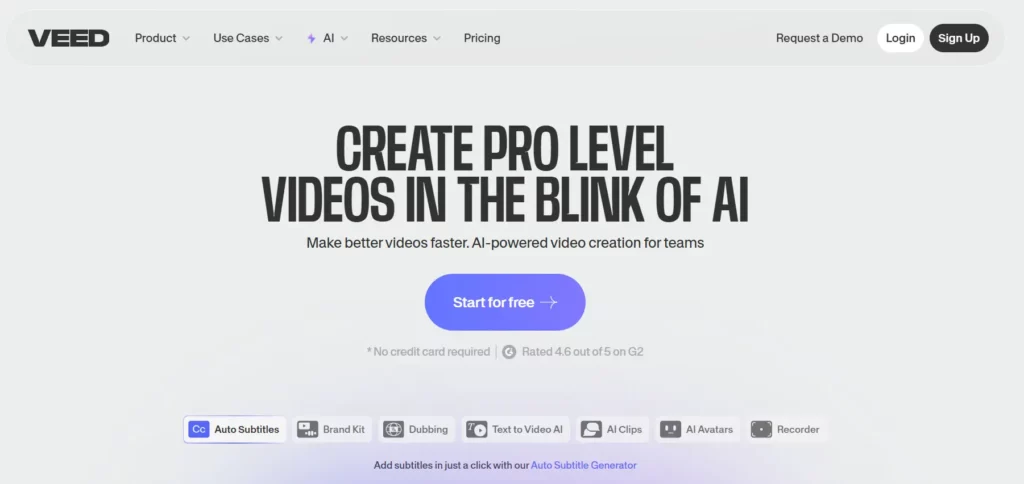
Idealni uporabniki: Ustvarjalci in ekipe za trženje programov TikTok, Reels in Shorts.
Prednosti: Racionaliziran vmesnik za hitro ustvarjanje podnapisov v kratkih videoposnetkih. Omogoča urejanje vizualnega sloga podnapisov, kar omogoča dosledno predstavitev blagovne znamke. Dobro obvladuje različna razmerja stranic videoposnetkov.
Slabosti: Brezplačna različica omejuje kakovost izvoza; nekatere napredne funkcije zahtevajo naročnino.
Cene in brezplačna različica: Brezplačna različica ustreza osnovnim potrebam; za profesionalne funkcije je potrebna naročnina.
Podprti formati za izvoz: SRT, VTT, podnapisi v videoposnetku.
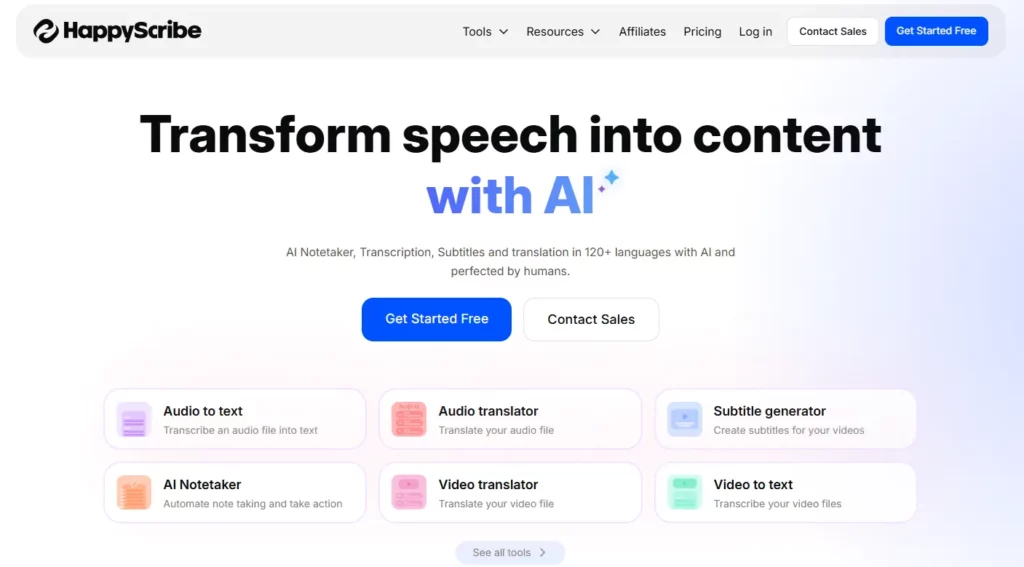
Idealni uporabniki: Medjezikovne založniške skupine, izobraževalne ustanove, producenti dokumentarnih filmov.
Prednosti: Podpira podnapise in prevode v več kot 120 jezikov z visoko natančnostjo. Za visokokakovostne videoposnetke, namenjene za uradno objavo, ponuja možnost človeškega lektoriranja.
Slabosti: Pri vsebini z veliko terminologije lahko samodejni napisi še vedno zahtevajo ročne popravke.
Cene in brezplačna različica: Plačilo po načelu "plačaj" ali naročnina. Načrti Premium stanejo več, vendar zagotavljajo kakovost.
Podprti formati za izvoz: Več formatov datotek, vključno s SRT, VTT, TXT in drugimi.
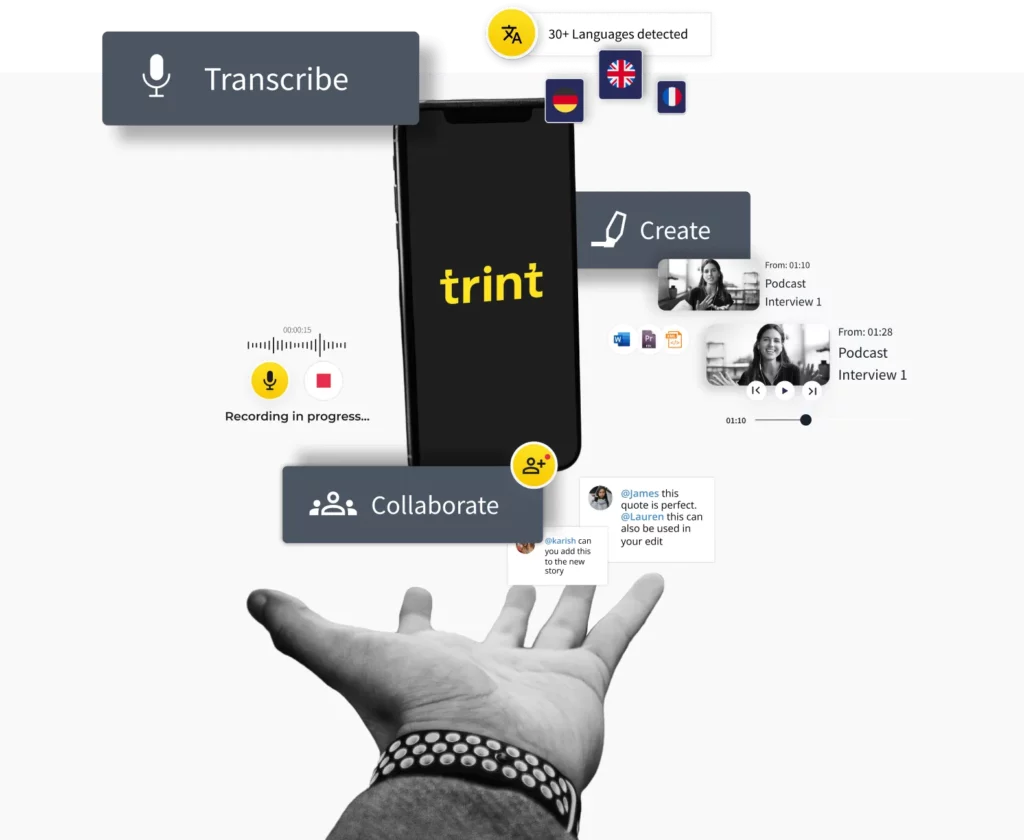
Idealni uporabniki: Medijske organizacije, ekipe za usposabljanje v podjetjih, ekipe za produkcijo dokumentarnih filmov.
Prednosti: Visoka natančnost prepoznavanja, primerna za formalno vsebino. Brezhibna integracija z delovnimi tokovi skupinskega sodelovanja, podpira hkratno urejanje s strani več uporabnikov.
Slabosti: Vmesnik z veliko funkcijami lahko zahteva čas, da ga novi uporabniki osvojijo.
Cene in brezplačna različica: Predvsem na podlagi naročnine, primerno za profesionalne ekipe.
Podprti formati za izvoz: SRT, VTT, besedilne datoteke.
Idealni uporabniki: Ekipe za tehnično, pravno in medicinsko vsebino ter večjezični ustvarjalci strokovnih vsebin.
Prednosti: Podpira terminološke knjižnice po meri za večjo natančnost pri prepoznavanju specializiranih izrazov. Hitra obdelava omogoča paketno obdelavo velikih količin videoposnetkov.
Slabosti: Zahteva ročno popravljanje zapletenega zvoka; cenovna struktura je manj ugodna za majhne skupine.
Cene in brezplačna različica: Plačljivo ali naročniško, namenjeno profesionalnim uporabnikom.
Podprti formati za izvoz: Več oblik podnapisov in besedila.
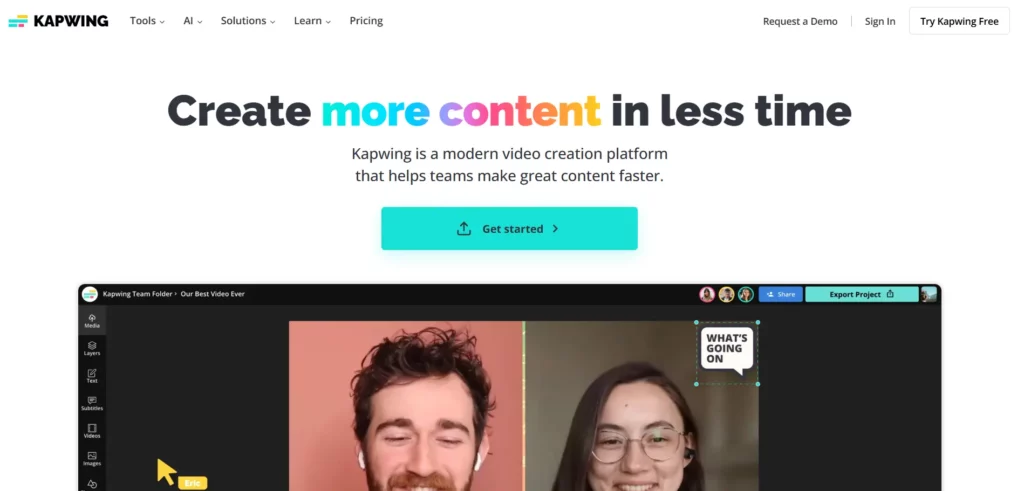
Idealni uporabniki: Ustvarjalci vsebin za blagovne znamke, upravitelji družbenih medijev, oblikovalsko usmerjeni ustvarjalci.
Prednosti: Obsežni slogi podnapisov s popolnim prilagajanjem za blagovne znamke. Podpira več kot 100 jezikov in izvoz več formatov.
Slabosti: Brezplačna različica vključuje vodne znake; za nekatere napredne funkcije je treba plačati.
Cene in brezplačna različica: Na voljo je brezplačen preizkus; za vse funkcije je potrebna naročnina.
Podprti formati za izvoz: SRT, VTT, trdo kodirani video podnapisi.
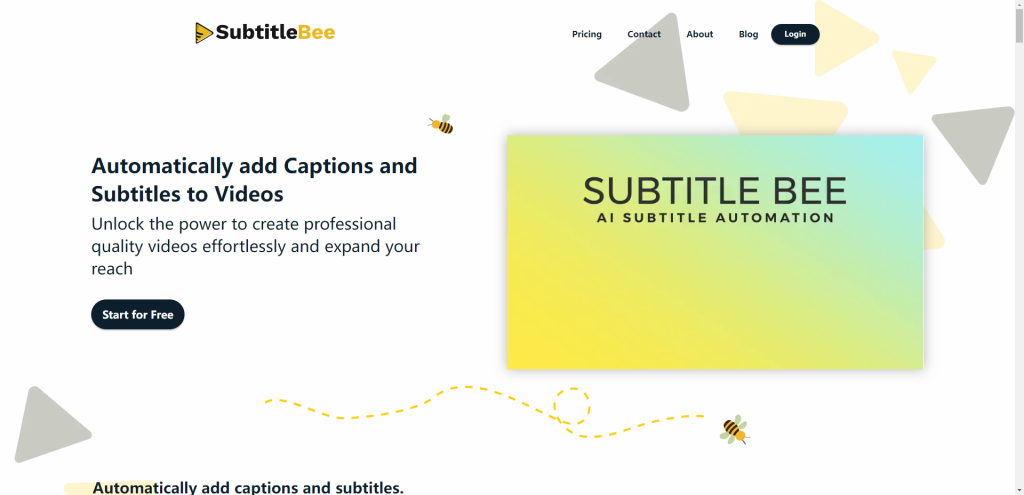
Idealno za: Majhne ekipe, proračunsko varčni uporabniki, osnovne potrebe po podnaslavljanju.
Prednosti: Enostaven vmesnik s hitrim učenjem. Primeren za osnovno samodejno ustvarjanje podnapisov s prilagodljivimi slogi.
Slabosti: Natančnost lahko v primerjavi s profesionalnimi orodji v zapletenih zvočnih scenarijih ne bo dovolj natančna, kar lahko zahteva ročno popravljanje.
Cene in brezplačna različica: Cenovno ugodna cena je idealna za začetnike.
Podprti formati za izvoz: SRT, ASS, VTT, videoposnetki z vdelanimi podnapisi.
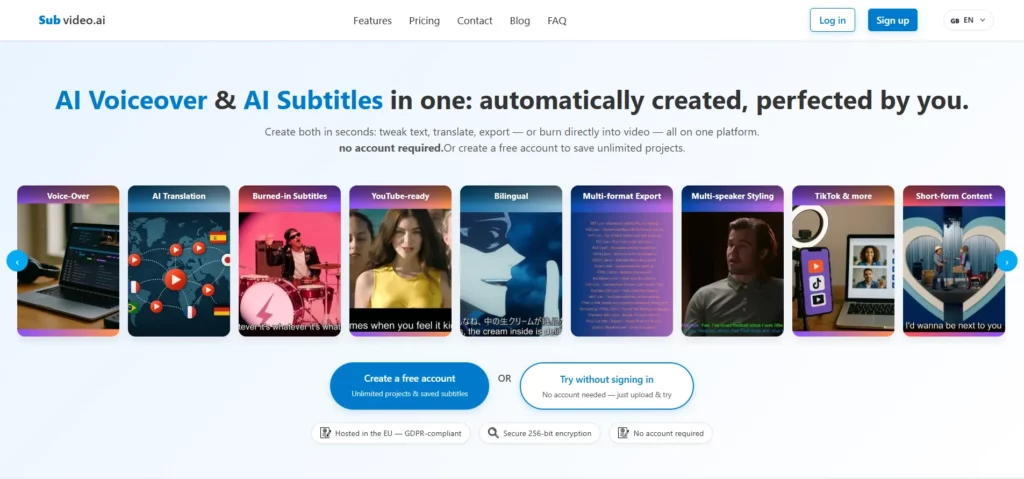
Idealno za: Neodvisni ustvarjalci, ekipe za izobraževalne vsebine, majhni studii za vsebine.
Prednosti: Podpira urejanje valovne oblike in natančne prilagoditve časovnice. Izjemna vrednost za manjšo, a pogosto produkcijo podnapisov.
Slabosti: Nekoliko slabša zmogljivost večjezičnih in zelo hrupnih scen v primerjavi z vrhunskimi orodji.
Cene in brezplačna različica: Nizki stroški, primerni za dolgoročno uporabo.
Podprti formati za izvoz: SRT, ASS, trdo kodirani video podnapisi.
Idealni uporabniki: Zapisovalci sestankov, zapisovalci predavanj, raziskovalci.
Prednosti: Zmogljivo samodejno prepisovanje z razlikovanjem med govorci hitro ustvarja osnutke podnapisov. Izjemen za intervjuje in vsebine predavanj.
Slabosti: Ni posebej zasnovan za podnaslavljanje videoposnetkov; nima izhodnih podnapisov s trdim kodiranjem in možnosti večjezičnih podnapisov.
Cene in brezplačna različica: Ponuja brezplačno različico z omejenimi funkcijami; plačljive različice podpirajo daljše snemanje in prepisovanje.
Podprti formati za izvoz: Besedilne datoteke, pretvorljive datoteke s podnapisi.
Primerjalna tabela - Najboljši spletni generatorji podnapisov 2026
| Orodje | Natančnost | Izvozni formati | Večjezična podpora | Na voljo je brezplačna različica |
|---|---|---|---|---|
| Easysub | Visoka, naravna semantična segmentacija | SRT / VTT / TXT / MP4 trdi podnapisi | Da, večjezično | Brezplačni krediti + naročniški načrti |
| Opis | Visoka, odlična za govorjene vsebine | SRT / vdelani podnapisi v videoposnetku | Da, večjezično | Brezplačni + večstopenjski plačljivi načrti |
| VEED.IO | Srednje visoka, idealna za kratke vsebine | SRT / VTT / MP4 trdi podnapisi | Da, večjezično | Brezplačno + naročnina |
| Vesel pisar | Visoka, s človeškim pregledom še višja | SRT / VTT in več drugih formatov | Da, več kot 100 jezikov | Plačilo po načelu "plačaj po načelu uporabe" + naročnina |
| Trint | Visoka, primerna za profesionalno uporabo v medijih | SRT / VTT / besedilo | Da, večjezično | Naročnina + načrti za ekipo |
| Sonix.ai | Visoka, močna s terminološko obsežno vsebino | Več oblik podnapisov in besedila | Da, večjezično | Plačilo po načelu "plačaj po načelu uporabe" + naročnina |
| Kapwing | Srednje visoka, osredotočena na vizualno predstavitev | SRT / VTT / MP4 z vgrajenimi podnapisi | Da, večjezično | Brezplačno + naročnina |
| PodnaslovBee | Srednja, stabilna za preproste scenarije | SRT / ASS / VTT / vdelani video podnapisi | Da, večjezično | Cenovno ugodne cene |
| Subvideo.ai | Srednje visoka, odvisno od kakovosti zvoka | SRT / ASS / hard-sub video | Da, večjezično | Visoka stroškovna učinkovitost |
| Otter.ai | Srednje visoka, optimizirana za sestanke/intervjuje | Besedilni prepisi / pretvorljive datoteke s podnapisi | Da, večjezično | Brezplačno + možnosti nadgradnje |
2026 Podnaslov Tehnološki trendi, ki jih morate poznati
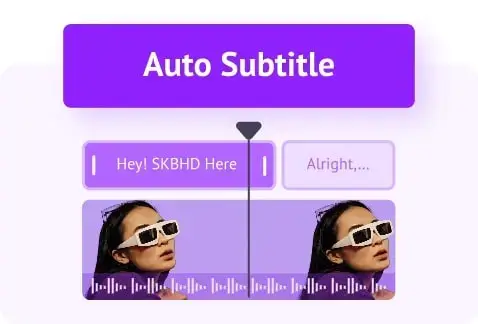
Do leta 2026 bo tehnologija podnapisov prešla v fazo pospešenega razvoja. Spletna orodja za podnapise niso več le pomožna programska oprema za pretvorbo govora v besedilo. Zaradi multimodalnih modelov, medjezikovnih zmožnosti in samodejnih funkcij urejanja se postopoma spreminjajo v celovite sisteme za produkcijo video vsebin.
Zmogljivosti večmodalnega prepoznavanja se bistveno izboljšajo. Sistemi se ne zanašajo več samo na zvok, temveč vključujejo vizualno in semantično analizo za celovito presojo. To omogoča bolj naravno segmentacijo stavkov v podnapisih, hkrati pa natančno prepoznava dejanja, prizore in čustvene namige. Samodejno prevajanje, nadomeščanje glasu in sinhronizacija s sinhronizacijo ustnic, ki jih poganja umetna inteligenca, dosegajo praktično uporabo, kar uporabnikom omogoča ustvarjanje večjezičnih različic brez specializiranih orodij, hkrati pa ohranja dosledno usklajenost s sinhronizacijo ustnic.
Še naprej se izboljšujeta terminologija in sposobnost prepoznavanja blagovnih znamk. Umetna inteligenca samodejno prepoznava ustrezne samostalnike iz konteksta in zmanjšuje število pogostih pravopisnih napak. Pri izobraževalnih videoposnetkih, predstavitvah izdelkov ali tehničnih vsebinah to bistveno izboljša kakovost podnapisov.
Spletna orodja za podnapise se razvijajo v “sisteme za orkestracijo vsebine”. Uporabniki lahko ne le ustvarjajo podnapise, temveč tudi upravljajo večjezične različice, prilagajajo postavitve, se prilagajajo različnim platformam in opravijo vse naloge obdelave besedila pred objavo videoposnetka v enem samem delovnem toku.
Avtomatizirano popravljanje napisov se hitro razvija. Umetna inteligenca predvidi dele z morebitnimi negotovostmi pri prepoznavanju in uporabnike pozove, naj se osredotočijo na pregled, s čimer se zmanjšajo časovni stroški preverjanja po vrsticah. Medplatformno samodejno prilagajanje je zdaj standard, pri čemer podnapisi samodejno prilagodijo položaj, velikost pisave in razmik med vrsticami za razmerja 9:16, 16:9 in 1:1.
Ti trendi skupaj spodbujajo produkcijo podnapisov od “orodne” k “inteligentni”, kar ustvarjalcem, ekipam podjetij in izobraževalnim ustanovam omogoča, da v krajšem času zagotovijo kakovostnejšo vsebino.
Kako izbrati pravi spletni generator podnapisov
Preden izberete orodje za podnapise, morate najprej razjasniti svoj primer uporabe. Potrebe uporabnikov se močno razlikujejo, zato se bodo merila za ocenjevanje ustrezno razlikovala.
Začetniki
- Prednost dajte orodjem z jasnimi vmesniki in enostavnimi delovnimi tokovi.
- Odločite se za visoko stopnjo avtomatizacije, kot so ustvarjanje podnapisov z enim klikom, samodejno segmentiranje stavkov in samodejno ločila.
- Bolj ko je urejevalnik intuitiven, bolje je, saj se tako zmanjšuje krivulja učenja.
- Za začetnike so ključnega pomena brezplačne kvote ali poskusne možnosti, ki omogočajo eksperimentiranje z majhnim tveganjem.
Ustvarjalci vsebin

- Zahteva hitro ustvarjanje in izvoz podnapisov s trdim kodiranjem za platforme, kot so TikTok, YouTube in Reels.
- Orodja morajo podpirati prilagodljive sloge podnapisov, vključno s pisavami, barvami, ozadji in animacijami.
- Samodejno prilagajanje razmerjem stranic, kot so 9:16, 16:9 in 1:1, povečuje učinkovitost delovnega procesa.
- Hitrost obdelave in odzivnost spletnega urejevalnika sta glavni težavi ustvarjalcev, ki ustvarjajo zelo pogosto.
Sektor za izobraževanje
- Večji poudarek na natančnosti, zlasti pri strokovni terminologiji, imenih predmetov in zapletenih stavčnih strukturah.
- Prilagodljivi glosarji ali terminološke zbirke podatkov so dragocene funkcije, ki zmanjšujejo število ponavljajočih se popravkov.
- Naravno členjenje stavkov v podnapisih zagotavlja, da je izobraževalna vsebina jasna in berljiva.
- Orodja morajo biti stabilna in zanesljiva za ustvarjanje dolgih videoposnetkov ali vsebin v tečajih.
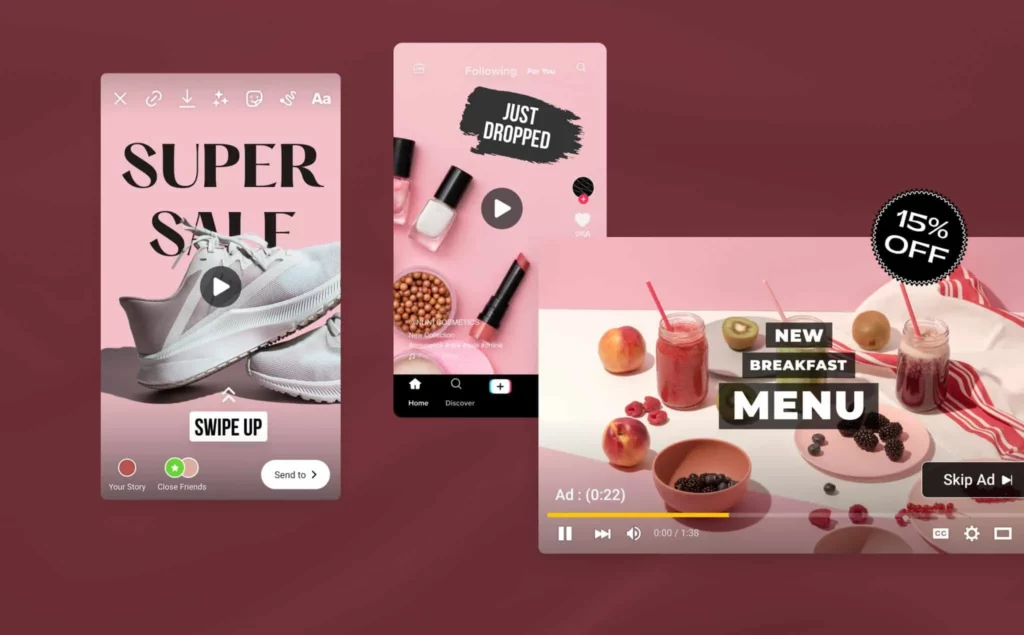
- Običajno se ukvarjajo z velikimi delovnimi obremenitvami, zato so zmogljivosti za paketno obdelavo bistvenega pomena.
- Večjezično podnaslavljanje in kakovost prevodov morata biti dosledna, da se omogoči distribucija vsebine na različnih trgih.
- Funkcije za skupinsko sodelovanje, kot so skupni projekti in podpora za več urednikov, pospešujejo pripravo vsebine.
- Prilagodljivi formati izvoza so ključnega pomena za distribucijo promocijskih videoposnetkov po različnih kanalih.
Filmske in televizijske postprodukcijske ekipe
- Poudarite natančnost časovne osi z visoko sinhroniziranimi podnapisi in video kadri.
- Orodja morajo podpirati vizualne valovne oblike, prilagoditve po posameznih sličicah in zapletene formate, kot so podnapisi ASS in SRT z več sledmi.
- Prednost dajte orodjem, ki so združljiva s profesionalno programsko opremo, kot so Premiere, Final Cut in DaVinci Resolve.
- Samodejno ustvarjeni podnapisi lahko služijo kot osnutki, vendar so orodja z možnostjo natančnega prilagajanja bistvena za profesionalne postprodukcijske delovne postopke.
Pogosta vprašanja - Najboljši spletni generatorji podnapisov 2026
V1: Kateri spletni generator podnapisov je najbolj natančen?
Različna orodja so v različnih scenarijih različno učinkovita. Videoposnetki z jasnim zvokom in zmernim tempom govora običajno dosegajo najvišje stopnje natančnosti. Orodja s semantično segmentacijo, večmodalnim prepoznavanjem in terminološkimi zbirkami podatkov kažejo bolj dosledno splošno uspešnost. Pri gradivih z več naglasi, hrupnim ozadjem ali več govorci je še vedno priporočljivo ročno popravljanje.
V2: Ali obstaja brezplačen spletni generator podnapisov, ki dobro deluje?
Da. Številna orodja ponujajo brezplačne kvote, ki zadostujejo za osnovne potrebe podnaslavljanja. Brezplačne različice običajno vsebujejo omejitve glede trajanja, formata ali možnosti izvoza. Za večjezično podporo, trde podnapise, paketno obdelavo ali profesionalne scenarije je zaradi večje stabilnosti priporočljiva nadgradnja na plačljiv načrt.
Ustvarjalci kratkih videoposnetkov potrebujejo orodja za hitro ustvarjanje in izvažanje podnapisov s samodejnim prilagajanjem razmerju stranic 9:16. Orodja, ki podpirajo urejanje vizualnih slogov in izvoz podnapisov, so primernejša za TikTok, Reels in Shorts. Spletne storitve z nemotenim delovanjem in hitrim upodabljanjem povečajo učinkovitost produkcije vsebin.
V4: Ali lahko podnapisi z umetno inteligenco upravljajo več govorcev?
Sodobna orodja za podnapise lahko razlikujejo več govorcev, čeprav je natančnost odvisna od kakovosti zvoka in zmogljivosti modela. Za sestanke, intervjuje ali panelne razprave lahko umetna inteligenca pripravi osnutke, vendar je za označevanje vlog in natančno razlikovanje pogosto potreben človeški pregled.
V5: Kakšne so omejitve spletnih orodij za podnapise z umetno inteligenco?
Podnapisi z umetno inteligenco na nekaterih področjih še vedno ne morejo v celoti nadomestiti človeškega posredovanja. Primeri vključujejo specializirano terminologijo, velike razlike v naglasu, prekrivanje govora, zelo hrupna okolja ali pomensko nepopolne stavke. Samodejna segmentacija stavkov lahko prav tako odstopa od konteksta. Za končne videoposnetke, ki zahtevajo visoko natančnost, sta priporočljiva ročni pregled in natančna nastavitev.
Izboljšajte svoj delovni tok videa 2026 s pametnejšimi spletnimi podnapisi
Spletna orodja za podnaslavljanje se do leta 2026 razvijajo v smeri večje inteligence in celovitosti. Zmogljivosti večjezične obdelave bodo napredovale, delovni postopki lokalizacije pa bodo postali bolj avtomatizirani. Medplatformna združljivost bo postala standard, kar bo zagotavljalo dosledno berljivost v različnih formatih in razmerjih stranic. Hkrati bodo napredovale funkcije, kot so samodejno segmentiranje stavkov, semantično prepoznavanje in lektoriranje s pomočjo umetne inteligence, zaradi česar bo ustvarjanje podnapisov učinkovitejše in zanesljivejše.
Pozicioniranje in razvojna smer Easysuba se tesno ujemata s temi trendi. Poudarja natančnost, avtomatizacijo in večjezično podporo, z zmogljivostmi obdelave, primernimi za visokofrekvenčno ustvarjanje in sodelovanje v skupini. Za uporabnike, ki želijo povečati učinkovitost produkcije, izboljšati kakovost podnapisov ali pospešiti izdajo vsebin, je Easysub vreden razmisleka.
Če iščete ai generator podnapisov ki se resnično povezuje z ritmom produkcije vsebin 2026, je zdaj pravi čas za raziskovanje novih delovnih tokov. Poskusite Easysub in poenostavite svoj delovni proces 2026 podnapisovanja videoposnetkov.
👉 Kliknite tukaj za brezplačen preizkus: easyssub.com
Hvala, ker ste prebrali ta blog. Za dodatna vprašanja ali potrebe po prilagoditvah nas prosim kontaktirajte!