博客

我應該為我的 YouTube 影片添加字幕嗎?

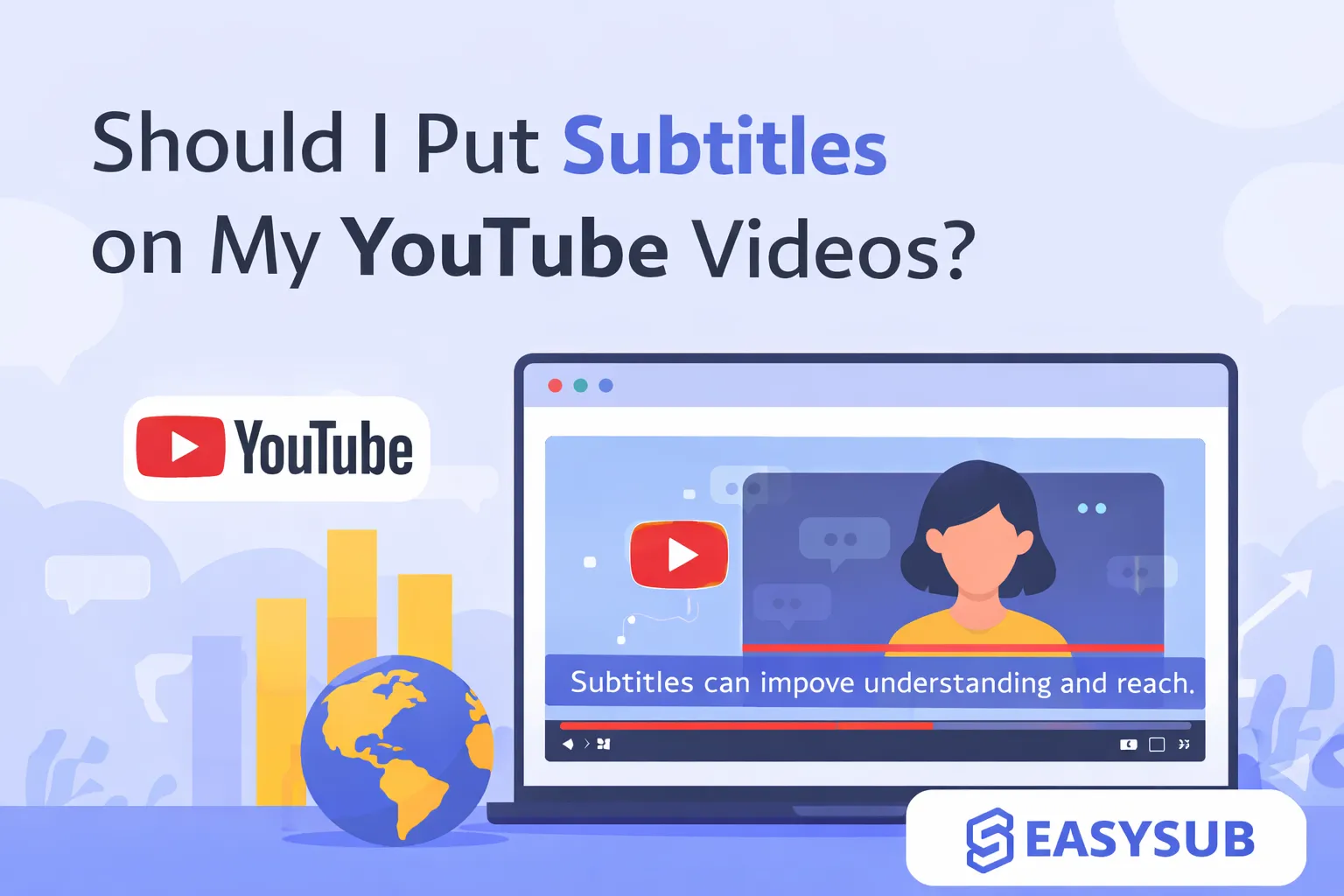
As competition on YouTube intensifies, more creators are asking themselves: Should I add subtitles to my YouTube videos? Do subtitles genuinely enhance the viewing experience, broaden your audience, and improve video performance—or are they just extra work? This article will help you quickly determine whether to add subtitles to your YouTube videos and how to efficiently accomplish this step, examining creator practices, platform algorithms, and user experience.

目錄

What exactly are YouTube subtitles?

YouTube captions are text displayed in sync with video content, presenting dialogue, narration, or key information. They help viewers understand video content without sound and enhance the viewing experience for those with hearing impairments or non-native speakers. YouTube captions are typically available as toggleable options, allowing viewers to choose whether to display them.

In terms of production methods, YouTube captions primarily fall into two categories: manually uploaded caption files (such as SRT or VTT) by creators, and AI-generated captions automatically produced by YouTube. Compared to automatic captions, manually created or edited captions generally offer higher accuracy, better sentence segmentation, and greater professionalism. This contributes to the overall quality and long-term performance of the video.

Why is adding subtitles crucial for YouTube videos?

1️⃣ Enhance the viewing experience (from the audience's perspective)

The most direct value of subtitles lies in significantly enhancing the viewing experience for audiences. Many YouTube users watch videos while commuting, at work, or in public spaces, often with the sound muted or turned down. Subtitles ensure viewers can fully understand the video content even without audio.

Simultaneously, for hearing-impaired users or non-native speakers, subtitles lower the barrier to comprehension, making content more accessible and inclusive. This smoother viewing experience reduces the likelihood of viewers abandoning the video midway.

2️⃣ Increase watch time and completion rate (from an algorithmic perspective)

From YouTube’s recommendation algorithm perspective, subtitles have a significant positive impact on video performance. Clear subtitles help viewers keep pace with content flow—especially in information-dense or fast-paced videos—thereby extending watch time and boosting completion rates. Watch time and completion rate are key metrics YouTube uses to assess video quality and determine further recommendations. Thus, adding subtitles isn’t merely “form optimization”; it directly influences whether your video reaches a wider audience.

3️⃣ Boost YouTube SEO and Google Search Rankings (From a Search Perspective)

Subtitles essentially provide search engines with text content they can read.

YouTube and Google can better understand a video’s subject matter, keywords, and semantic structure through captions, thereby boosting its visibility in YouTube Search and Google Video Search. Especially for long-tail keywords, captions often cover information not included in the title or description, helping videos gain more sustained, stable organic traffic.

Risks and Opportunity Costs of Not Adding Subtitles

  1. Loss of silent viewers: Many users watch YouTube in quiet environments; lacking subtitles directly leads to abandonment.
  2. Reduced watch time and completion rates: Audiences struggle to follow content pacing, making them more likely to leave videos midway.
  3. Negative impact on YouTube and Google search rankings: Lack of indexable text makes it harder for platforms to understand video themes and keywords.
  4. Missed international and non-native audiences: Absence of subtitles or multilingual versions limits content reach.
  5. Low content repurposing value: Converting content into blogs, courses, or multi-platform distribution requires additional curation costs.

Are YouTube's automatic captions sufficient?

YouTube auto-generated captions can serve as a starting point, but they are not suitable as the final version. If you want to enhance your video’s professionalism, viewing experience, and long-term performance, using an AI captioning tool like 易訂閱 to generate and proofread captions is a more reliable choice.

1. Unstable accuracy, highly influenced by audio conditions

The accuracy of automatic captions heavily relies on audio quality. Error rates increase significantly under the following circumstances:

  • Accents or non-standard pronunciation
  • Rapid speech pace
  • Multiple speakers talking simultaneously
  • Background music or ambient noise

These errors not only hinder viewer comprehension but also diminish the video’s professionalism.

2. Poor Sentence Segmentation and Punctuation Handling

YouTube’s automatic captions often lack natural sentence breaks and punctuation, frequently resulting in:

– Entire paragraphs crammed onto a single line
– Ambiguous meaning
– Reading rhythm that disrupts normal comprehension

Even when the text itself is largely accurate, poor segmentation severely impacts viewing experience, especially in information-dense videos.

3. Limited recognition of specialized terminology and brand names

For content in fields such as technology, education, business, and law, automatic captions frequently misidentify:

  • Industry jargon
  • Product names
  • Personal names, place names, and brand names

While these errors have minimal impact on general entertainment videos, they significantly undermine credibility in professional content.

4. Insufficient Multilingual and Internationalization Capabilities

Although YouTube offers automatic translation features, the translation quality is often rudimentary and lacks contextual understanding, making it unsuitable for direct use with international audiences. If your channel aims to reach non-native viewers, relying solely on YouTube’s automatic captions and translations will typically yield limited results.

5. Not SEO-Friendly in the Long Run

Subtitle text is fundamentally a key source for YouTube and Google to understand video content. If the subtitles themselves contain numerous errors, disjointed phrasing, or unclear meaning, the platform’s assessment of the video’s subject matter will also be affected, thereby limiting its search ranking and recommendation potential.

What types of YouTube videos strongly recommend adding subtitles?

  • Educational/Tutorial Videos: Information-dense content where subtitles aid comprehension and searchability.
  • Interviews/Podcasts/Conversational Videos: Multiple speakers or varying accents make subtitles essential for clarity.
  • Corporate/Brand Content: Enhances professionalism and prevents misinterpretation.
  • Videos Targeting International Audiences: Subtitles help non-native speakers understand the content.
  • Longer or Complex Videos: Subtitles increase watch time and completion rates.
  • Videos with Fast Speech, Strong Accents, or Poor Audio Quality: Subtitles compensate for auditory limitations.

結論

Overall, for most creators, the answer to “Should I add subtitles to my YouTube videos?” is clear—yes. Subtitles are no longer an optional extra but a crucial tool for boosting video performance. They enhance viewer experience by catering to muted users and non-native audiences, while also helping YouTube better understand content for improved search and recommendation visibility.

Simultaneously, advancements in AI technology have significantly lowered the cost and barriers to adding subtitles to YouTube videos. With online AI subtitle editors like Easysub, creators can efficiently generate, edit, and manage subtitles without investing substantial time or professional resources. Whether you’re an individual creator or a brand account, integrating subtitles into your content production workflow will deliver stable and sustainable returns for your channel’s long-term growth.

常問問題

Can adding subtitles really improve YouTube SEO?

Yes. Subtitles provide searchable text content for videos, helping to cover more keywords and increase visibility in YouTube Search and Google Video Search.

Should subtitles be burned into the video or uploaded as separate files?

If primarily publishing on YouTube, uploading SRT/VTT subtitle files offers greater flexibility and benefits SEO. For secondary distribution on social media, burning subtitles into the video is more convenient.

Does creating subtitles take a lot of time?

Not anymore. With AI subtitle tools like Easysub, you can generate editable subtitles in minutes, significantly reducing the time required.

Is Easysub suitable for new YouTube creators?

Yes. Easysub is an online AI subtitle editor that requires no software installation and is easy to use. It supports automatic generation, editing, and multilingual translation. The free version meets the needs of most creators.

Is it necessary to add subtitles to all videos?

While not mandatory, subtitles are nearly essential for tutorials, interviews, long-form videos, brand content, and international channels. The long-term benefits significantly outweigh the investment.

立即開始使用 EasySub 來增強您的視頻

👉 點此免費試用: easyssub.com

感謝您閱讀本部落格。. 如有更多問題或客製化需求,請隨時與我們聯繫!

行政

最近的帖子

如何通過 EasySub 添加自動字幕

您需要在社群媒體上分享影片嗎?你的影片有字幕嗎?...

4年前

前 5 名最佳線上自動字幕產生器

您想知道 5 款最好的自動字幕產生器是什麼嗎?來吧...

4年前

免費在線視頻編輯器

只需單擊一下即可創建視頻。添加字幕、轉錄音頻等

4年前

自動字幕產生器

只需上傳視頻,即可自動獲得最準確的轉錄字幕,並支援 150+ 免費...

4年前

免費字幕下載器

一個免費的網絡應用程序,可直接從 Youtube、VIU、Viki、Vlive 等下載字幕。

4年前

為視頻添加字幕

手動添加字幕,自動轉錄或上傳字幕文件

4年前